


Question
PS Doesn't seem to be adding transparent canvas
Hey, there:
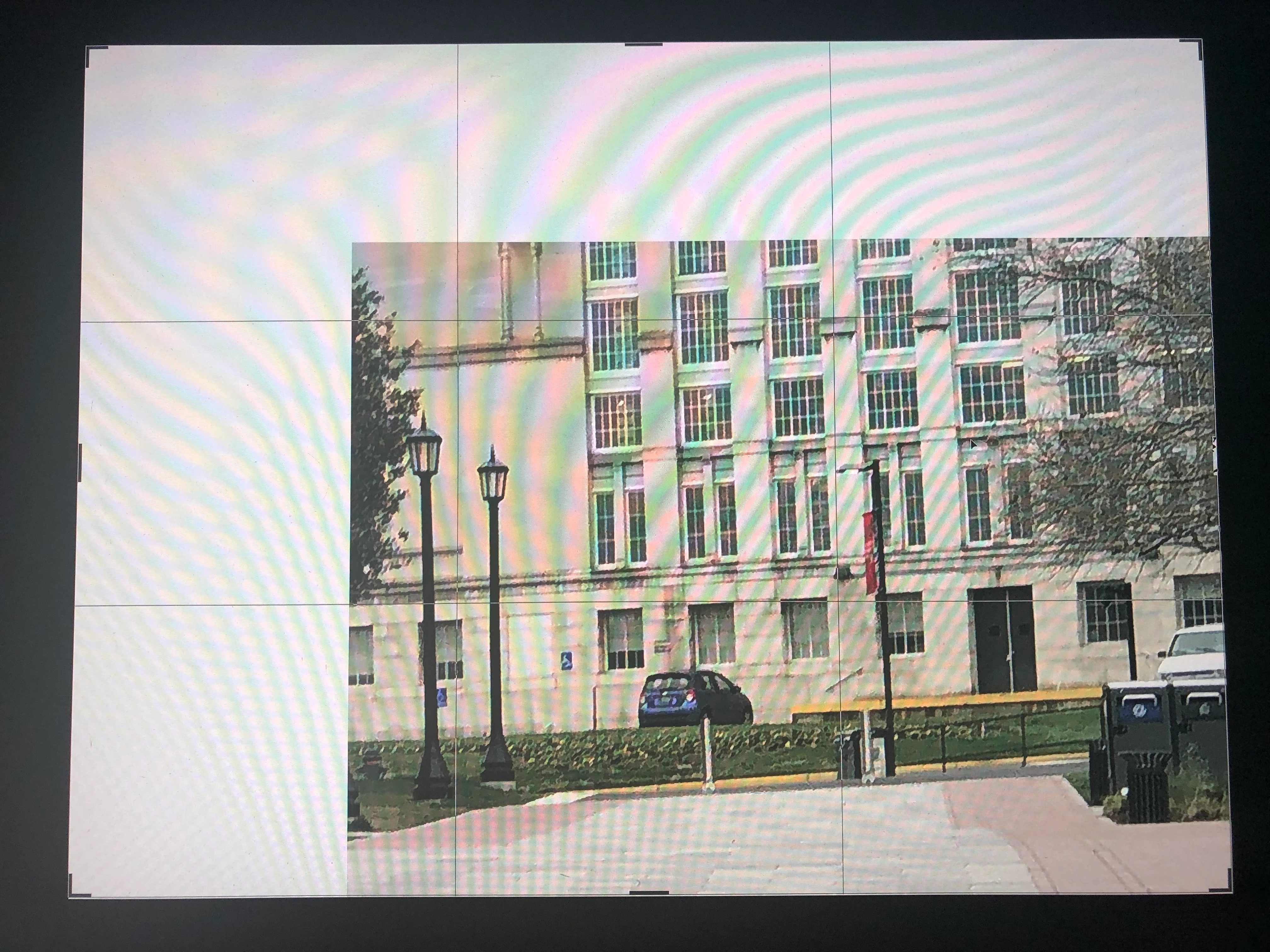
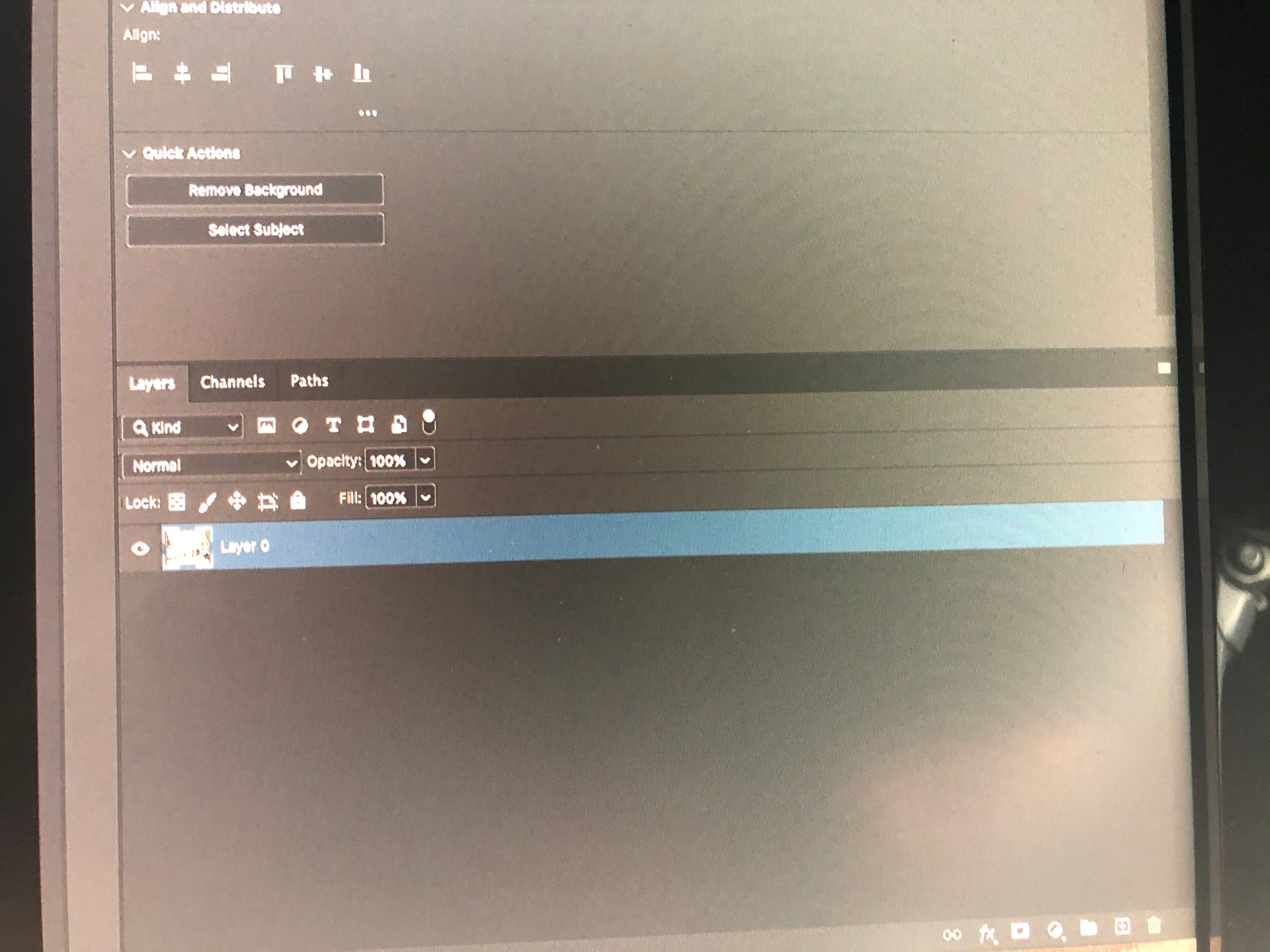
I am going through Julianne Kost's excellent into to Photoshop 2020 on Linkedin. I am quite sure I am following what she says to add a tansparent layer to the canvas. I hit the lock icon on the background in the Layers panel and I get a layer, just like in the video. Then I click in the image to set the crop and then drag out while pressing opt+shift, the checkerboard pattern should appear. Instead, I get what looks like white background. What am I doing wrong?
Thanks.
Kenneth
 AdChoices