Bug seems to be fixed, I'll link you to the thread in the bug forum, I had some residing problems with my files, but those can be fixed.
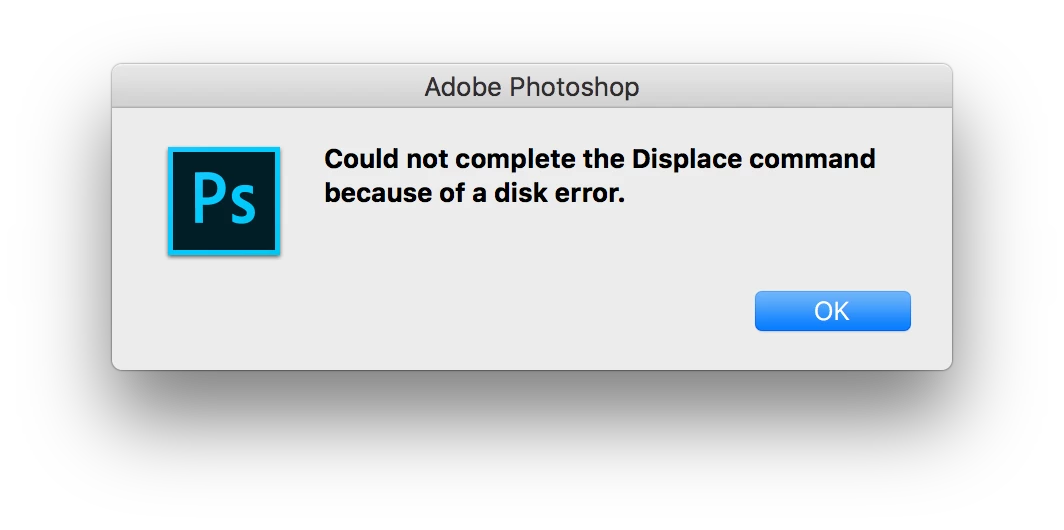
Photoshop CC 2017 Displacement Bug (Could Not Complete Request Because of Disc Error) | Photoshop Family Customer Commun…
If your files give you saving trouble, even after the update, try these steps, that's what I did:
Turns out, this has something to with the old file names.
If I save said Smart Objects under different names and then place them anew, everything works again, as it should
If you have a delicate placement of your object, like when it is skewed or warped into perspective and you run into this problem, this worked for me:
I saved the old, embedded Smart Object as a PSB (they already were PSBs, since this is the only format that allows transformations to be allowed on the Smart Objects, just wanted to make a note of that potential pitfall)
I switched the old smart Object from embedded to Linked with the Convert to Linked.. command (right click on the layer, NOT on the thumbnail to get the layer menu)
I relinked to the file I had saved in step 1 (right click on the layer again, chose Relink to File...)
You now have a Smart object linked to the new file that will save normally.
If you want to embed it again, right click the layer and chose Embed Linked...
And that should put things as they were before. Maybe not ideal, but certainly workable.




 ?
?
 AdChoices