



"request edit access" for files of which I am owner Bug in browser - unable to open through browser.
Using chrome: From https://assets.adobe.com/cloud-documents I click on a photoshop document, of which I, at the email address I am signed in with, am the owner .
Instead of opening the .PSDC as usual, the following message appears at photoshop.adobe.com url:
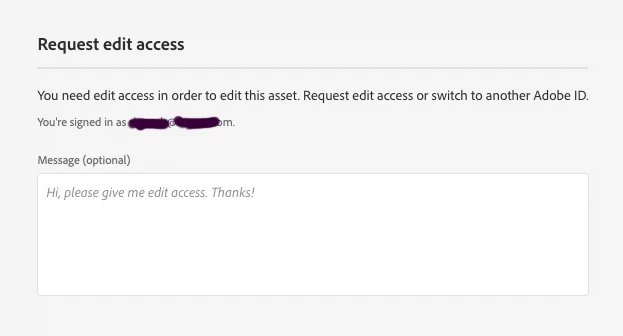
If I request access (to my own file) then the result is a perpetual loading/error loop that cycles through photoshop.adobe.com partial loading screen followed by a quick redirect to assets.adobe.com where the following error flasjes by for a second: 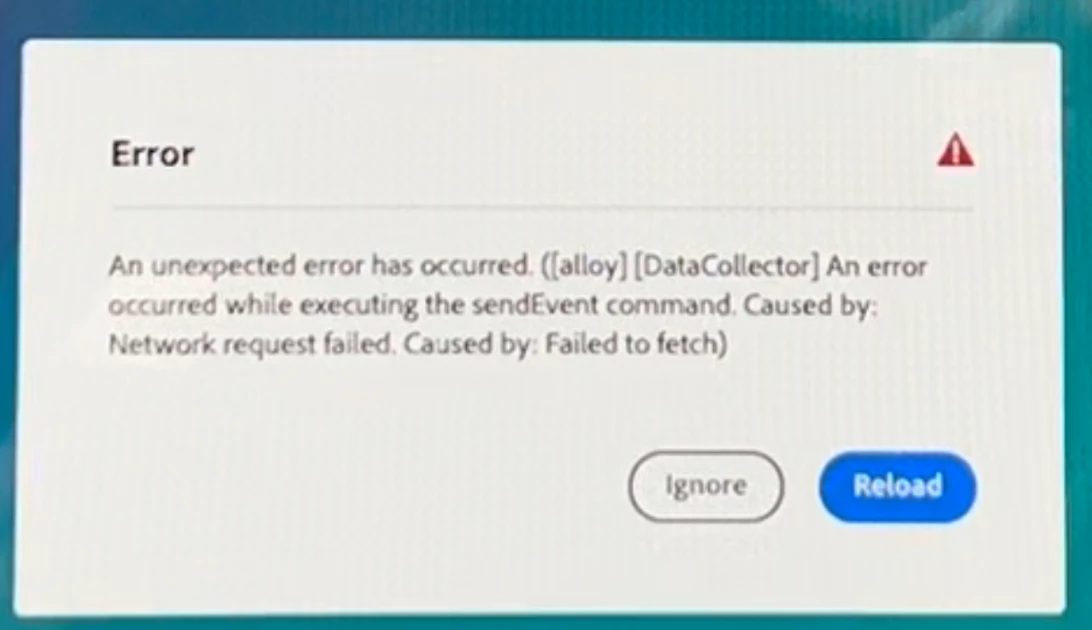
After this I do receive an email notifying me of an access request. When I click on the link then the image does open as exepected.
Yes - I did try rebooting, logging in and out, etc and the error still occurred.
Yes - I could access the problem files in other ways - either via the creative cloud app or directly from the desktop app.
This issue started yesterday (for me) and continues today.
 AdChoices