Seems to work fine here (see screenshots).
What have you done for all-purpose trouble-shooting so far?
Restoring Preferences after making sure all customized presets like Actions, Patterns, Brushes etc. have been saved might be a good starting point:
https://helpx.adobe.com/photoshop/using/preferences.html
https://helpx.adobe.com/photoshop/kb/basic-trouble-shooting-steps.html
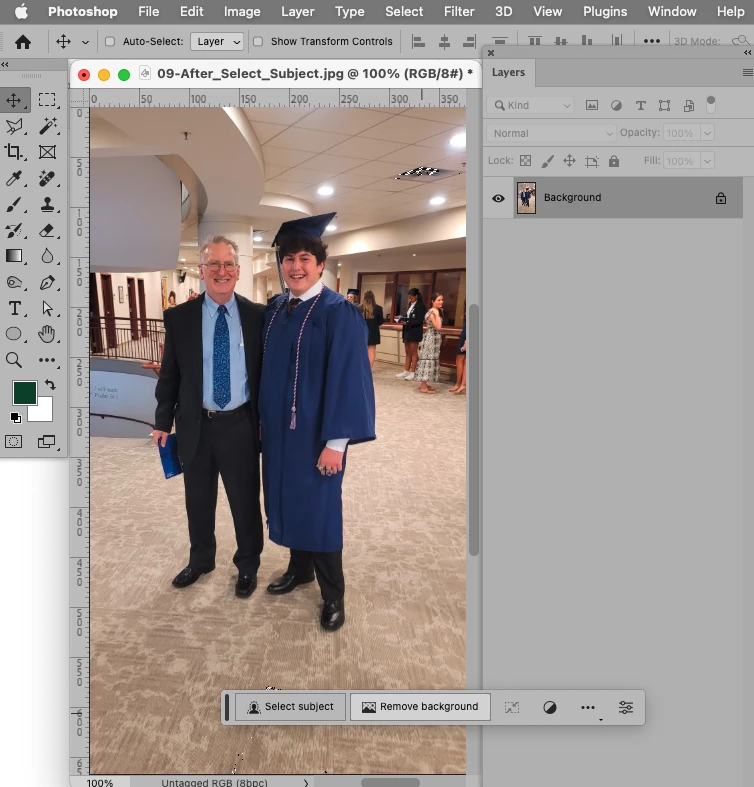
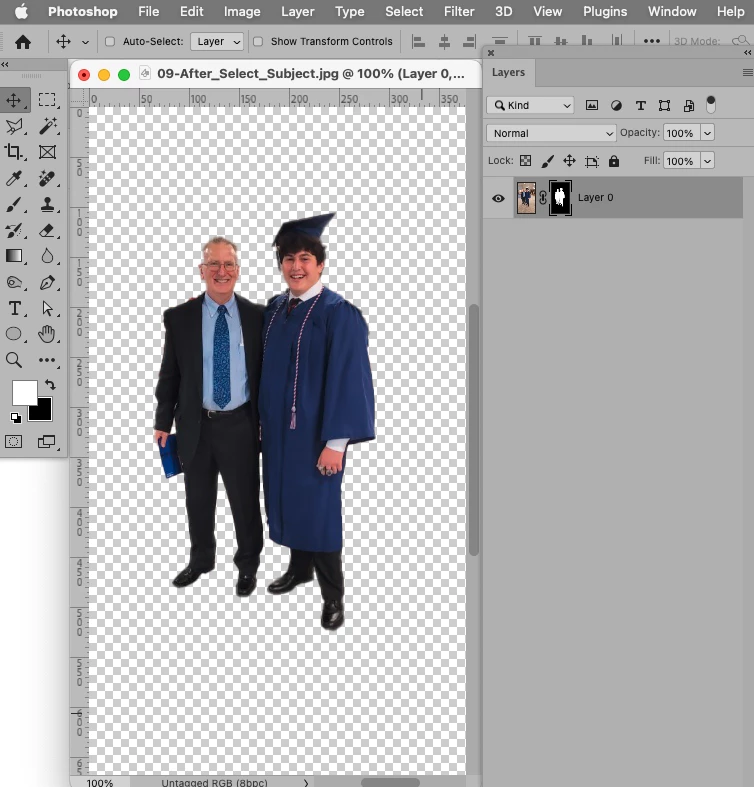
c.pfaffenbichler ... I think you may have swerfved into a solution ... Turning off "use graphics processor" had no effect. However in the next section under "Preferences - Image Processing" I found two little click boxes which seem to fix the issue (see the attached photo).
Change the two "Selections Processing" and "Remove Tool Processing" from "Faster" to "More stable" then restart Photoshop for it to take effect. This made the difference from unusable to "Now I get the same results as c.pfaffenbichler"
I marvel at the thousands of options in "Preferences" ... I just can't keep up with them all. But thanks to urging me to look into it!
Thanks again for your help!
Bob



 AdChoices