You can try using "export as" instread (file>export as") as the save for web is an old option.
In the save for web you'll have two options
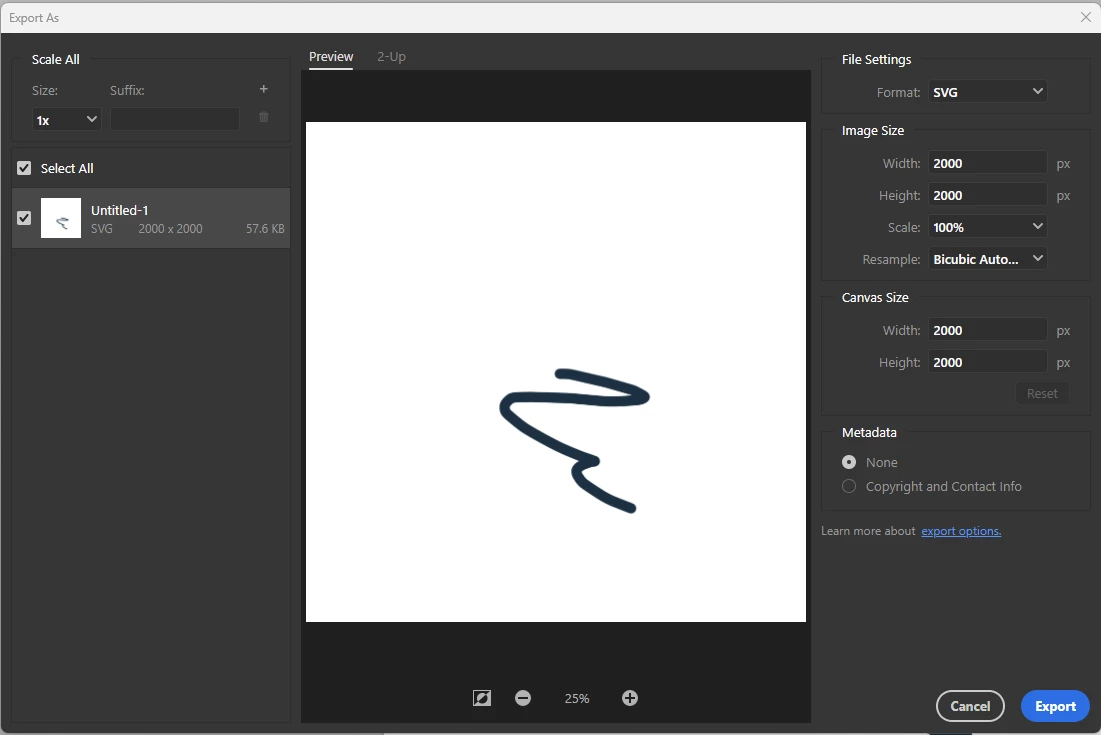
none and copyright info
You can also strip everything going to file info (file>file info)
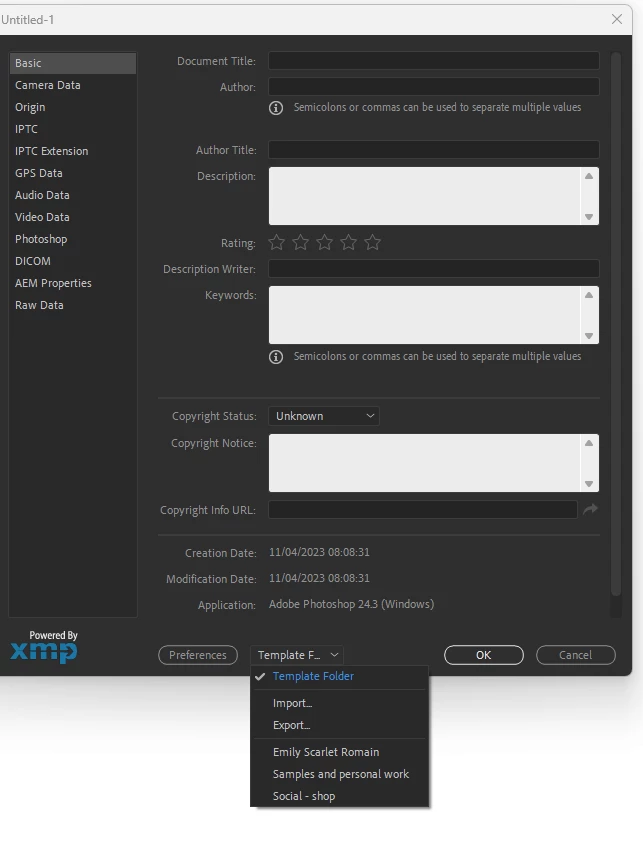
you'll probably have something written in there (camera data etc)
But you can save a completely empty one (from say a new document) and load that saved "blank one" into your files.
You can do that for multiple files in Adobe Brisge (select multiple files and right click to find "file info, and load the new blank template from here)
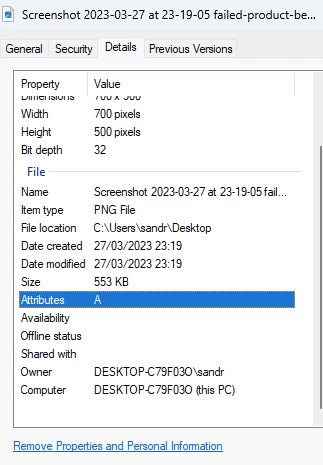
I don't know on mac computer but on windows you can go to files> properties.
select the file and right click properties (or ALT+enter) and click on the "remove properties" in blue at the bottom
there are third party solutions like this one: (disclaimer, I haven't tested it)
https://exiftool.org/
and doubtlessly many others
there are third party solutions like this one: (disclaimer, I haven't tested it)
https://exiftool.org/
By @Imaginerie
My personal preference is to use ExifTool. Being command-line driven, it is not as accessible for many:
exiftool -all= -CommonIFD0= --icc_profile:all FILEorFOLDERpathHERE
Or
exiftool -all= -CommonIFD0= -Adobe:All= --icc_profile:all FILEorFOLDERpathHERE
These command line codes will retain the ICC profile.





 AdChoices