


Resize Layer Proportionally Using Vertical Handles
The title of this thread might be a little confusing, but I explain things more visually than verbally.
Imagine this scenario (a simple object on the canvas). It doesn't matter whether the layer is pixels, a shape, or smart object.
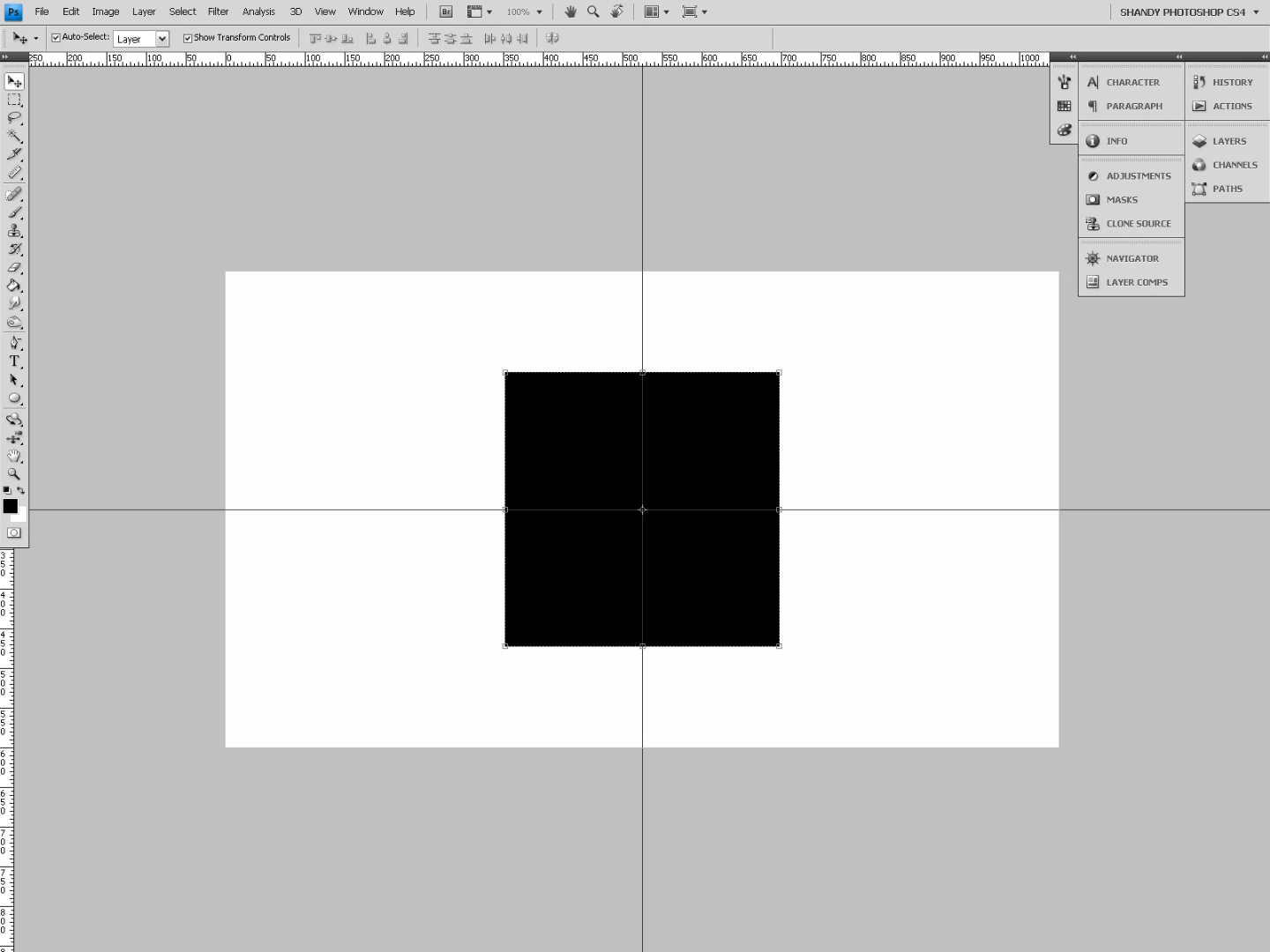
I want to resize the object by dragging either vertical side handles (left or right) and snap to the center guideline (any guideline).
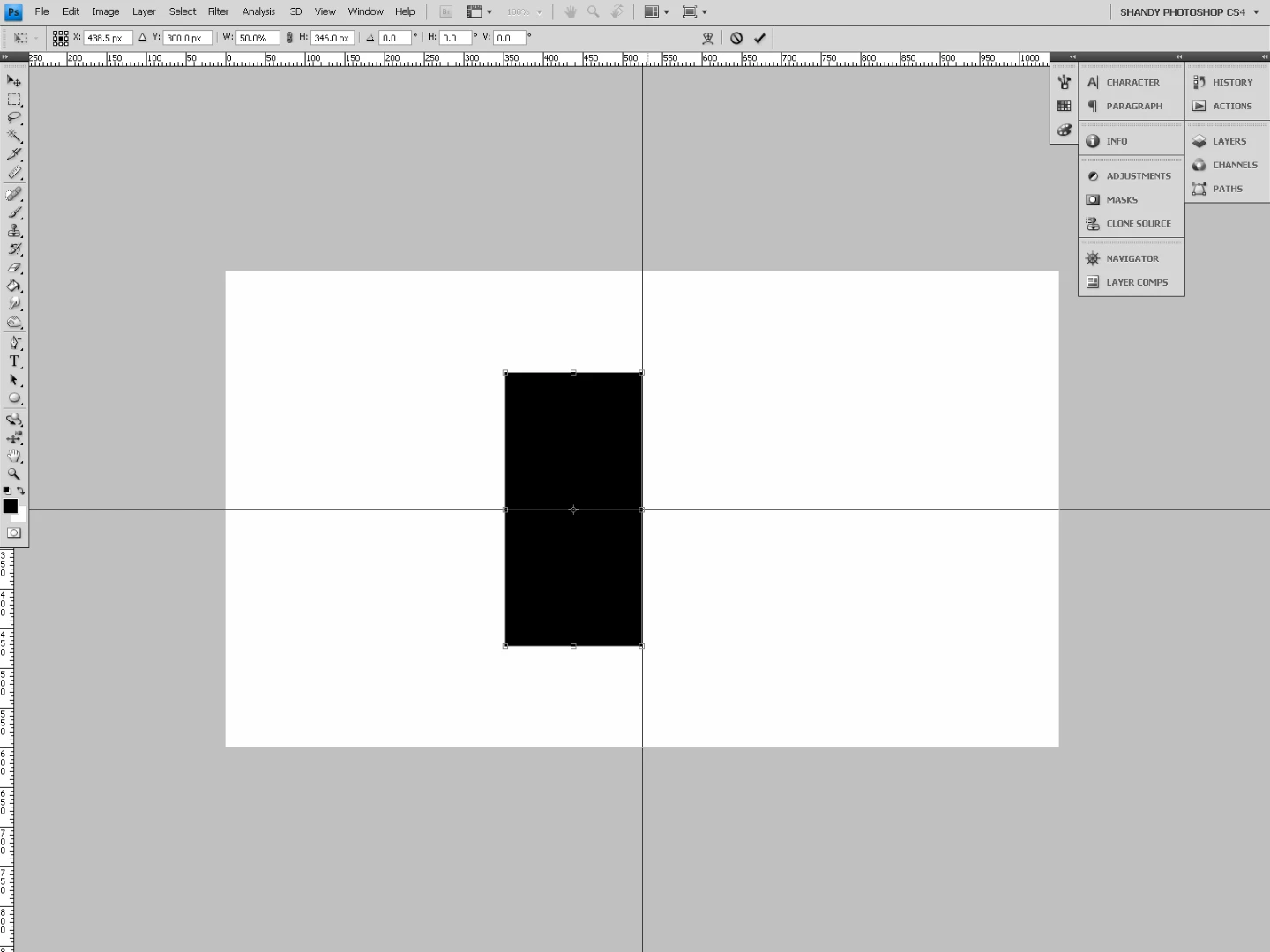
Then I press the icon to lock proportions (red arrow), and then press Enter (or whatever) to accept that change.
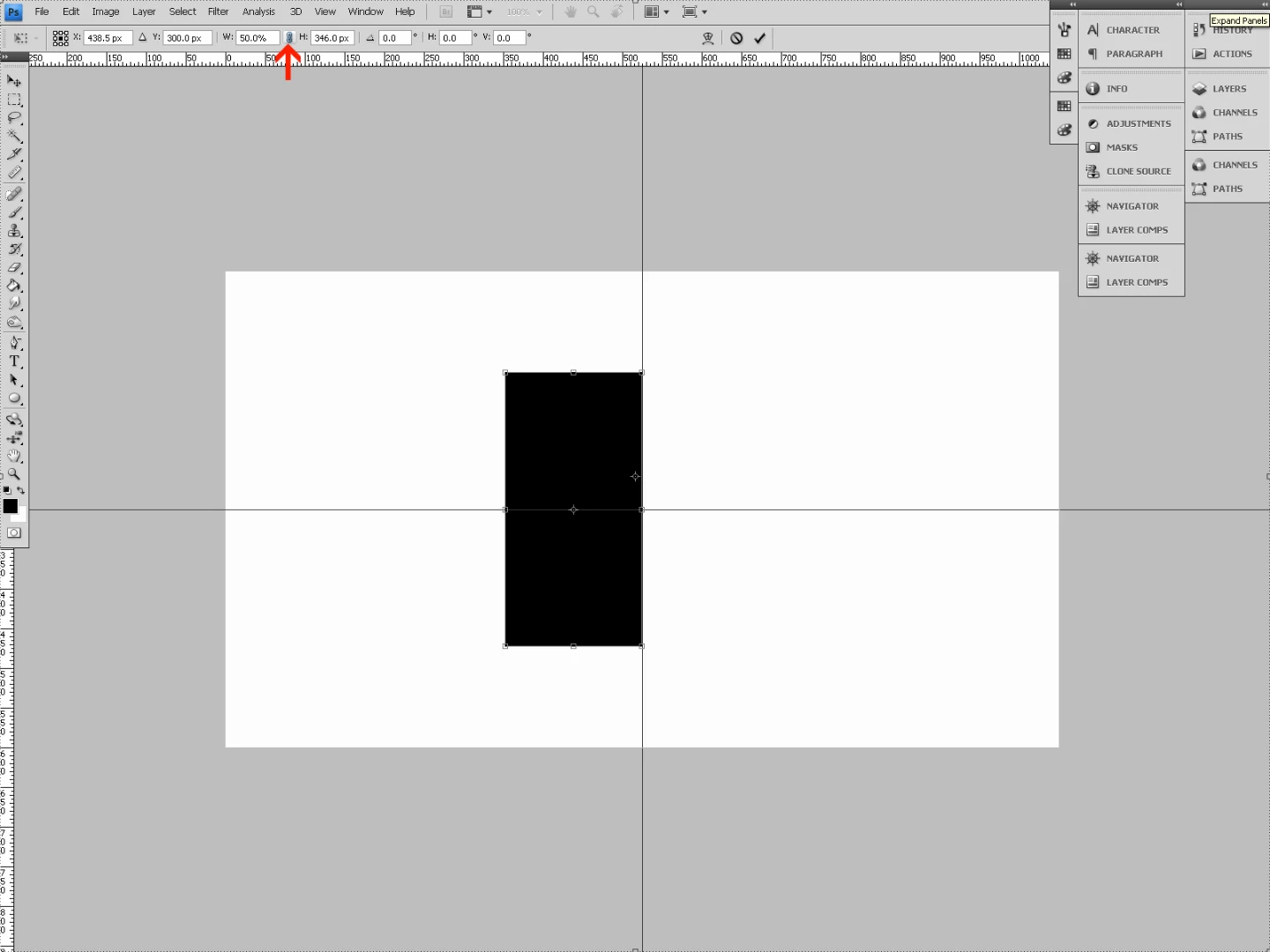
I end up with a proportionally resized layer by using a guideline as reference. This is helpful in many situations.
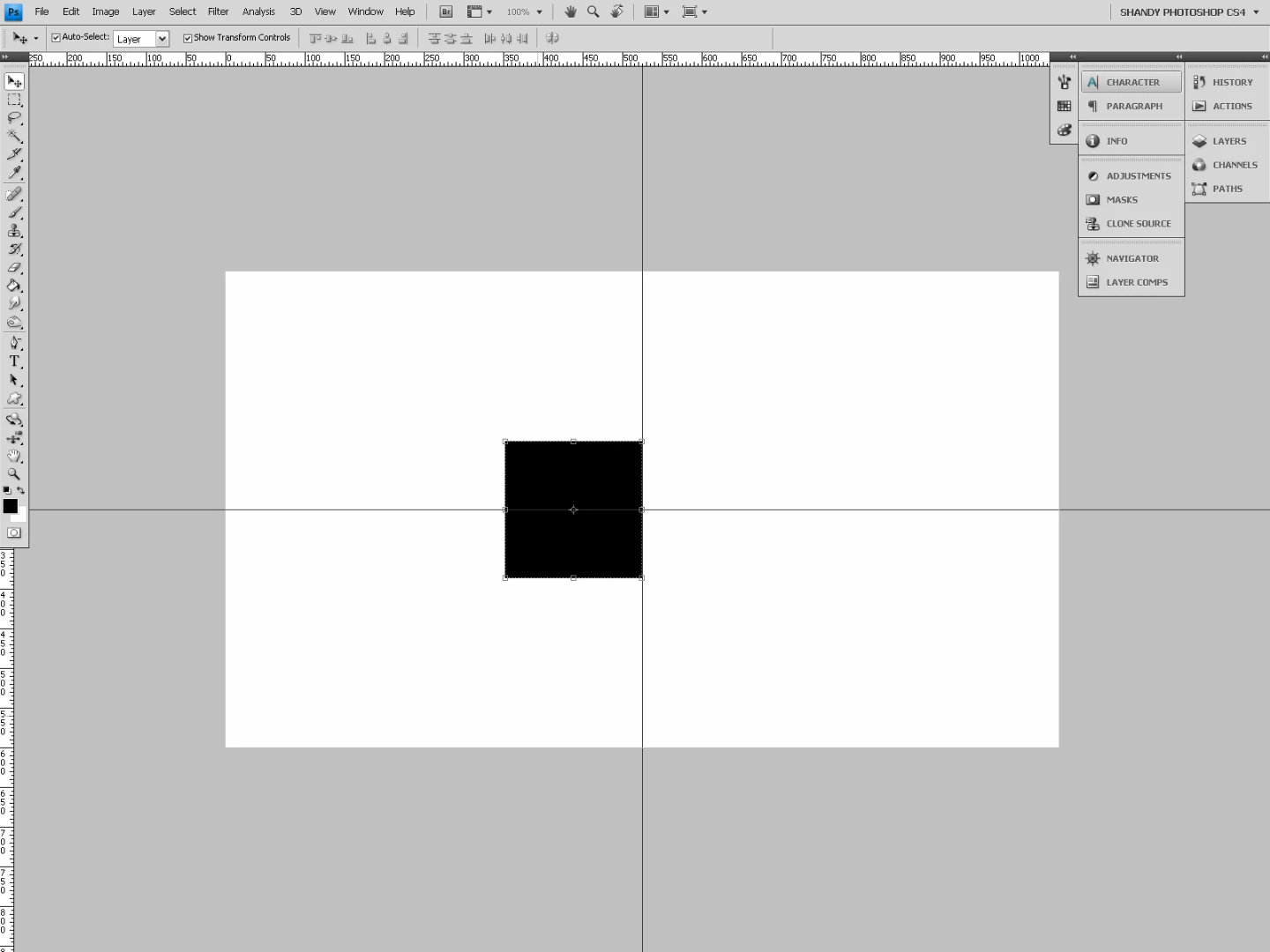
The issue: how to do the same thing by dragging the horizontal handles (top or bottom).
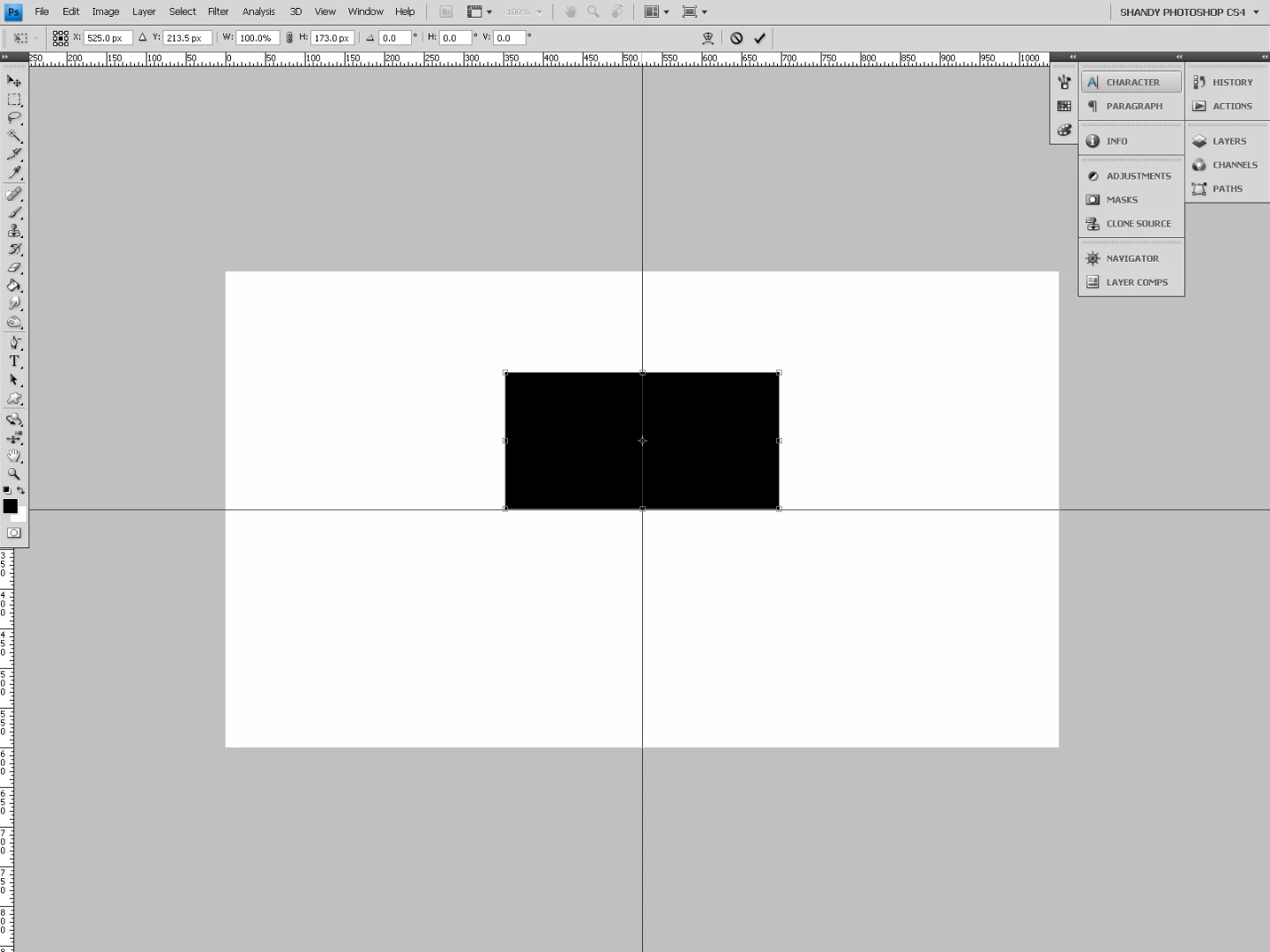
When I get to the step of clicking the icon to lock proportions, the layer reverts back to its original size. It's as if I can't resize proportionally using guidelines as a reference if I drag the horizontal handles.
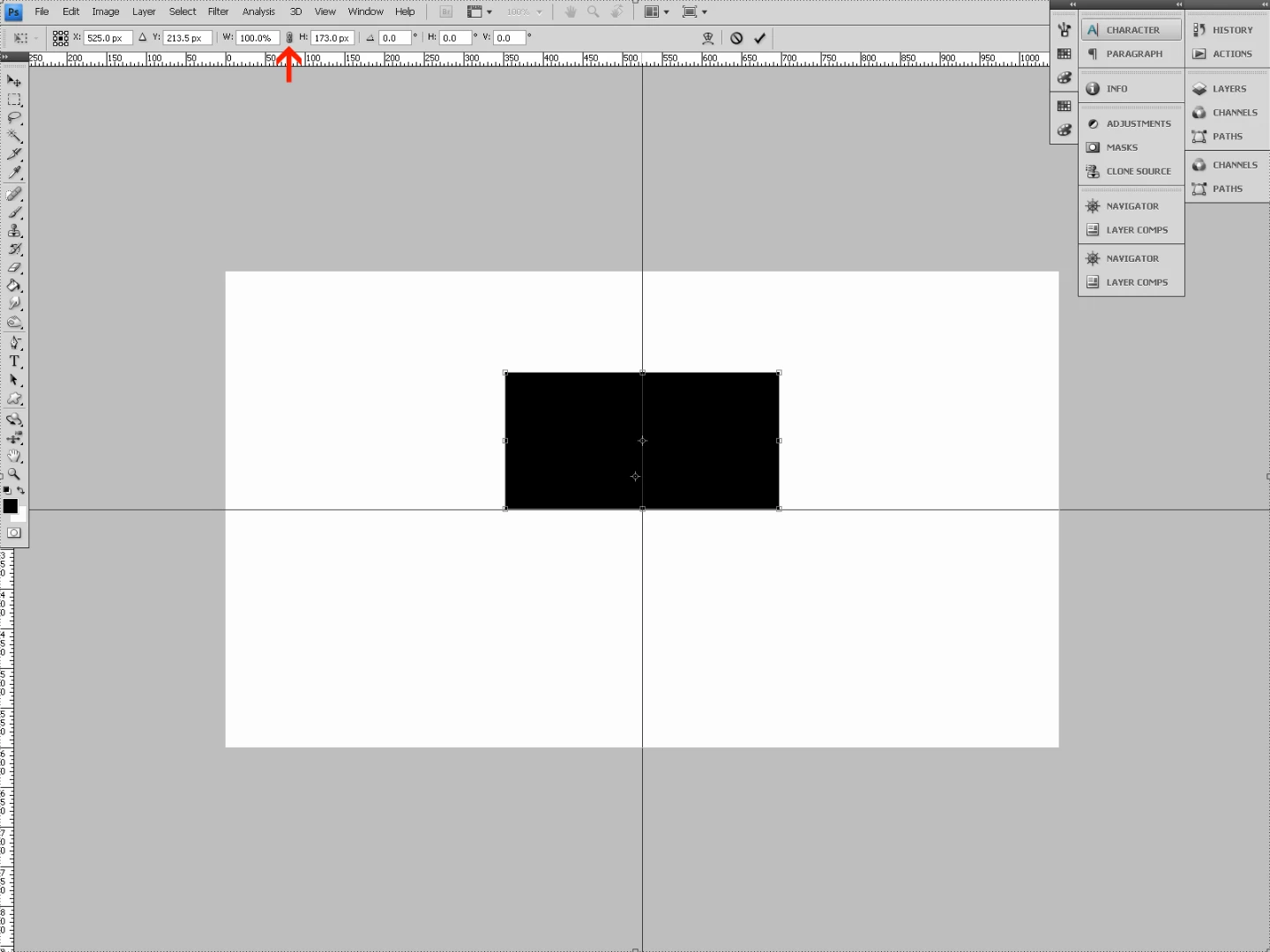
In addition to the layer reverting back to its original size, it seems to have moved up on the canvas (I'm pretty sure this is a matter of where its registration point is as I am resizing the object). I'm not concerned about the layer moving.
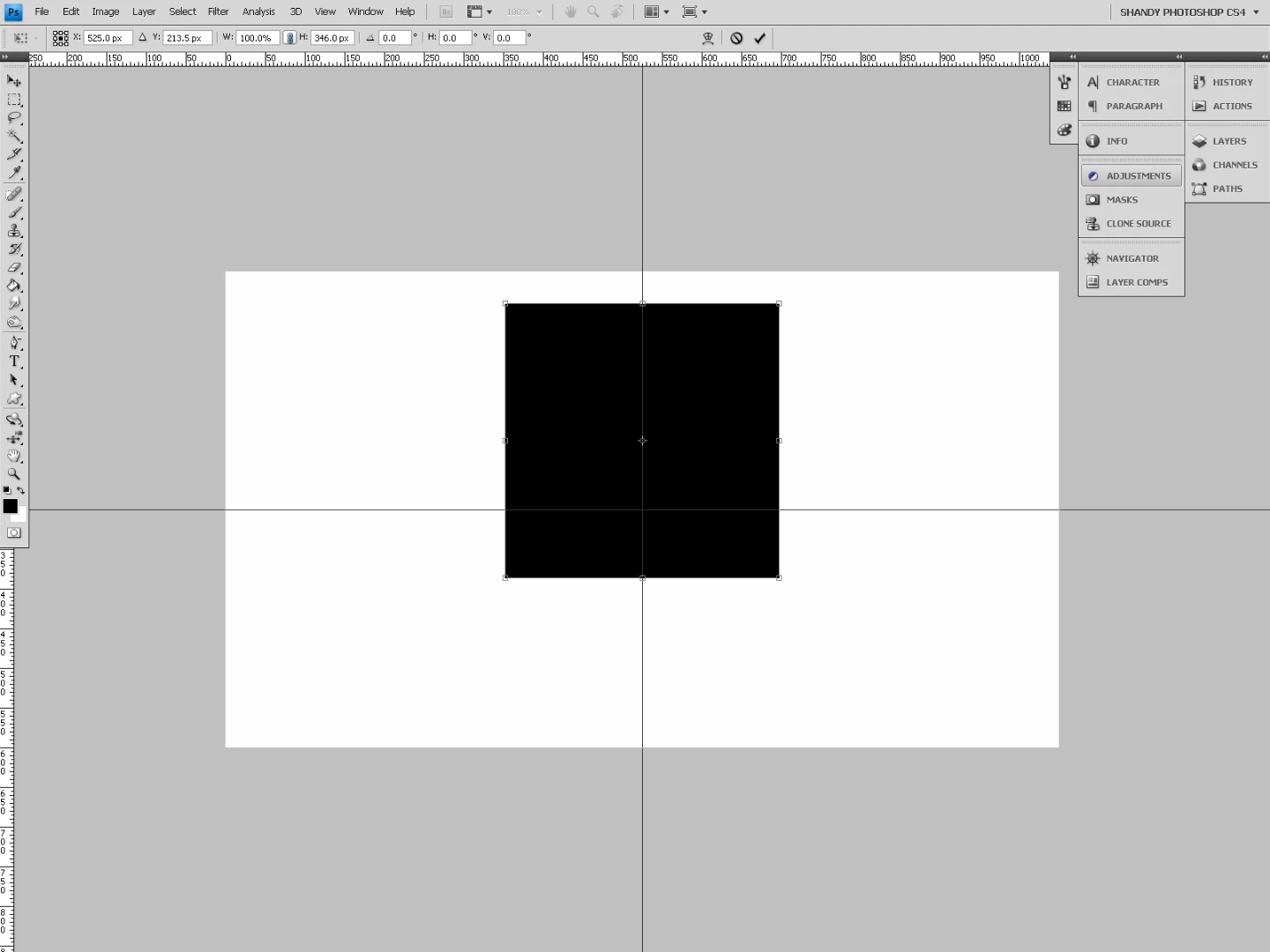
So, the question is: how do I resize proportionally by dragging the horizontal handles just as I was able to by dragging the vertical handles?
 AdChoices