

Answered
Resizing goes wrong on sharp edges
Since last update, while resizing PNG from Illustrator, Photoshop give me bad result on sharp edges. Look at the picture : Photoshop add white contour like a bad jpg conversion. Any idea ? 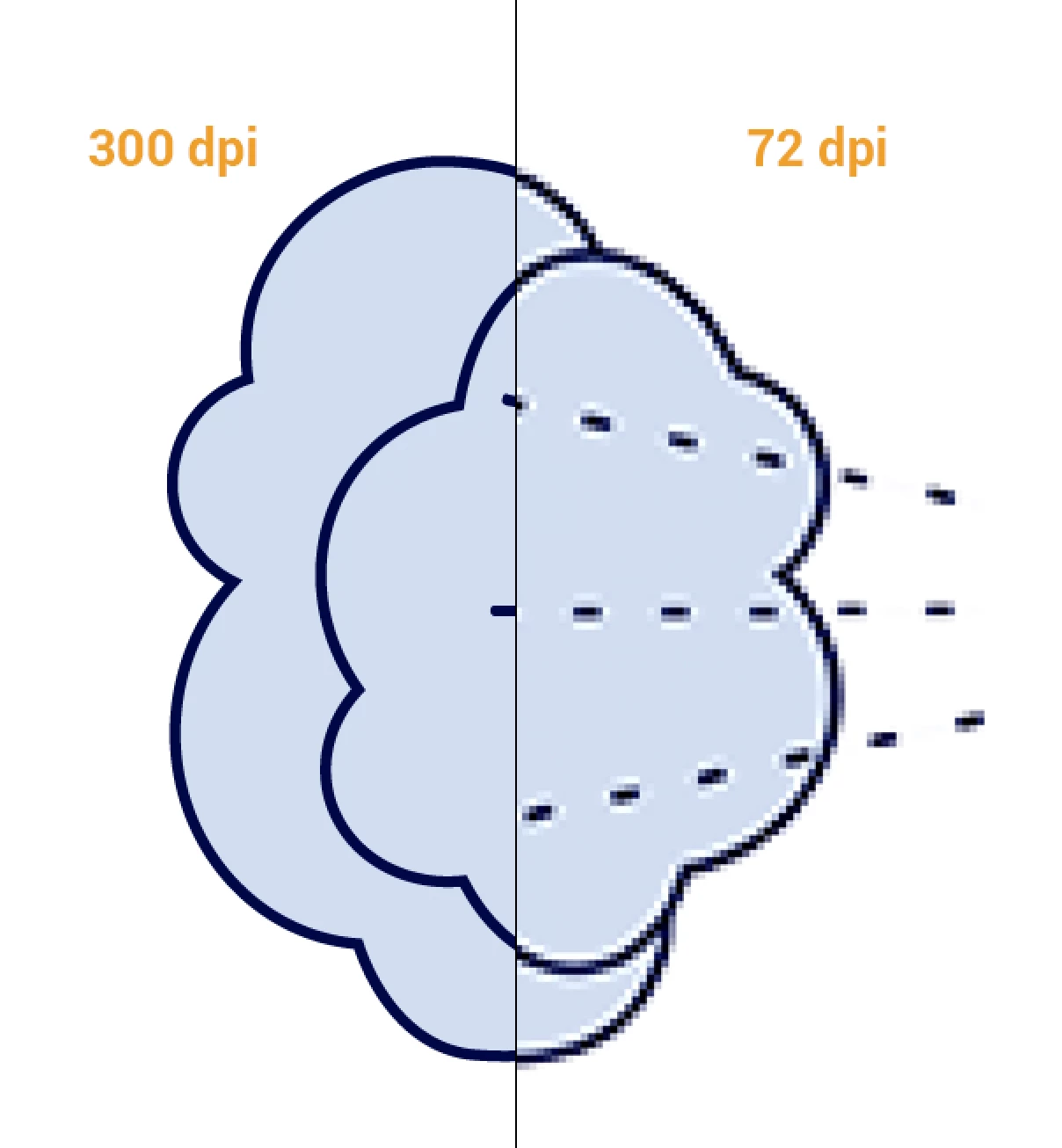

Since last update, while resizing PNG from Illustrator, Photoshop give me bad result on sharp edges. Look at the picture : Photoshop add white contour like a bad jpg conversion. Any idea ?
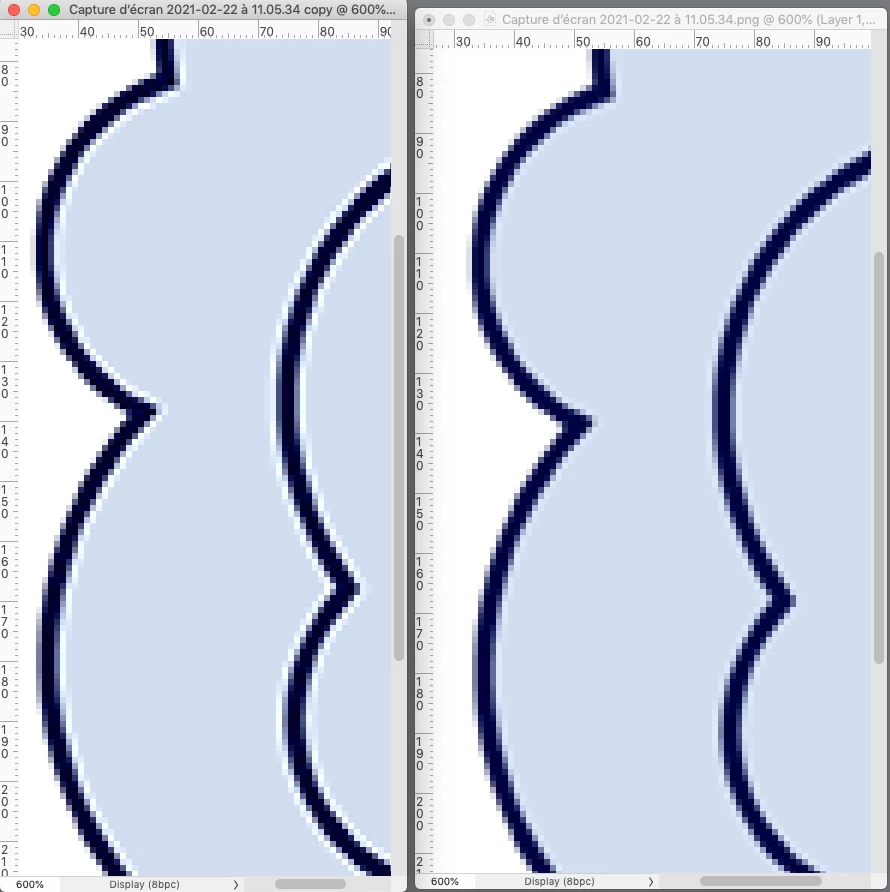
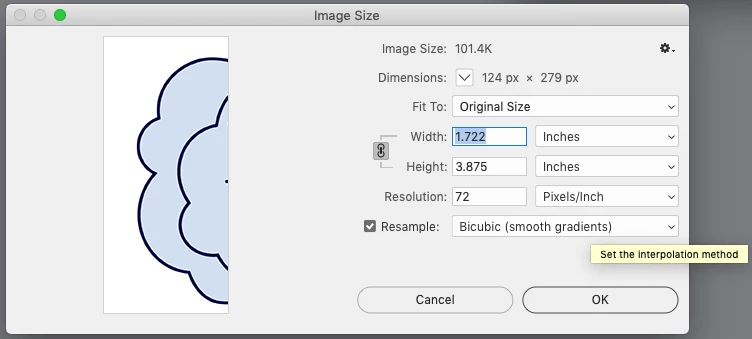
Try a different Interpolation method. Bicubic Sharper (reduction) will keyline contrasting edges—here is Bicubic Sharper on the left and Bicubic (smooth gradients) on the right:
Already have an account? Login
Enter your E-mail address. We'll send you an e-mail with instructions to reset your password.
 AdChoices