New Participant
October 2, 2019
Question

Rotating object to create giff

  • October 2, 2019
  • 1 reply
  • 1262 views

Hi.


Complete beginner here, so please be gentle.


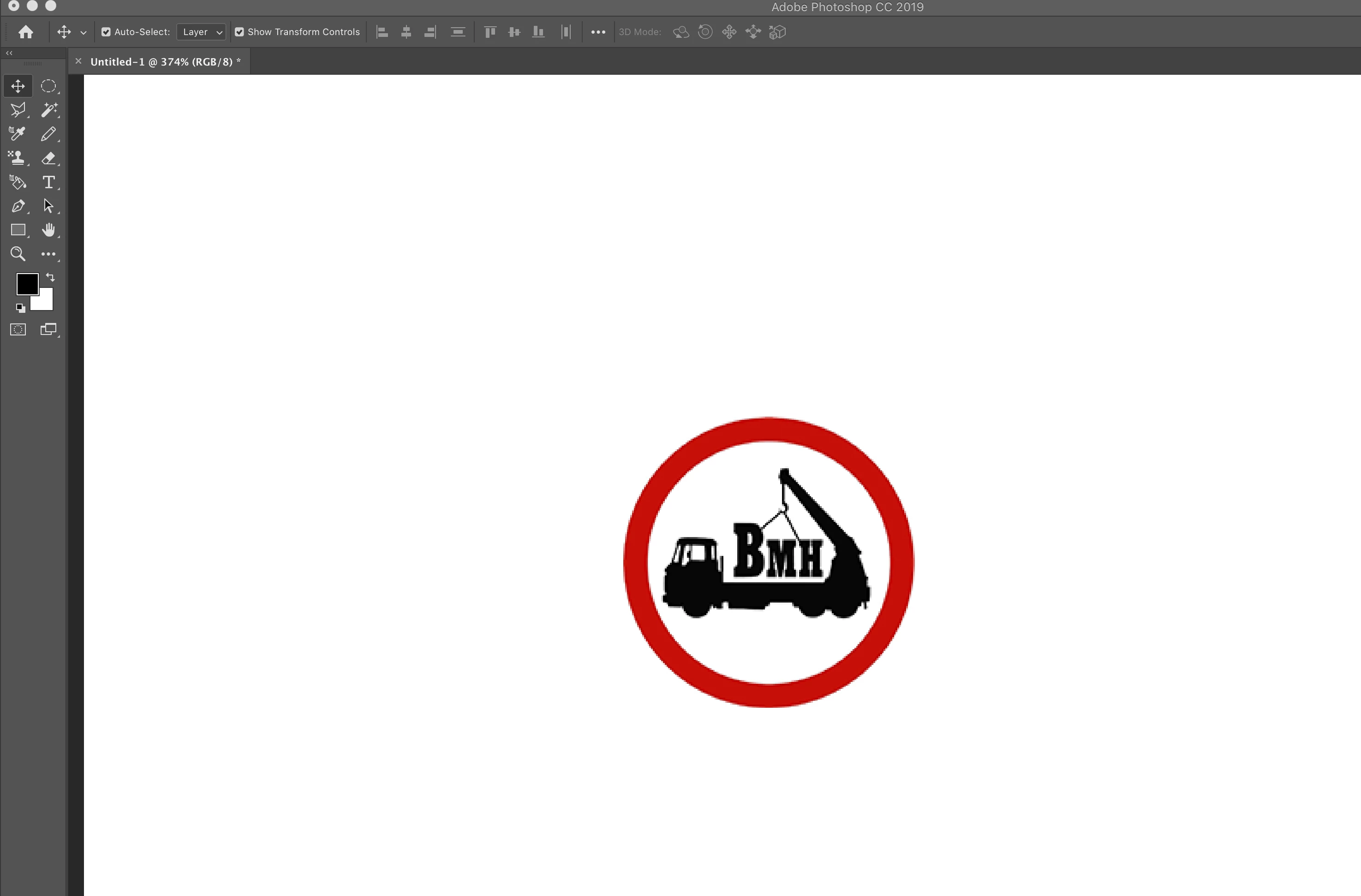
I'm trying to create a giff, and thought i could use PS to rotate the little picture/logo we use.


Could someone help, 1st is this possible, 2nd how would i do this?


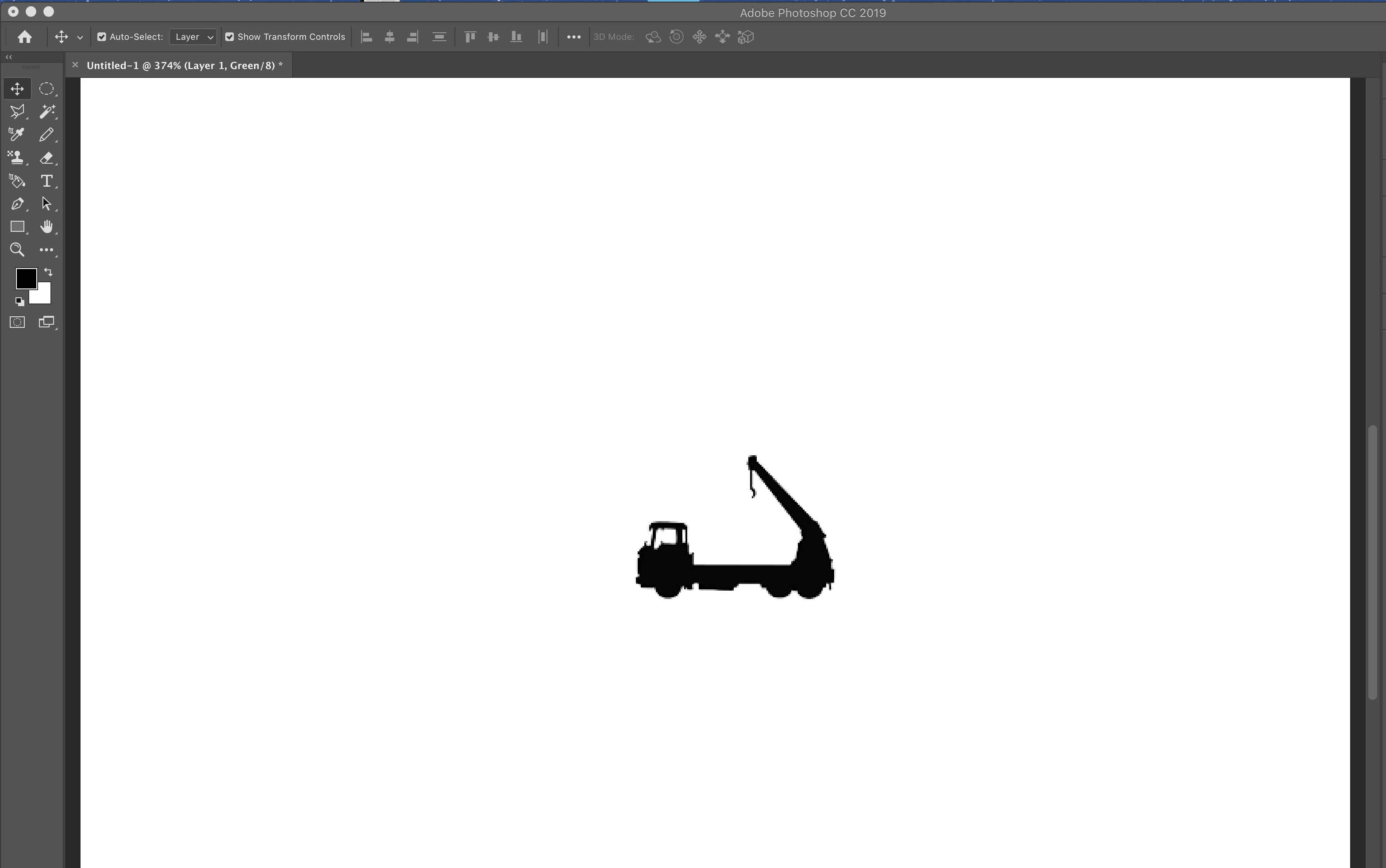
below is part of our logo (and the main logo) that is surrounded by a ring, id like the logo to rotate around the horizontal (so rotating on its plain if that makes sense ?)


The theory is, this logo will rotate inside the outer ring.
This topic has been closed for replies.

1 reply

nikunj.m
Community Manager
Community Manager
October 2, 2019

Hi there,


To accomplish what you are trying to do you can create an animated GIF and apply the animation (rotation) on the logo of the part of the logo inside the red circle.


You can check the link below on how to create an animated GIF in Photoshop and apply the animation of specific parts of the document. 

https://helpx.adobe.com/in/photoshop/how-to/make-animated-gif.html


Regards,

Nikunj

New Participant
October 2, 2019

Hi, Thank you, ive seen that but i dont have multiple pictures to add, if i try to follow the steps i dont get the 'make frames from layers option'


So stage 3 is where it all stops, do i need to break the logo down into 3 layers and save them individually to achieve 3 separate images to import at stage 1 ?

Brainiac
October 2, 2019
You have to first create each frame by copying, and then editing the original.