


Participating Frequently
July 26, 2022
Question

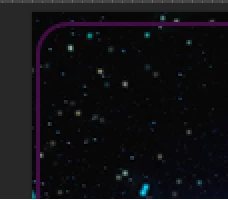
Rounded-corner frame + background deletion

  • July 26, 2022
  • 1 reply
  • 968 views

Hi, I am using Photoshop 2022. I want to create an image with a rounded-corner frame but the background does not delete. Using the magic wand tool is too complicated because of the said image - many shapes, pixels and colours make it tricky. I need a clean cut/crop. Any ideas? TIA!
 

This topic has been closed for replies.

1 reply

c.pfaffenbichler
Community Expert
Community Expert
July 26, 2022

Use the Rectangle Tool, set the corner radius in the Properties Panel and use it as a Vector Mask. 


Edit: 

Participating Frequently
July 26, 2022

I already have a vector mask but nothing happens.


c.pfaffenbichler
Community Expert
Community Expert
July 26, 2022

A Vector Mask on which Layer?