


Answered
Rounding Text Color Values?
Hi everyone,
I’m back with another very specific request.
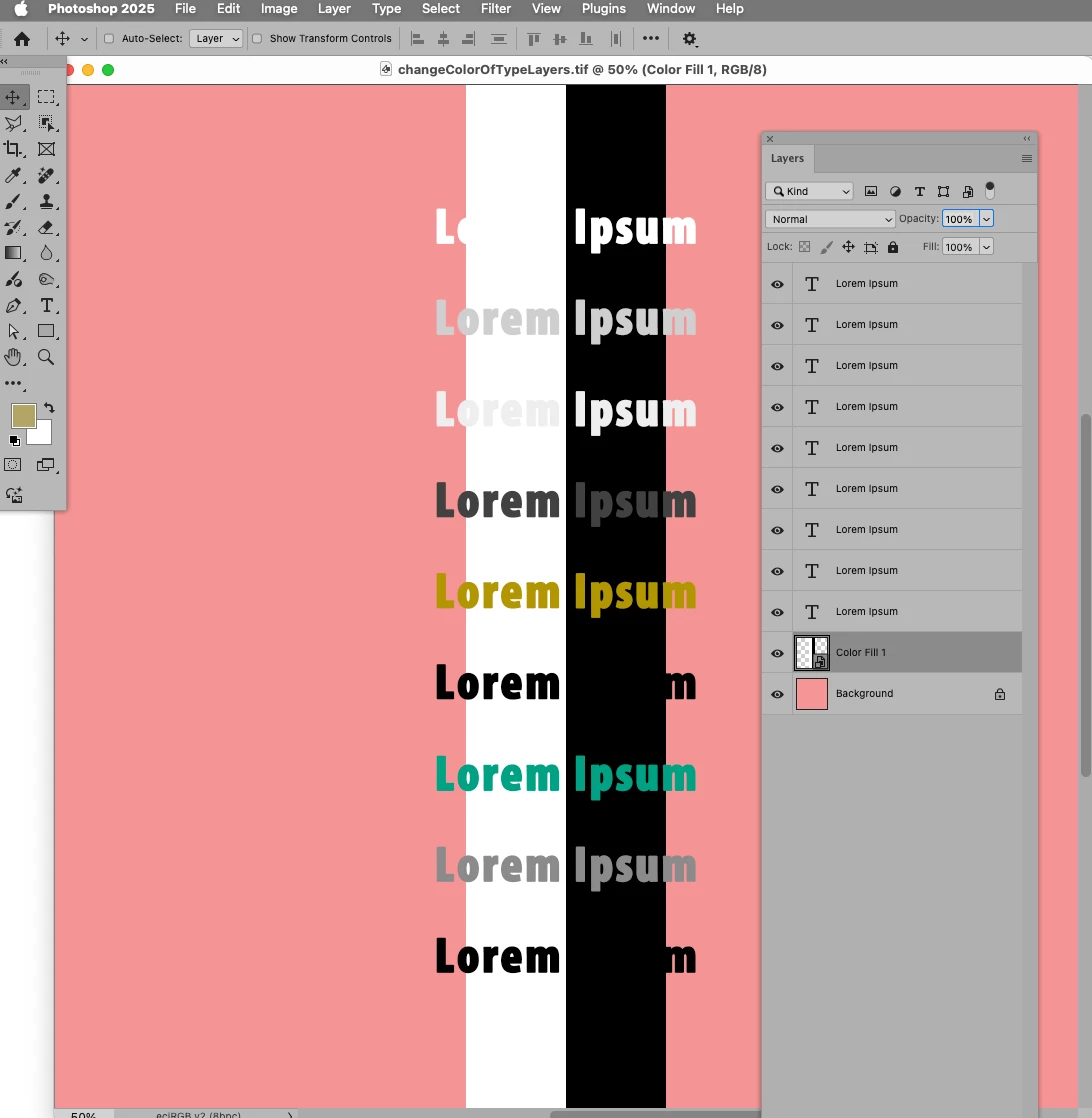
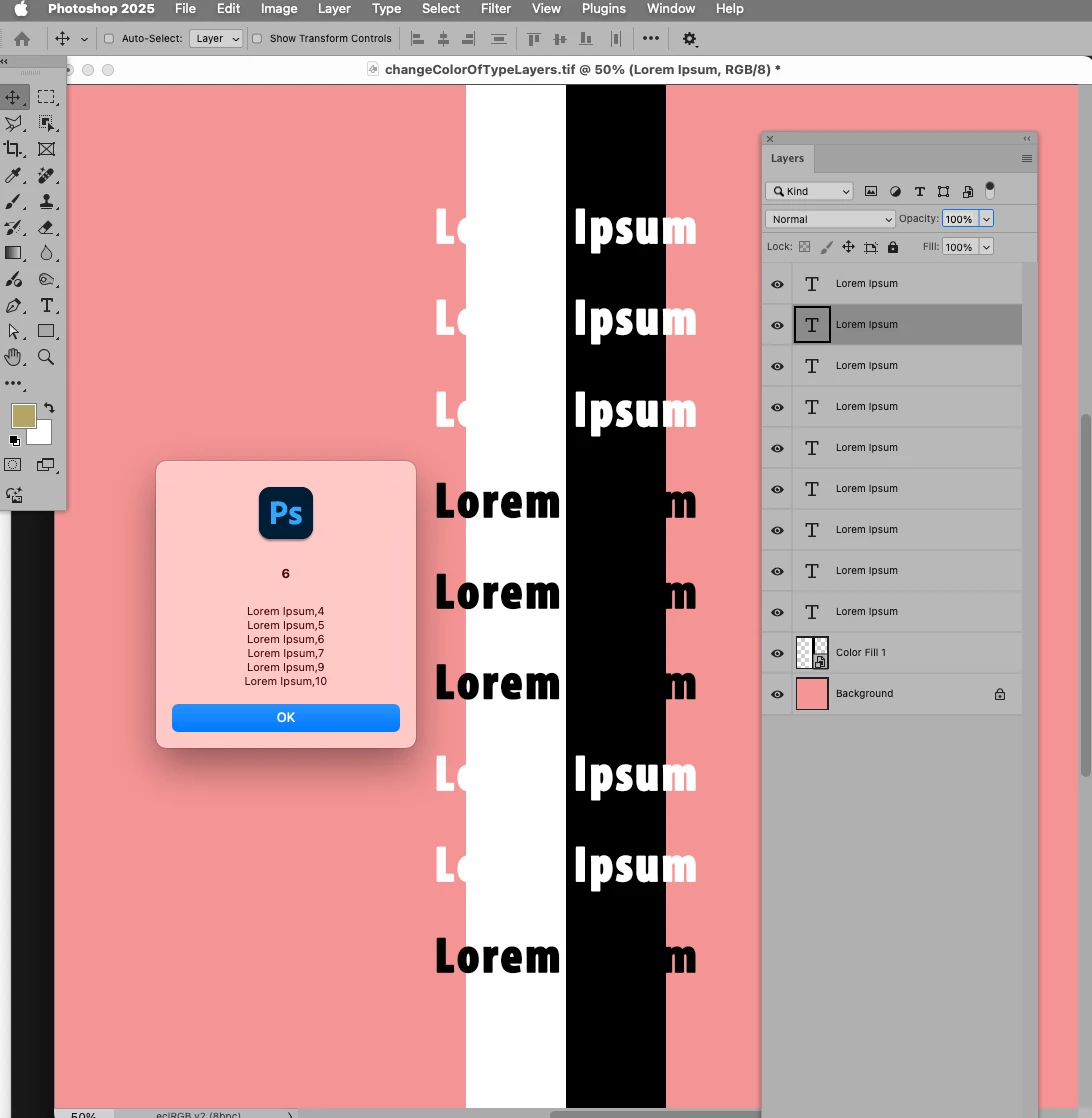
Someone on my team accidentally altered the colors of some text layers. We usually work with solid black (#000000) and white (#FFFFFF), but now some layers are slightly off (e.g., #0A0A0A or #FCFCFC). These subtle variations are causing issues with our stroke automation and are a nightmare to spot and fix manually.
Is there a way to automatically adjust these text layer colors to the nearest solid black or white?
I’m dealing with about 200 documents, so manually fixing them one by one, layer by layer, even with actions, isn’t really practical.
Any tips or solutions would be greatly appreciated. Thanks in advance, and happy new year!
 AdChoices