Known Participant
December 22, 2024
Question

saving a custom workspace

  • December 22, 2024
  • 1 reply
  • 658 views

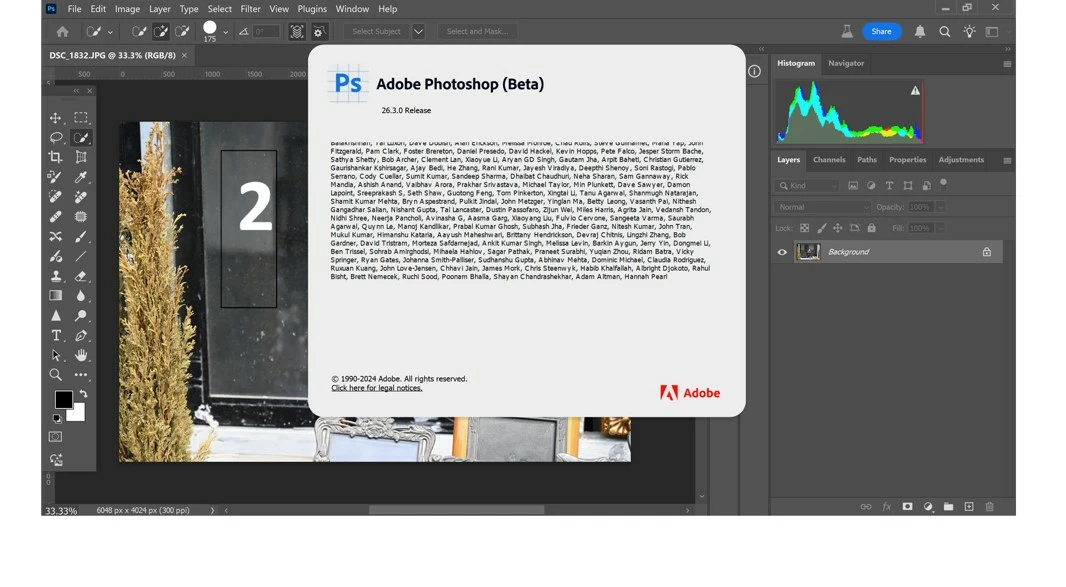
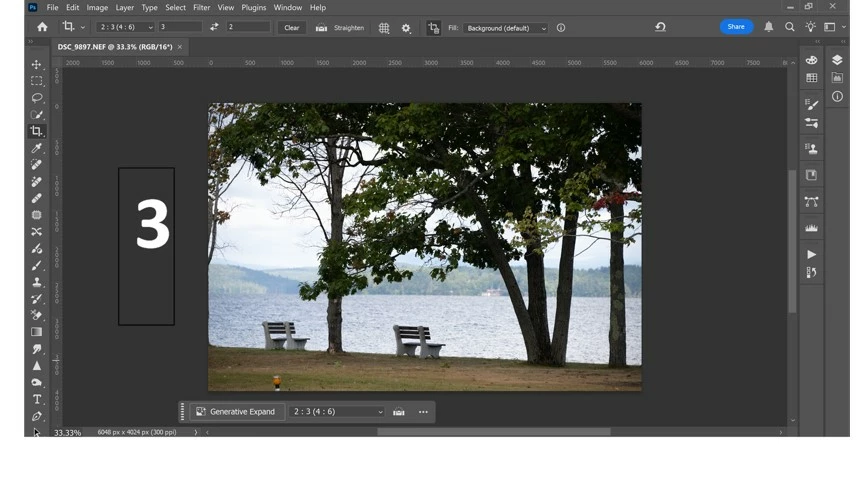
Despite some warnings I always use PS beta for the following reason: in beta my custom workspace ALWAYS opens up whenever I launch it (pict 1+2) with tools in 2 columns and the layer panel under the histogram on the rightmost end.

However, in PS I never succeeded in saving this layout despite numerous "new workspace" save actions
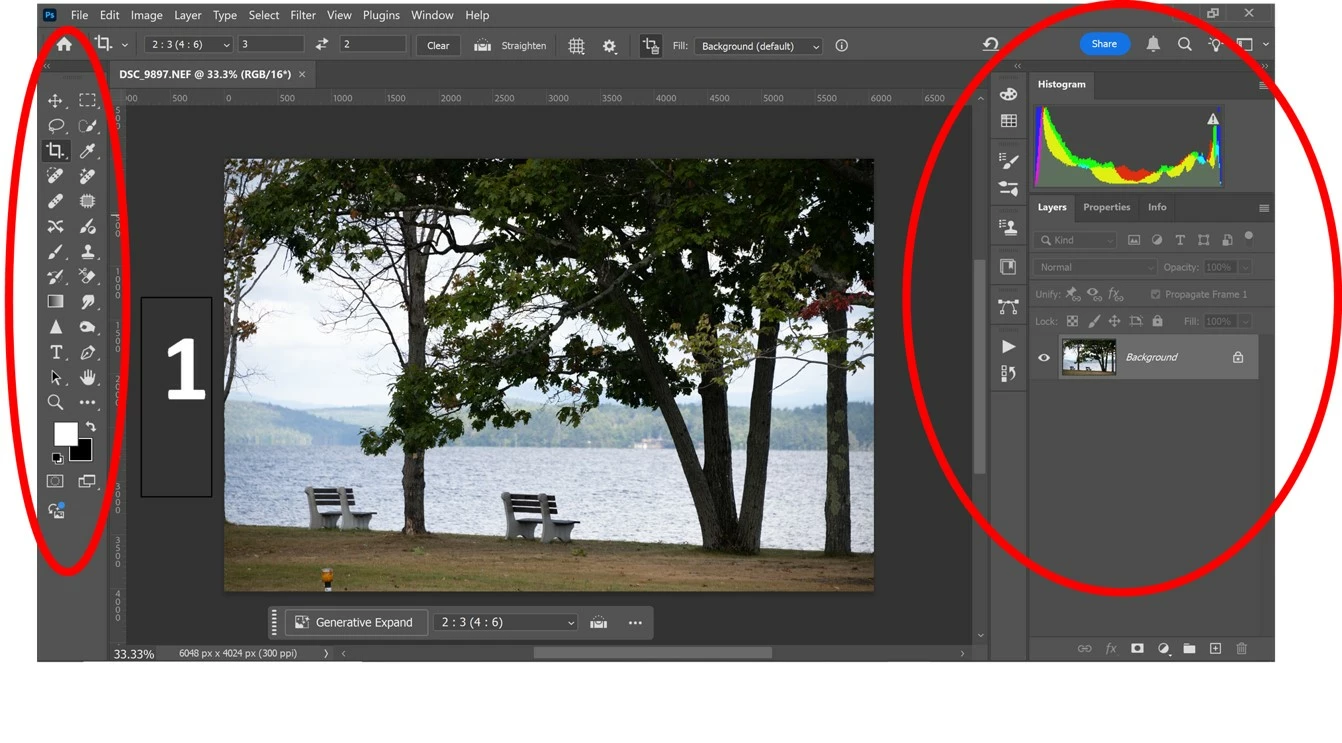
(pict 3). What am I missing?

This topic has been closed for replies.

1 reply

davescm
Community Expert
December 22, 2024

Do this step by step.

1. Arrange your toolbar where, and in what layout, you want it.

2. Arrange your panels (layers, channels  etc) however you want them laid out.

3. Go to the top right of the options bar and click on the downward reveal arrow

4. Choose 'New Workspace'

5 Give your new workspace a name and ensure you check the box to include the toolbar (and Menus and Keyboard shortcuts if you want those saved in your workspace)

6. Click Save


That is it. Your newly named workspace is available whenever you need it.


Dave

Known Participant
December 22, 2024
Thanks, davescm. I tried your suggestion but it did not work.

Miron