


Participant
August 31, 2020
Answered

Saving .tif and getting weird output

  • August 31, 2020
  • 1 reply
  • 567 views

Hello All


I am saving my image in photoshop to a .tif format.  After saving the image and then opening it, it only saves the image of my first selection which I made, not the whole image.  I merged all the layers together, but still the same.  


This is what I am supposed to get
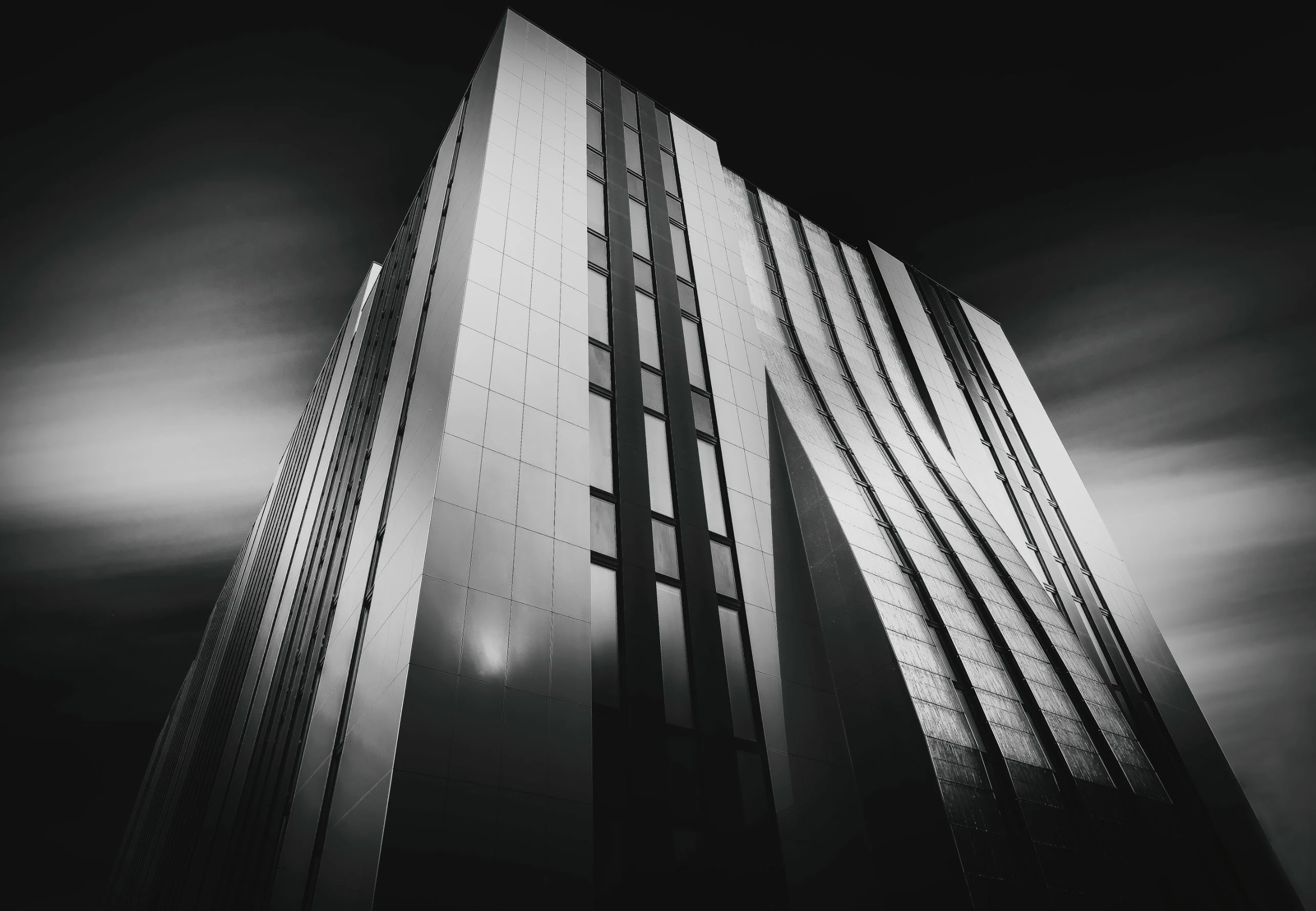
 

and this is how it saves it:
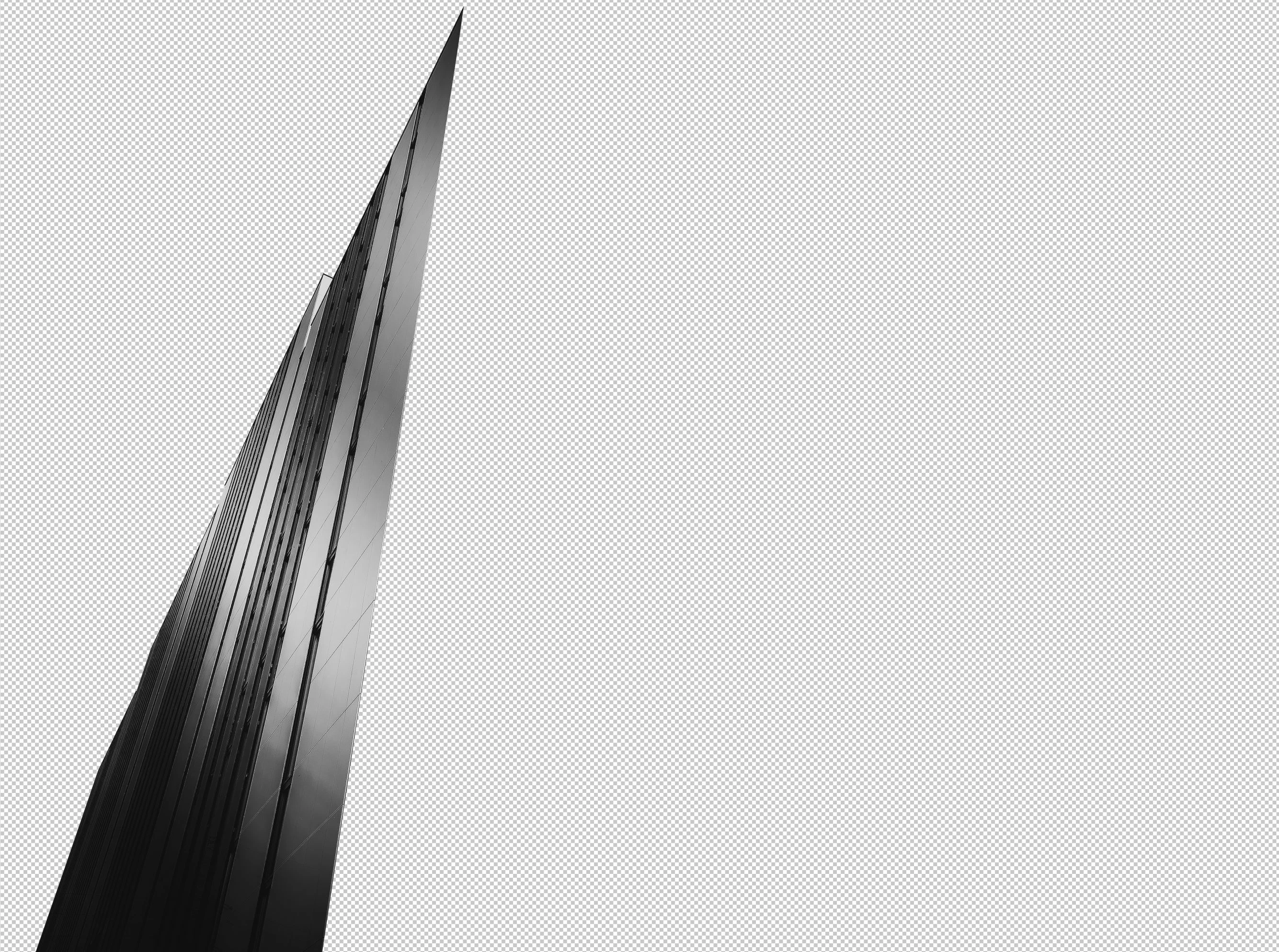
 

I know that I made selections to the building areas and saved the selections.  This is the first selection I made and its saving the first selection instead of the whole photo.  Anybody can help me with this?  

This topic has been closed for replies.
Correct answer c.pfaffenbichler

What’s the problem? 

The image does not appear to be clipped in Photoshop.


In which application is the image displayed clipped? 

What happens if you remove the additional Channels? 

1 reply

c.pfaffenbichler
Community Expert
Community Expert
August 31, 2020

Could you please post a screenshot with the pertinent Panels (Toolbar, Layers, Channels, Options Bar, …) visible? 

D0M1N13Author
Participant
August 31, 2020

Sure.  Here it is:


c.pfaffenbichler
Community Expert
c.pfaffenbichlerCommunity ExpertCorrect answer
Community Expert
August 31, 2020

What’s the problem? 

The image does not appear to be clipped in Photoshop.


In which application is the image displayed clipped? 

What happens if you remove the additional Channels?