New Participant
August 8, 2018
Question

Screen goes black while making 3D Text

  • August 8, 2018
  • 3 replies
  • 1136 views

hi,

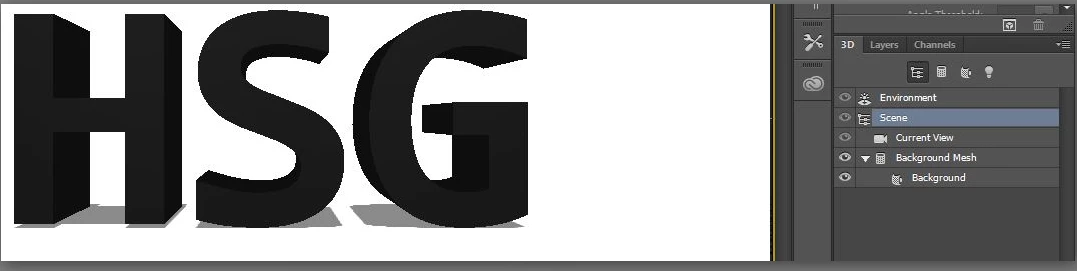
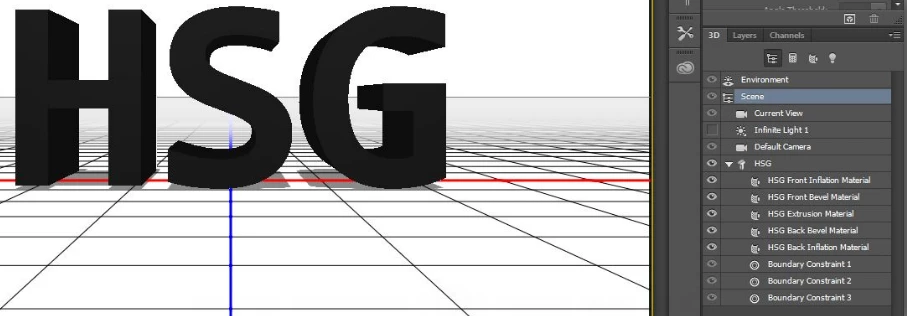
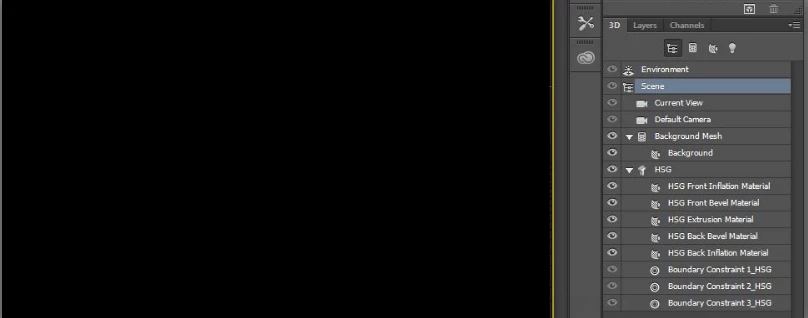
I saw some tutorial on you tube to create a 3d text. But some how when i merge background(after selecting postcard in layer property) and text layer(after selecting New 3d Extrusion from selected layer). The screen goes black. And i dont see the text anymore after they get merged.. Please find below the screen shots of layers:

Shot of background layer:
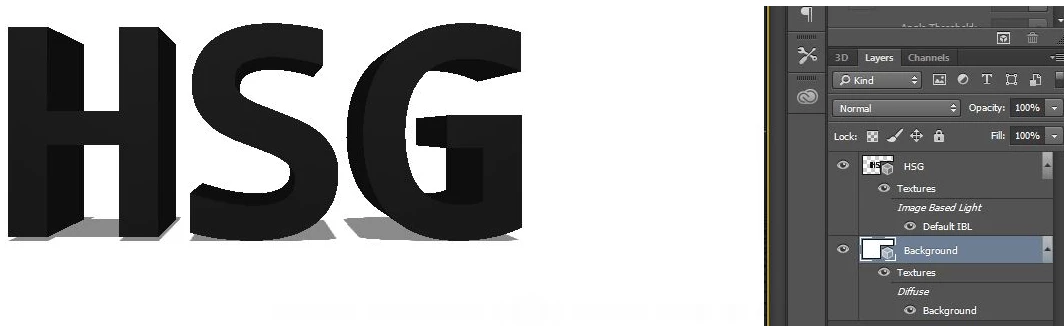
shot of Text layer

Shot of Merged Layers:
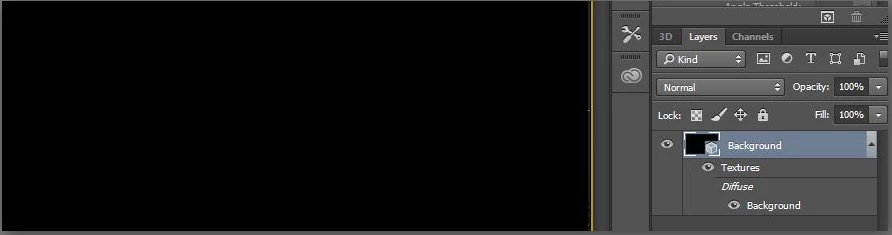
Please help me here.

The you tube link that i was following is here:

How to Make 3D Text - Photoshop CC Tutorial - YouTube

Thanks

[Moved to the Photoshop forum - Moderator]

This topic has been closed for replies.

3 replies

WILDCAT54
Inspiring
August 8, 2018

please post your system info.

in Photoshop, choose Help> System Info and paste the results here.

Sounds like a graphics card issue/ or lack of

Szalam
Community Expert
August 8, 2018

A moderator has moved this post to the Photoshop forum.

Mylenium
Brainiac
August 8, 2018

It might be useful to actually post in the right forum. This is the AE forum, not PS. The rest could be anything from hardware acceleration issues to not using scene lights and suitable material settings. Either way, it's probably safe to say that following a poorly done video tutorial with no narration is not going to teach you any of this, so perhaps you care to look up some better stuff, actually read the PS help files and check your system's settings.

Mylenium