



Question
Script to remove a white background, insert another image & resize to square?
Hey Folks,
I have a problem that I'm not sure how to get around. I have a folder of approx 4500 images, all of them have a product in the center on a white background, and all are at a scale of 4*3 (1200px*800px or 2400px*1600px) like this image below:
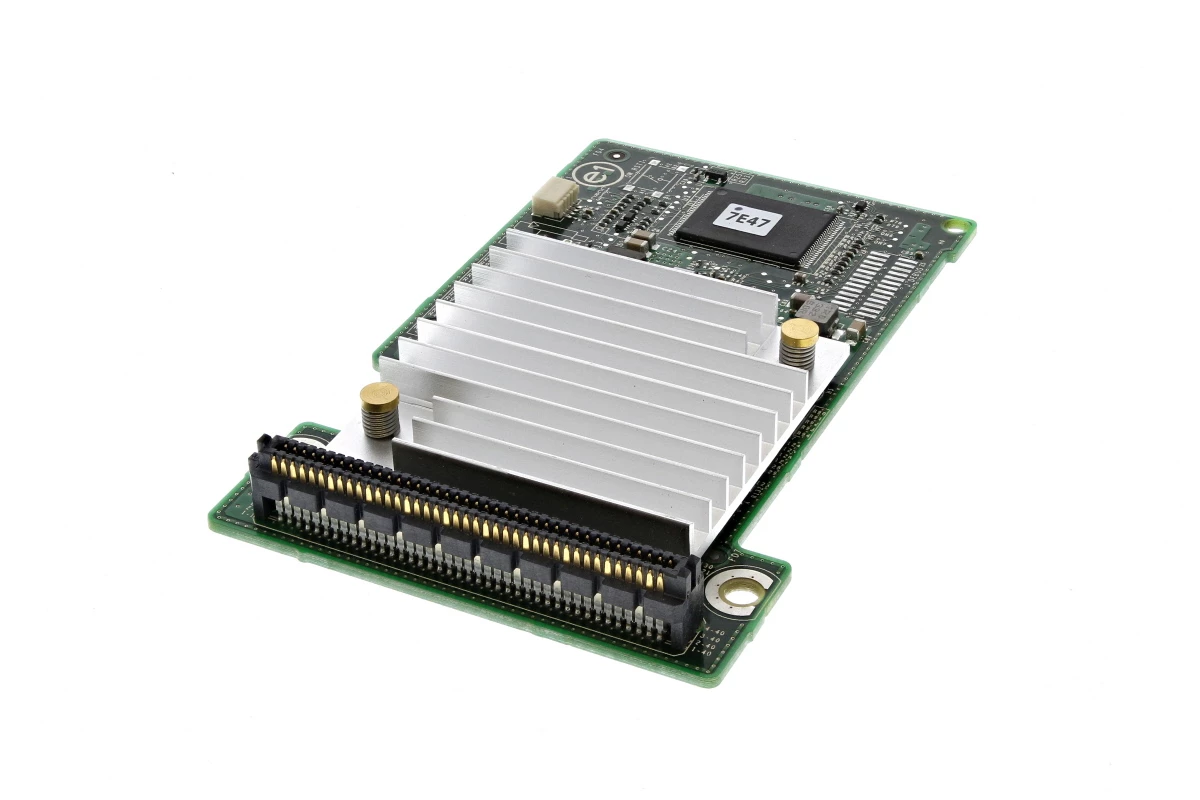
What I need to do is make sure they are all sized to 1200*800, extend the canvas to 1200*1200, select & remove the white background on all of them, replace it with another image / gradient as background.
Is this possible? I know I can use Actions to do the product resize & canvas resize steps, but I'm not sure about the background.
Thanks
 AdChoices