


New Participant
June 16, 2017
Answered

Scripting: Batch selecting/deleting background

  • June 16, 2017
  • 2 replies
  • 5924 views

Hello, I'm trying to write a JS script for Photoshop CS unfortunately I'm very new to js and can't find a way to solve it.

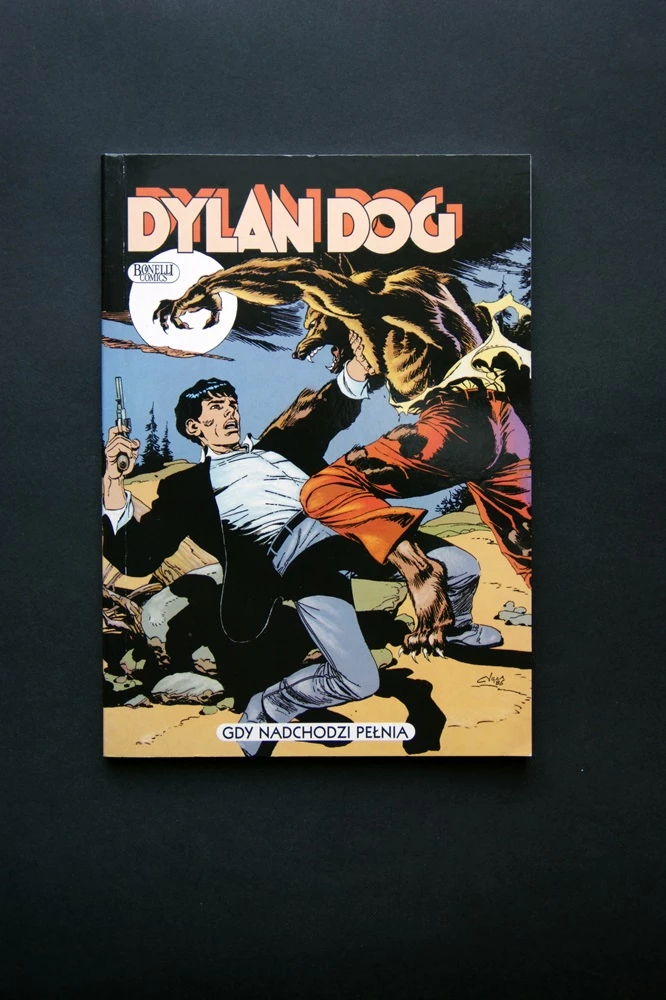
I have a batch of image files with a background that I want to delete/ or set white. Sample images below.

I do it manually with a 'quick selection tool'. I select the tool, press left button in the left top corner and move it right-down-left-top which selects the background. Right click and now I create a new layer via cutting which splits the background and the main picture. I delete the background and save the picture in a different folder.

I tried action manager but it doesnt record everything and it cant select the background.
Thank you for your help

This topic has been closed for replies.
Correct answer morb82035406

Dear JJMack, thank you for your interest.

Yes, that was a poor choice of the images for the example - Dylan Dog looses image data, an error I accept. I'll correct it manually. Unfortunately I don't know how masks work.

I was ambiguous, I want to delete background and/or change it to pure white/other color or just leave it and save it as transparent. Saving it as transparent should work fine /white background jpg is also ok/

Unfortunately if you are not experience in scripting you won't be able to help me. I need it done not done better, unfortunately.

2 replies

New Participant
June 19, 2017

anyone else with scripting experience?

/ I don't know why this guy cropped both pictures befor using 'quick selection tool'. I want to select/delete background not crop the picture/

JJMack
Adobe Expert
June 19, 2017

Your Way Layer Via Cut Delete layer You will loose image data,masking will not.

JJMack
morb82035406AuthorCorrect answer
New Participant
June 21, 2017

Dear JJMack, thank you for your interest.

Yes, that was a poor choice of the images for the example - Dylan Dog looses image data, an error I accept. I'll correct it manually. Unfortunately I don't know how masks work.

I was ambiguous, I want to delete background and/or change it to pure white/other color or just leave it and save it as transparent. Saving it as transparent should work fine /white background jpg is also ok/

Unfortunately if you are not experience in scripting you won't be able to help me. I need it done not done better, unfortunately.

JJMack
Adobe Expert
June 16, 2017

morb82035406  wrote

Hello, I'm trying to write a JS script for Photoshop CS unfortunately I'm very new to js and can't find a way to solve it.

I have a batch of image files with a background that I want to delete/ or set white. Sample images below.

I do it manually with a 'quick selection tool'. I select the tool, press left button in the left top corner and move it right-down-left-top which selects the background. Right click and now I create a new layer via cutting which splits the background and the main picture. I delete the background and save the picture in a different folder.

I tried action manager but it doesnt record everything and it cant select the background.
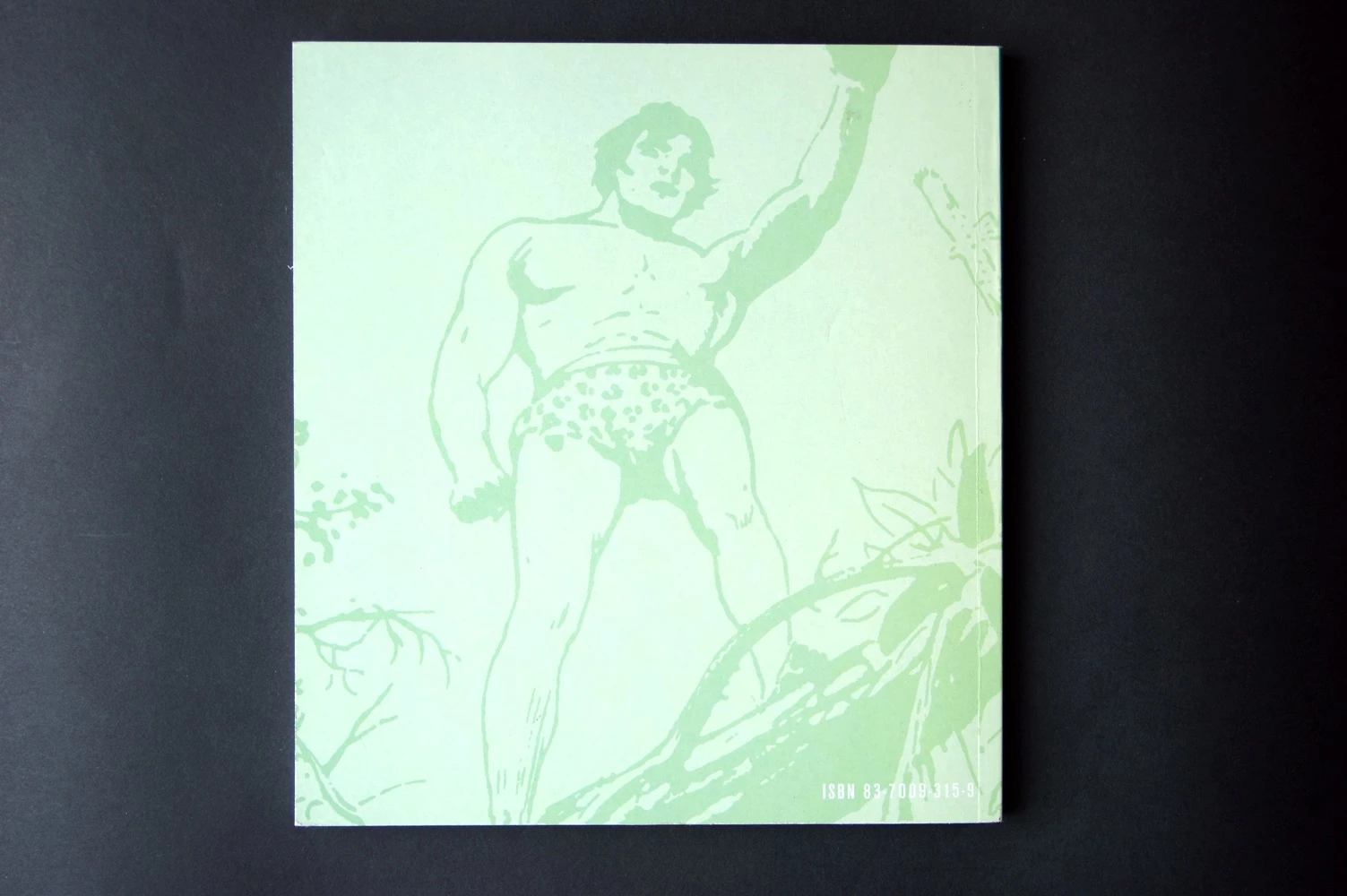
What you wrote above is pure fiction from your imagination.  The example you show  is science fiction.  Two different images with different Aspect ratio size and content. Not a single image example of with and without  a background.

You also can not select the background in either of those images with the manual  method you write you do it with. If that method did work you could record it in an action. You would need to enable tool recording while recording the action.  However, the action would only work on other documents that are the same size and resolution as the document you recorder the action with.  Other size document the tools recording will not work correctly.  

Before you can BS about Photoshop you should learn Photoshop perhaps then you can make your fiction believable.

Your manual method makes these selections

JJMack