


Inspiring
June 21, 2020
Answered

select layer and fill selection

  • June 21, 2020
  • 1 reply
  • 813 views

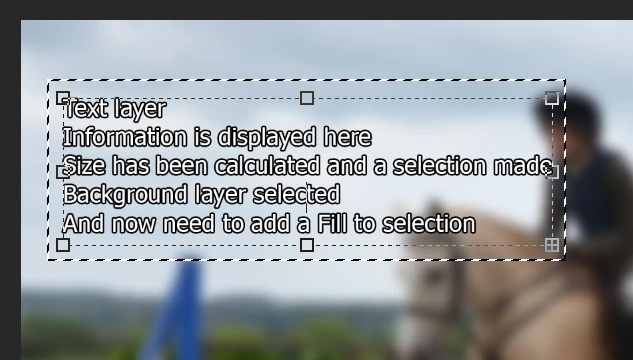
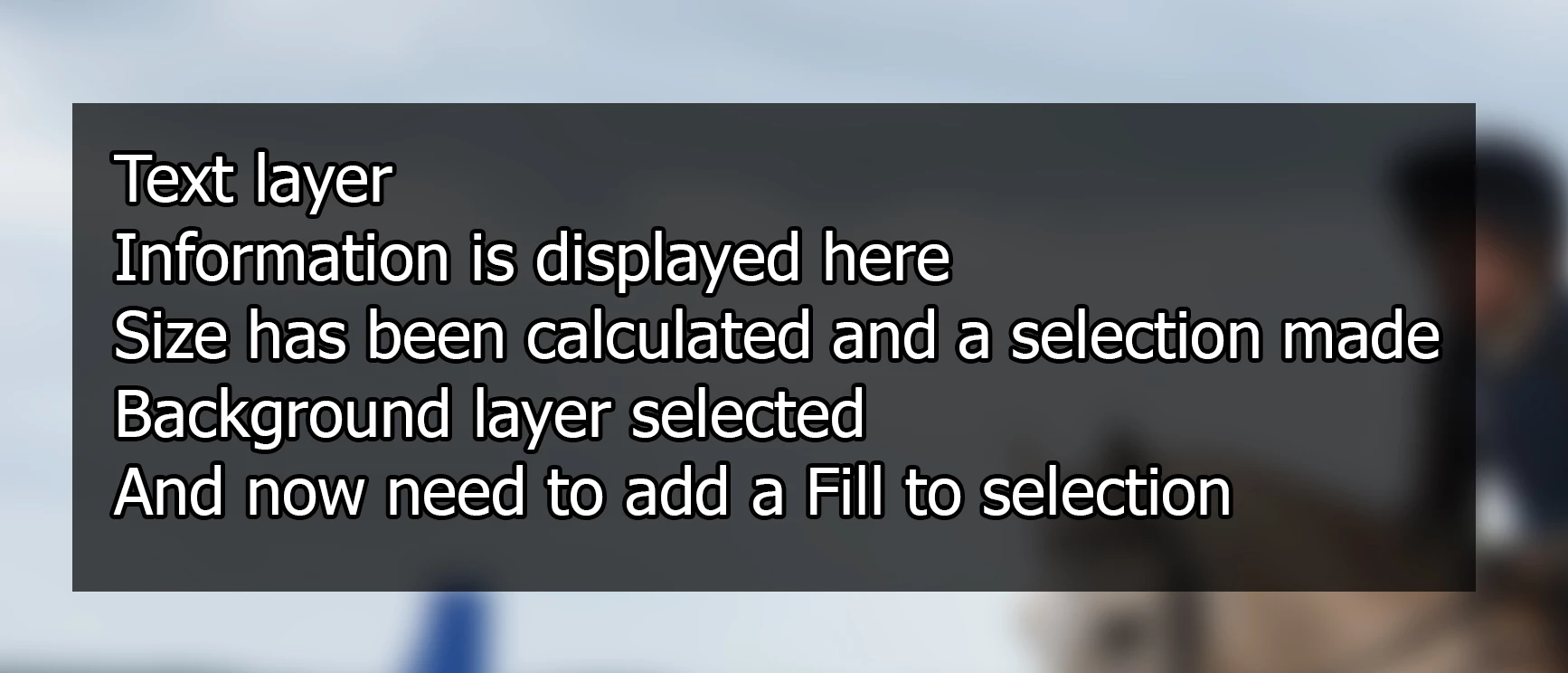
I have a text layer that I have used to work out the ext dimensions so I can put a background behind it. I have used script listener but I get a general Photoshop error. So I would like to move from the text layer to the background layer and fill the selected area
This topic has been closed for replies.
Correct answer Kukurykus

I have here a screenshot of where the scripts currently gets me and what I would like to achieve


(col = new SolidColor()).rgb.hexValue = '000000', activeDocument.selection.fill(col, null, 70)

1 reply

Kukurykus
Brainiac
June 21, 2020
aD.activeLayer = (aD = activeDocument).layers['DATA'].layers['Text Background']
Inspiring
June 21, 2020

apologies as you were submitting your reply I realised that I had got the original question wrong, so I used this part of your answer and the layer is selected


aD.activeLayer = (aD = activeDocument).layers['Text Background']
Kukurykus
Brainiac
June 21, 2020

I don't understand your new questinon, explain it better by posting screenshot.