



Answered
Selection Tool Switching to a different object when I click [2017]
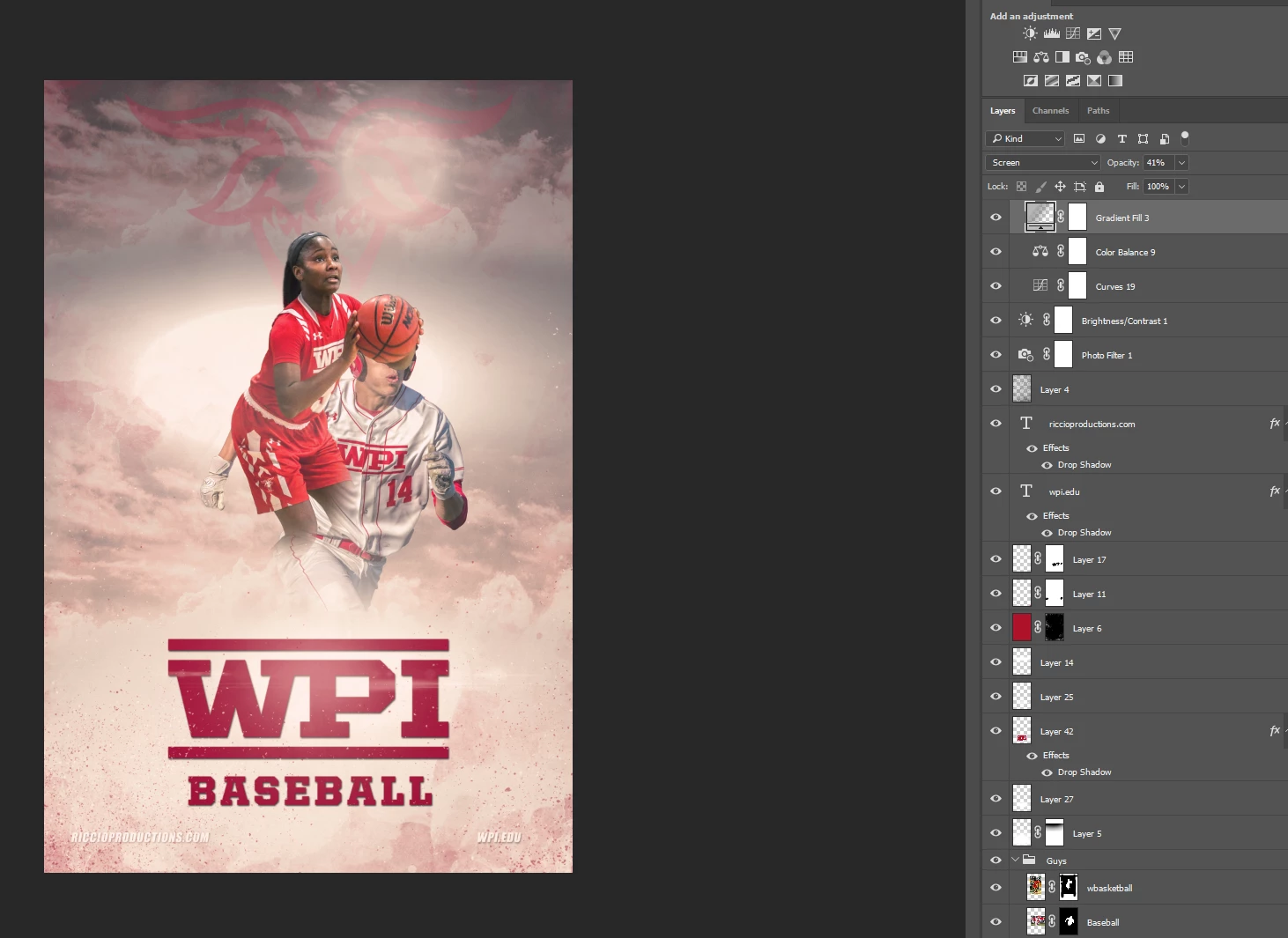
I recently updated to CC 2018, and it all works fine, except the selection tool. When I click on a layer, let's say a photo on a design I'm working on, it switches to a different layer. So I can't move the layer with the tool. The only way I seem to be able to move layers around my design is with the Free Transform tool. This is bizarre and slowing me down.
Any thoughts on how to fix/alter this action to how it should be working? I attached two screen-shots, the first is the layer I want to move, the second shows the result after I click on it with the selection tool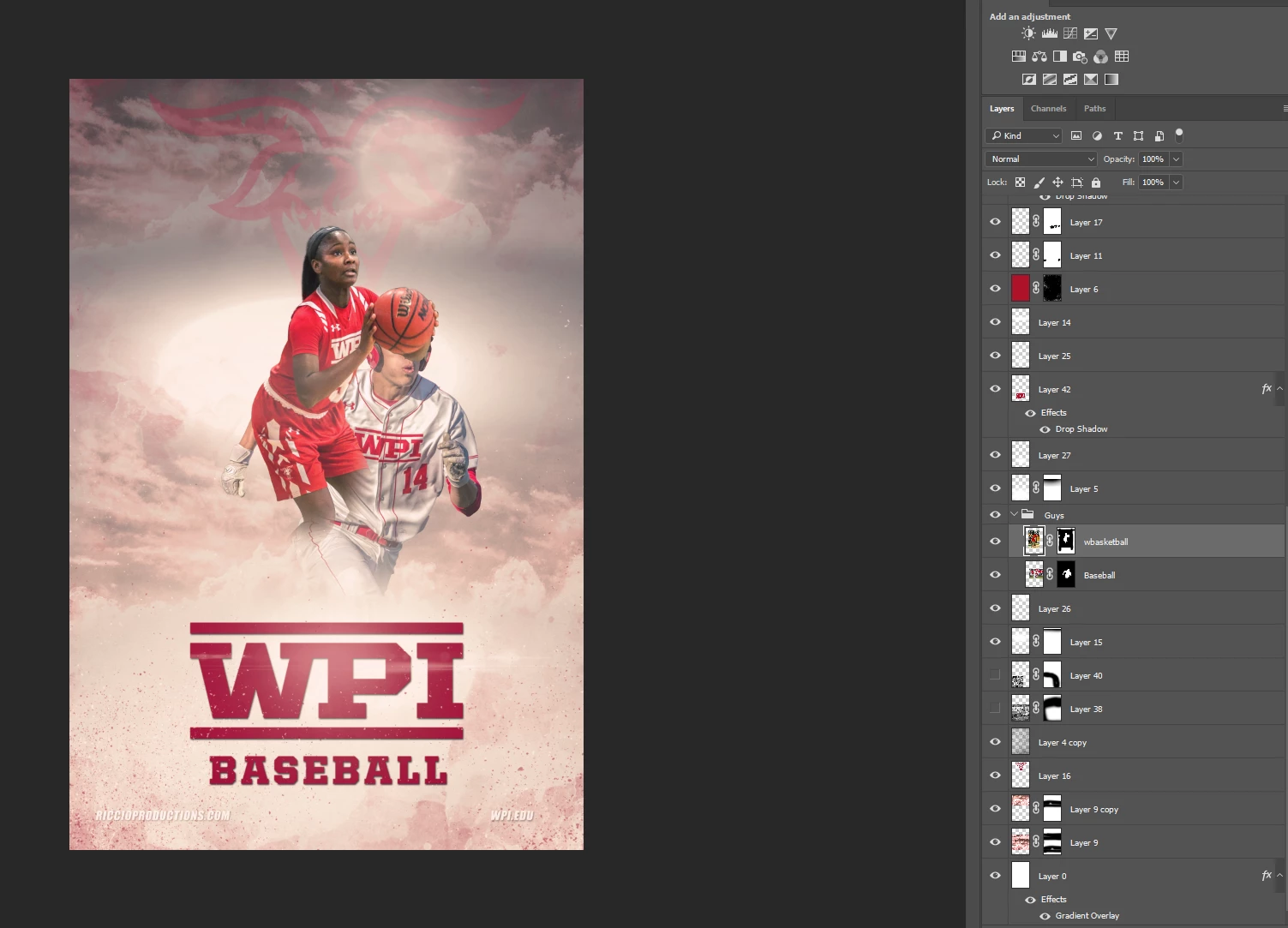

 AdChoices