Both sizes are “right” for what they are.
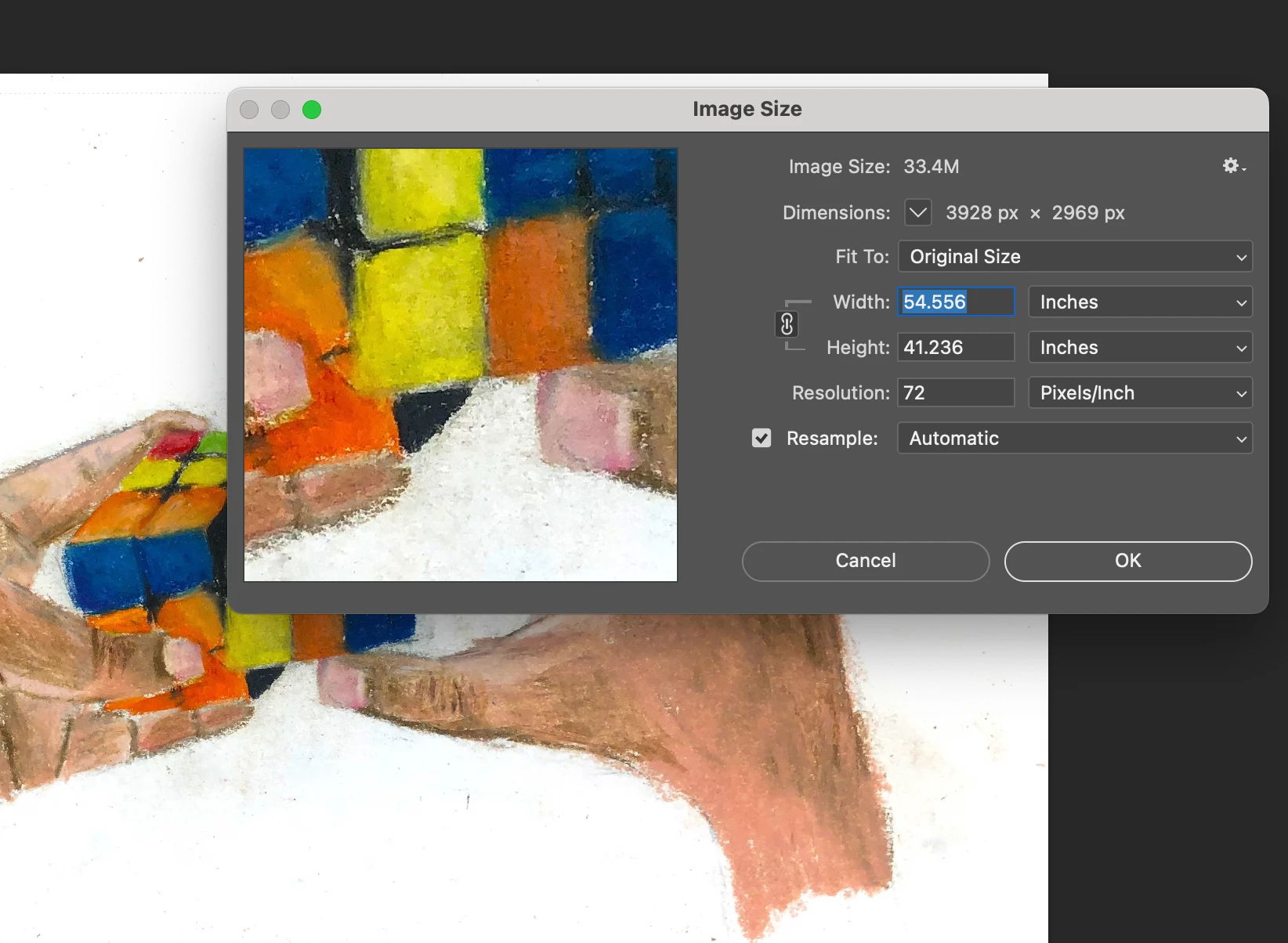
- The file size in the Image Size dialog box is as uncompressed data while editing in Photoshop.
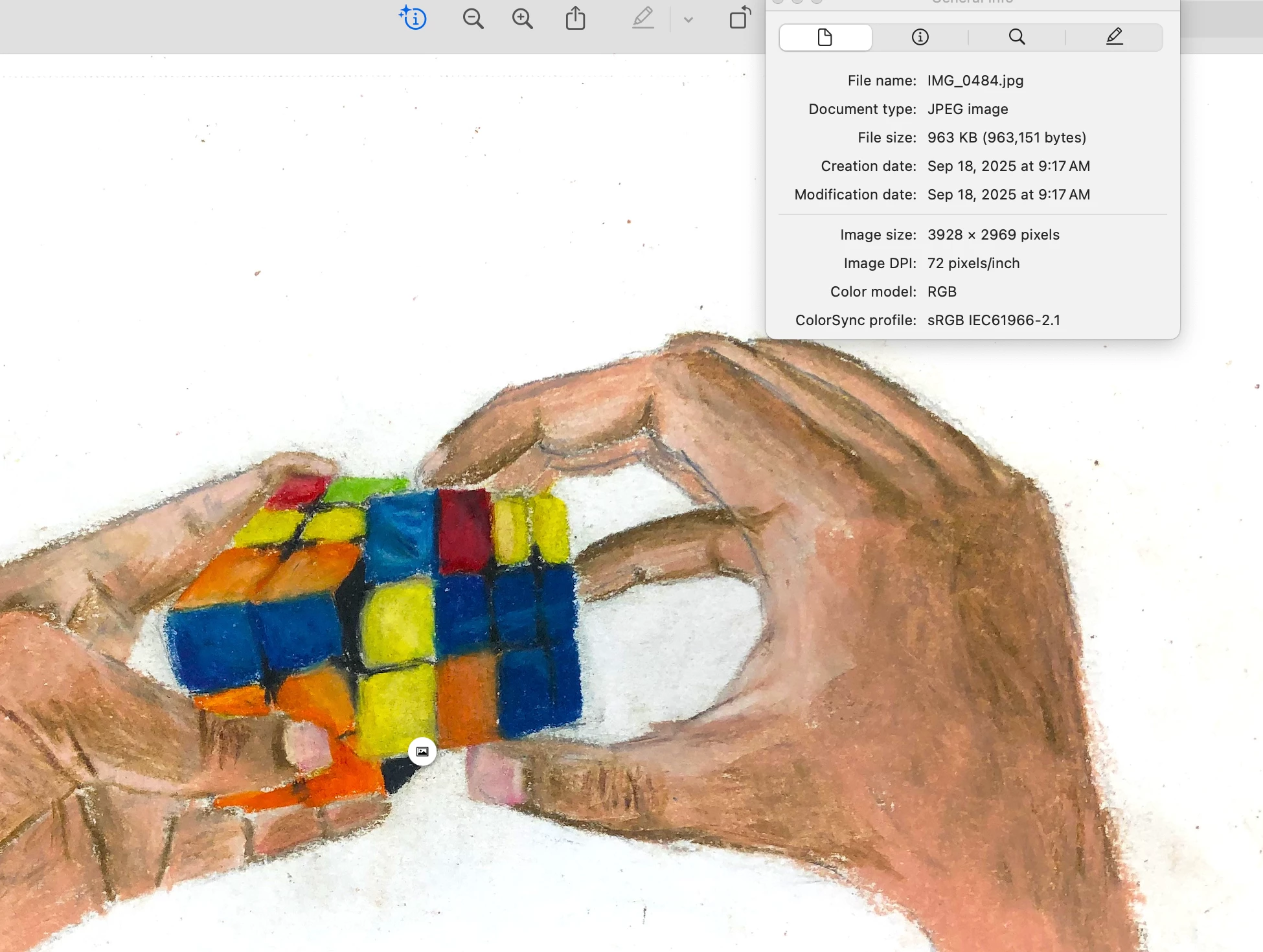
- The file size in the JPEG is after any reductions in width/height in pixels, and depends on the quality setting you chose when exporting the JPEG copy. And, because JPEG can’t store layers, it’s the size after flattening all layers. And, if the file was originally more than 8 bits per channel, now it’s 8 bits per channel.
The same image, with the exact same number of pixels, can and will have very different file sizes depending on:
- Whether it’s camera raw data, or converted to a format such as PSD, TIFF, JPEG…
- Its bit depth per pixel (1, 8, 16, or 32 bits per channel), as shown on the Image > Mode menu in Photoshop. For example, the same image can be half the file size if you halve its bit depth per channel from 16bpc to 8bpc.
- How many channels it has (for example, 1 for raw or grayscale, 3 for RGB or Lab, 4 for CMYK…)
- If it’s compressed, and if so, whether that’s lossless compression (original quality, larger file size) or lossy (less quality, smaller file size). And if it’s lossy, which setting you chose on the scale from high quality/large file size to low quality/small file size.
- And if the file includes other extras like masks, alpha channels, spot color channels, metadata, clipping paths, embedded Smart Objects, a composite preview layer, etc.
So there are lots of reasons why there are many possible file sizes for the same image.
If you are having students export a JPEG copy using the Export As, Save for Web (Legacy), or Save As/Save a Copy commands, all of them show a file size preview number before you finish the export, so that you can see approximately what the final file size is going to be given the specific settings you’ve chosen. That estimated size changes if you change your choices. So the final size should not be a surprise to any student, it’s shown in advance in the software.
For more details, I wrote an article about this a few years ago…
Know Your Photoshop File Sizes
Finally, most of this is about how image data and file formats work in general, so you’ll find that this isn’t really just a Photoshop explanation. It will work the same way regardless of which image-editing software you use, from any company.

 AdChoices