Plz help me out for paths, not shape layers. This is just simple circle. I have very complex 3 colour paths in a wide array.
CreativeBee123 wrote I have very complex 3 colour paths in a wide array. |
You realize of course, that the path itself is just a means to produce vector shape layers? And that shapes can only have a single fill colour plus a stroke colour? Which is why we combine multiple shape layers into Smart Objects, which can have as many colours as you like.
But the only way to make these into patterns, and retain the editability of the Smart Object, is to copy the SO as many times as you need, and lay them out as an array. Which is what the lads have been telling you. Do you know how to use the Align tools?
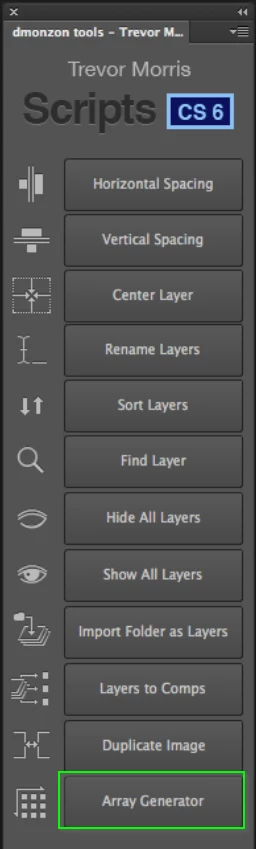
Someone mentioned Illustrator in your Pattern ? thread, and if you can get hold of Illustrator, it can do this automatically. If you have a CC subscription, you can install Photoshop CS6 and use Trevor mason's Dmonzon Tools which has an array generator. I really miss that panel.
12 New Photoshop Tools – DMONZON




.png)
.png)
 AdChoices