


Answered
Strange colors when opening a photo in Photoshop
Hi!
I have a problem: when I open a photo in Photoshop, the colors are very strange. Especially the red rolors are 'extra' red (see example). The strange colors are also there when I export it. What can I do to fix it and see the normal colors of the photos? / I have the newest version of Photoshop (24.1) and I use windows.
These are the colors when I open it in Photoshop:
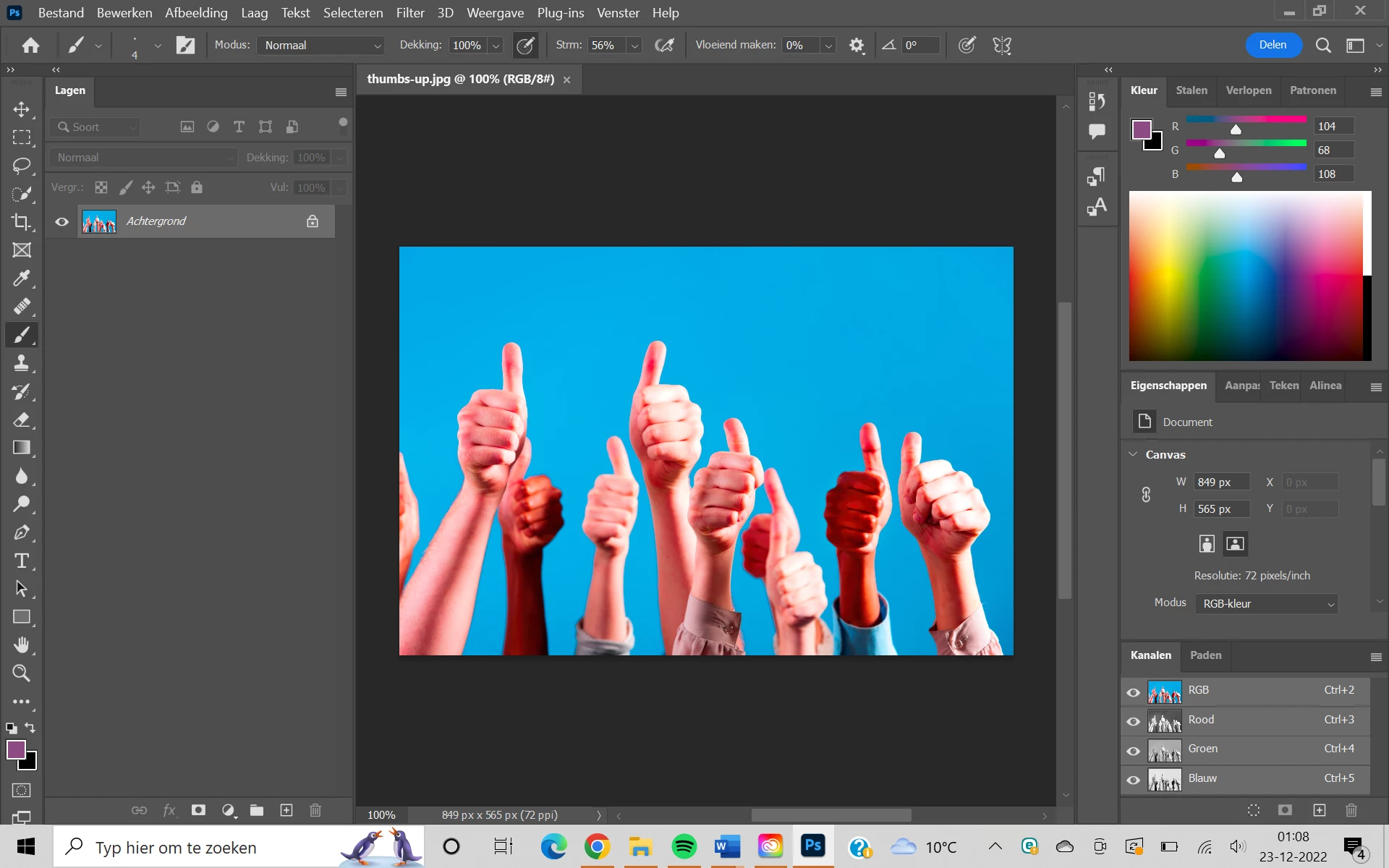
This is the normal photo:

I tried to fix it for a long time, but nothing worked out, so help would be amazing!
Thankyou in advance!
 AdChoices