I did the same as the original post:
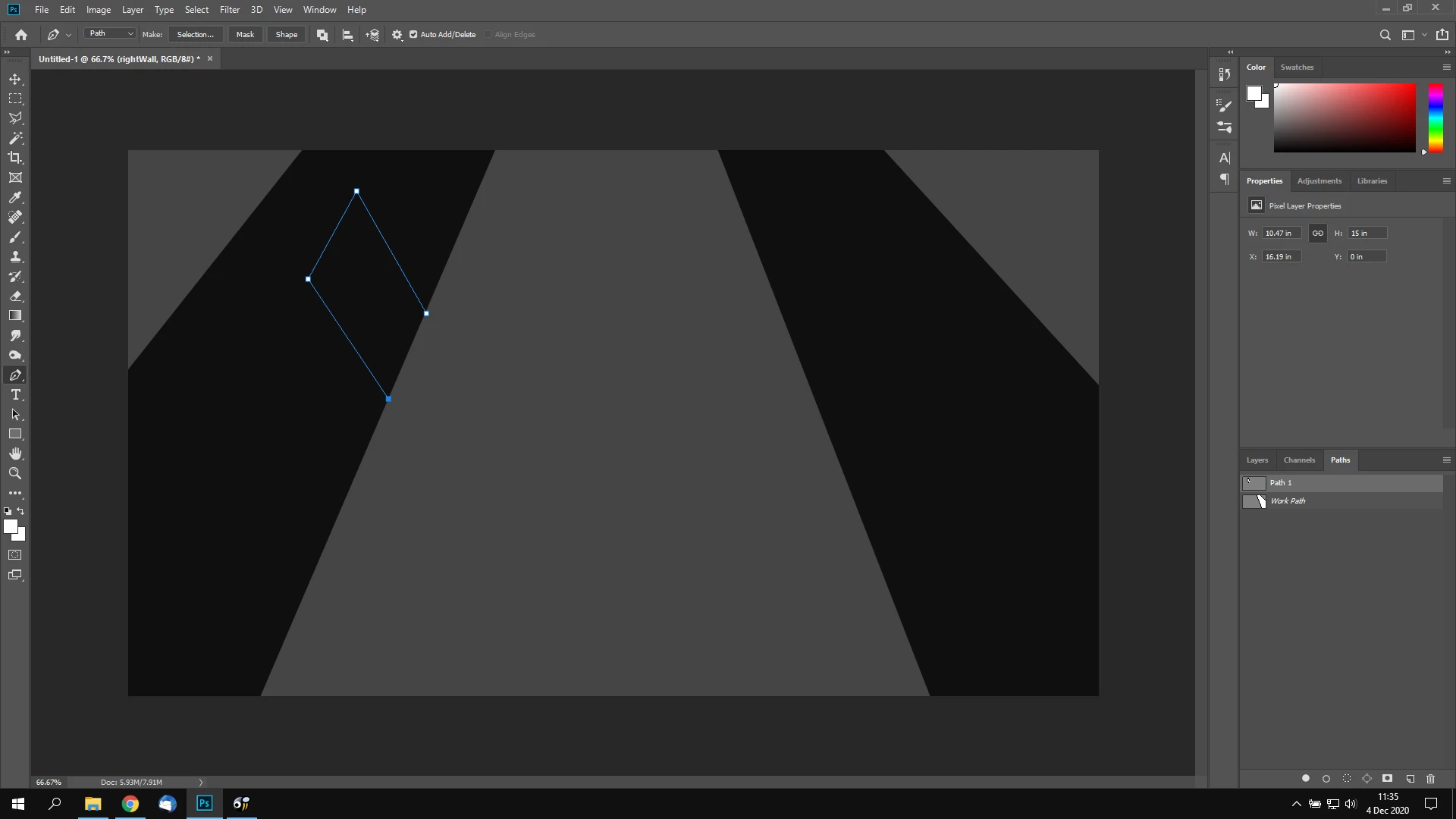
- Create a path with pen tool
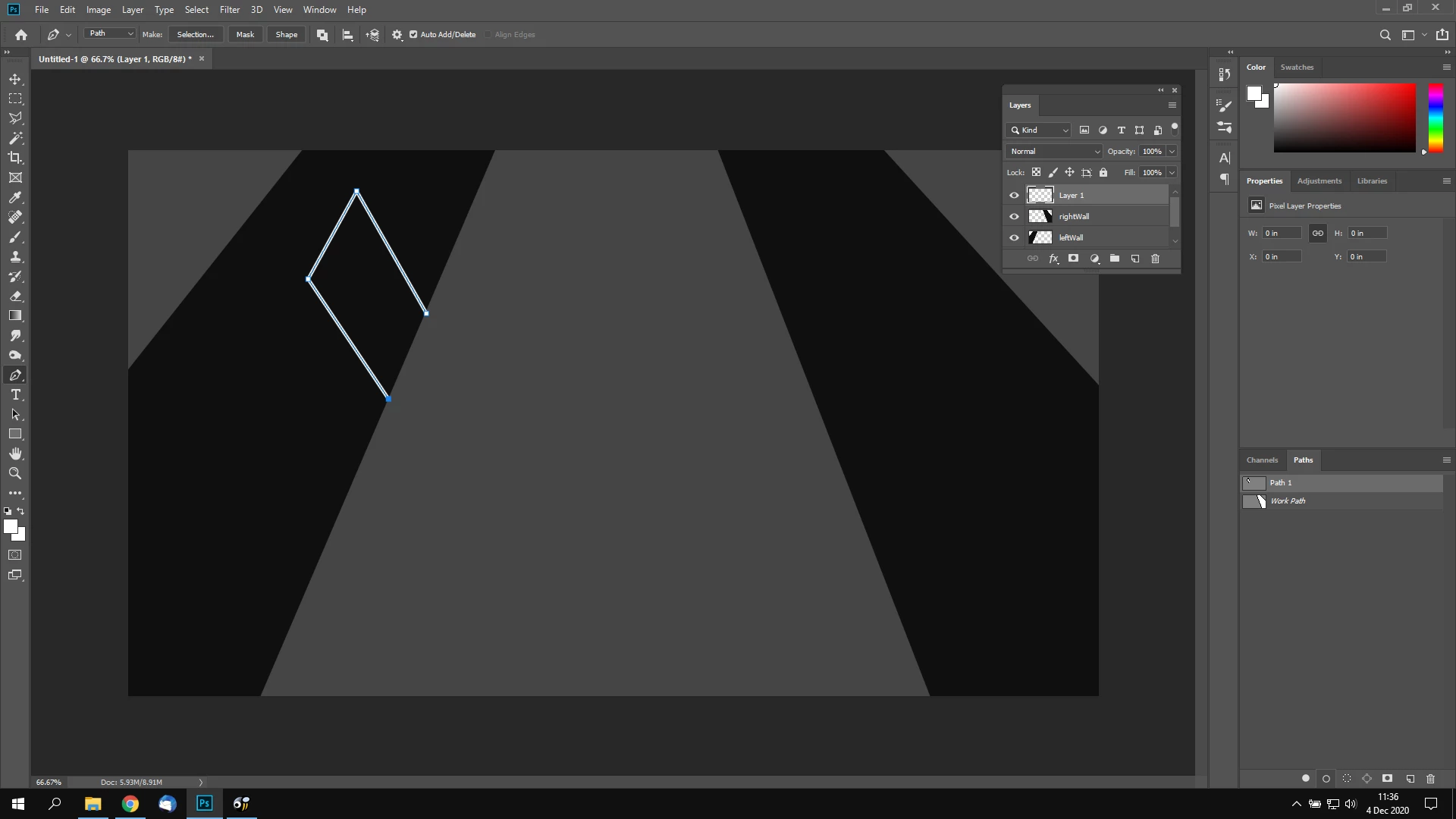
- Use 'Stroke path with brush' in paths panel
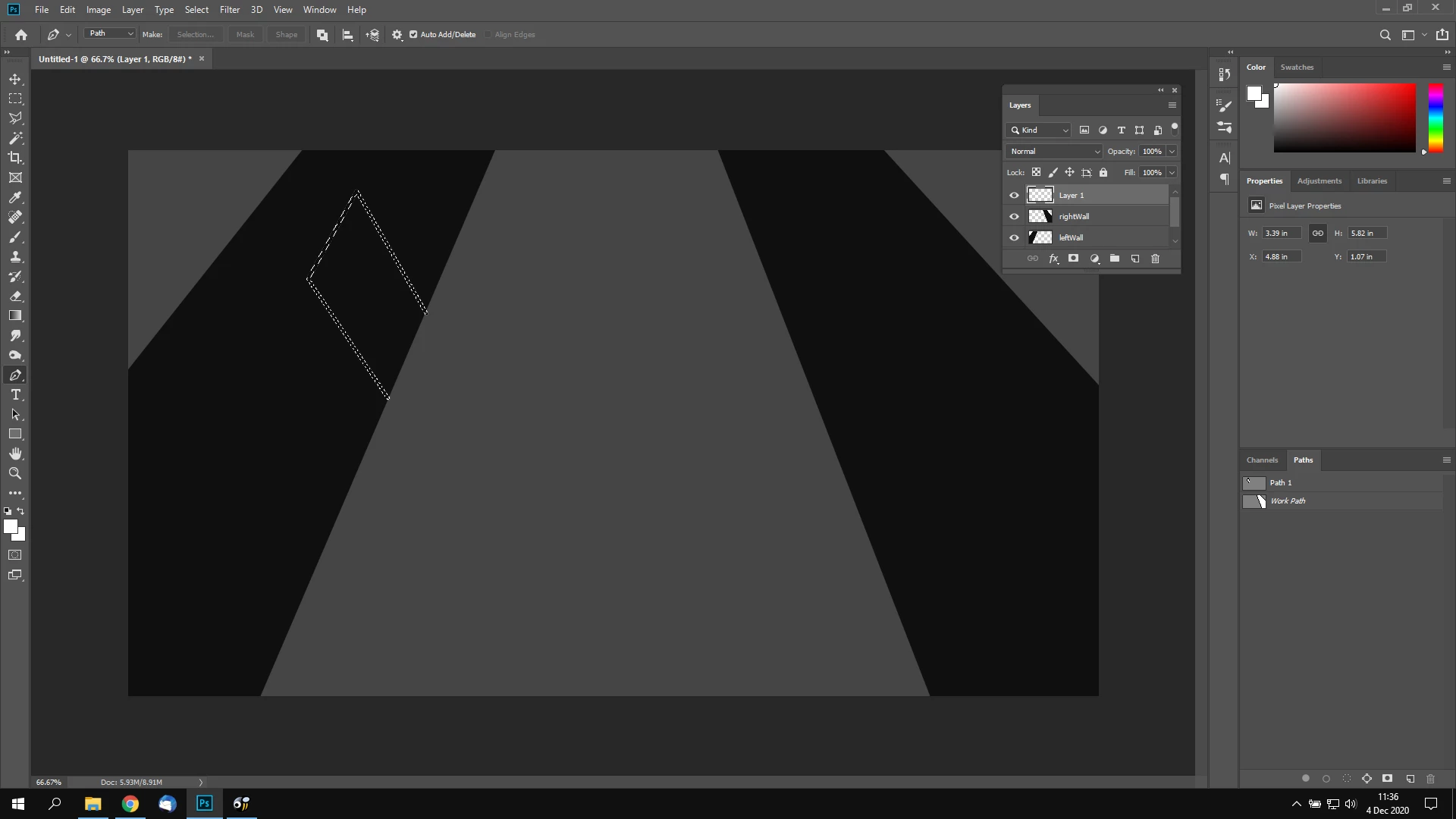
- Ctrl + Click the layer's thumnail in Layers to select the pixels
- Delete
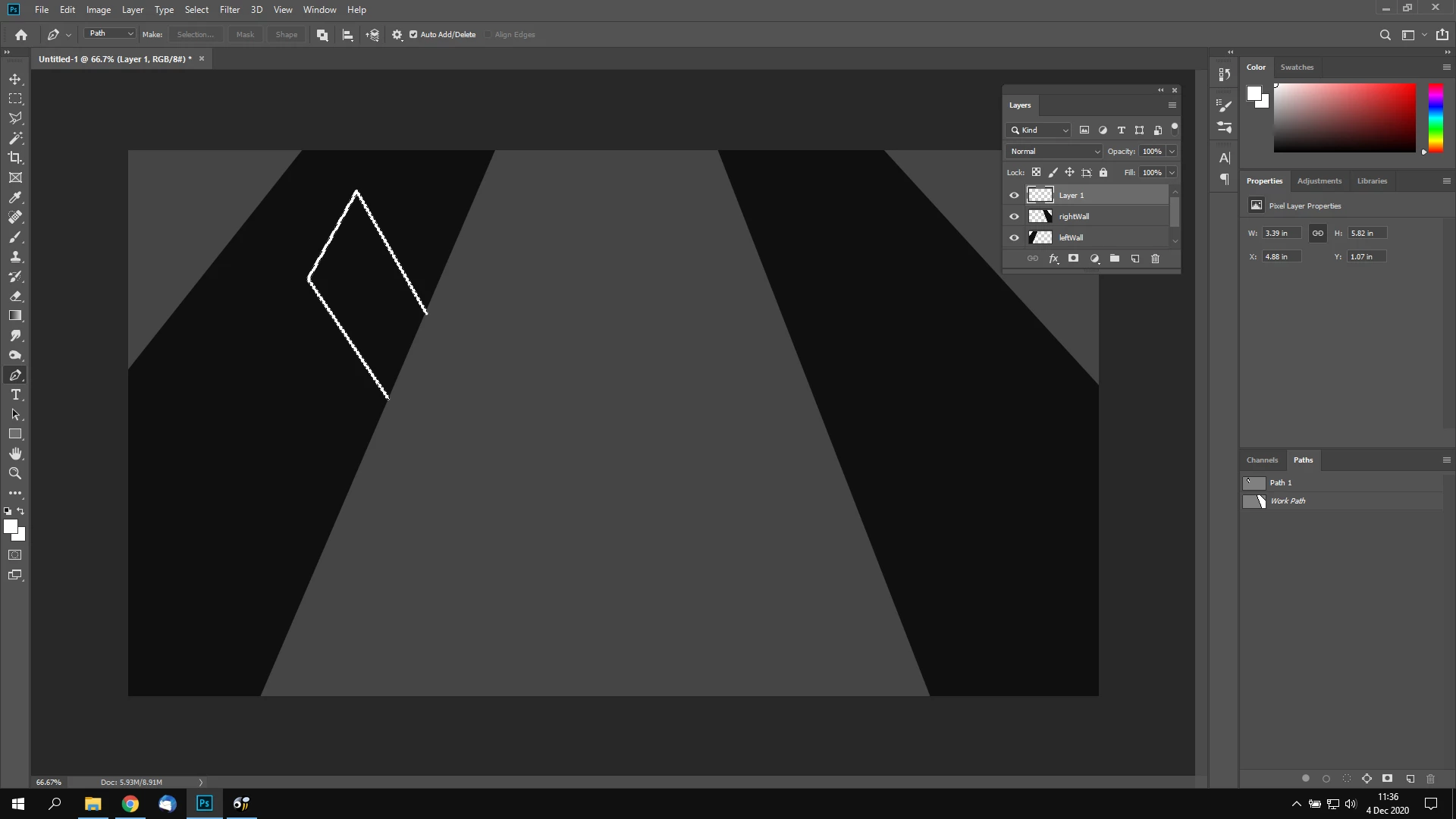
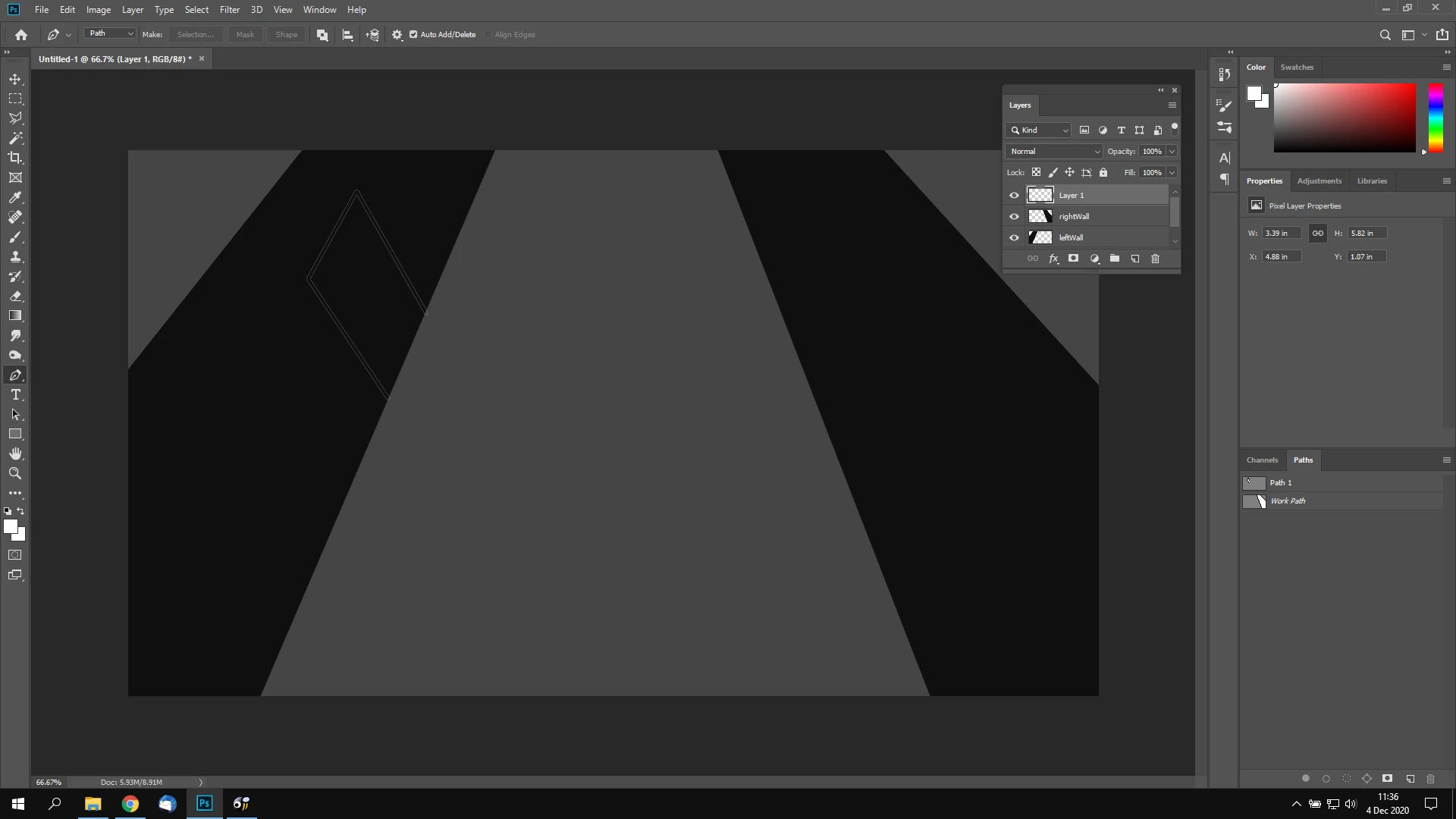
This "outline" is still left behind, I'm not sure why. If I do Ctrl + Click again on the thumbnail, it does says "Warning: No pixels are more than 50% selected." which corresponds to your earlier reply.
»This "outline" is still left behind, I'm not sure why.«
This »outline« is as expected – you were using the Brush Tool, not the Pencil Tool, after all.
The round brush has an »anti-aliased« edge even at 100% Hardness, so there are pixels present that have opacities other than 0% and 100%.



 AdChoices