Inspiring
November 23, 2024
Answered

Text anchor point is not center to the bounding box

  • November 23, 2024
  • 2 replies
  • 458 views

Hello community. 


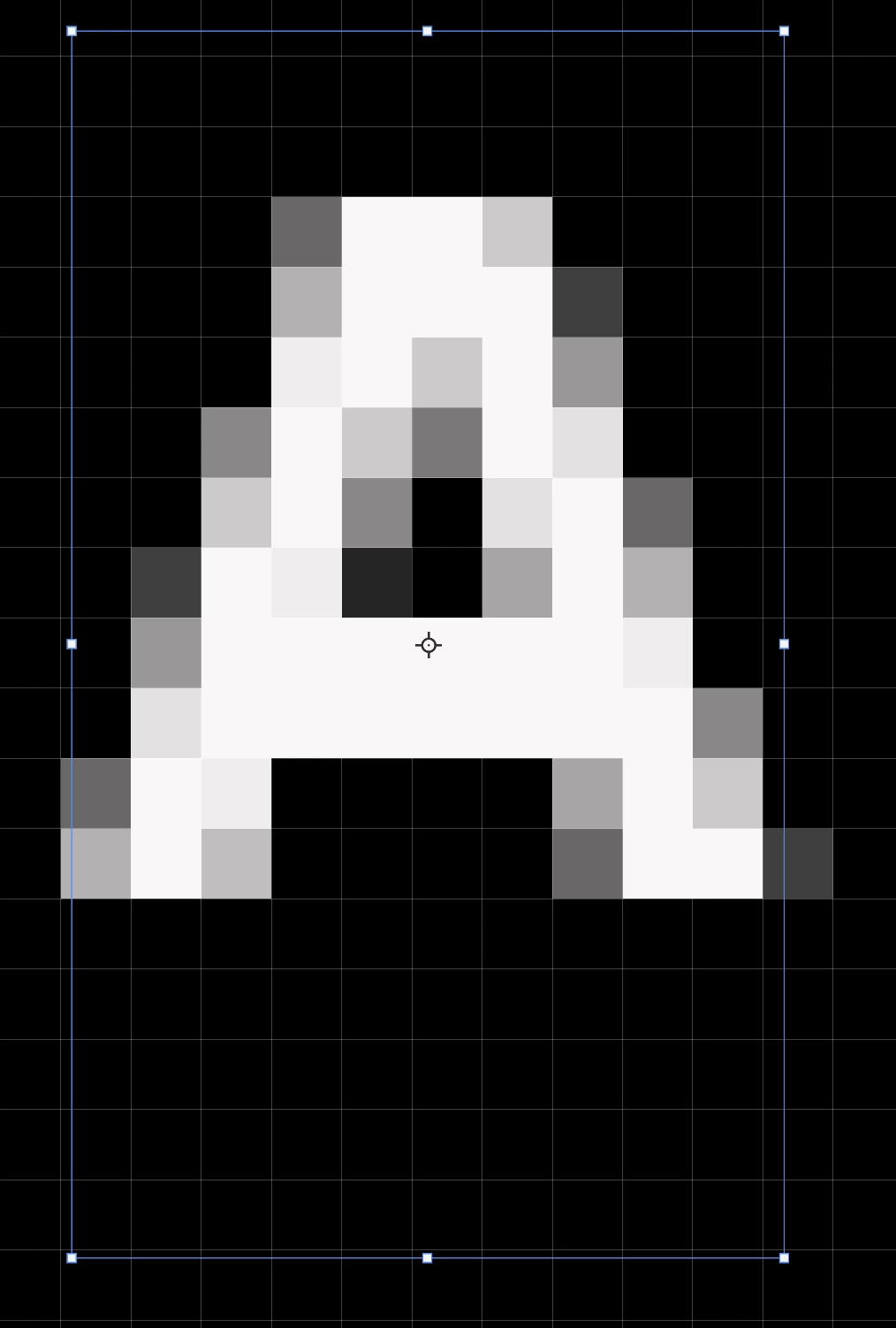
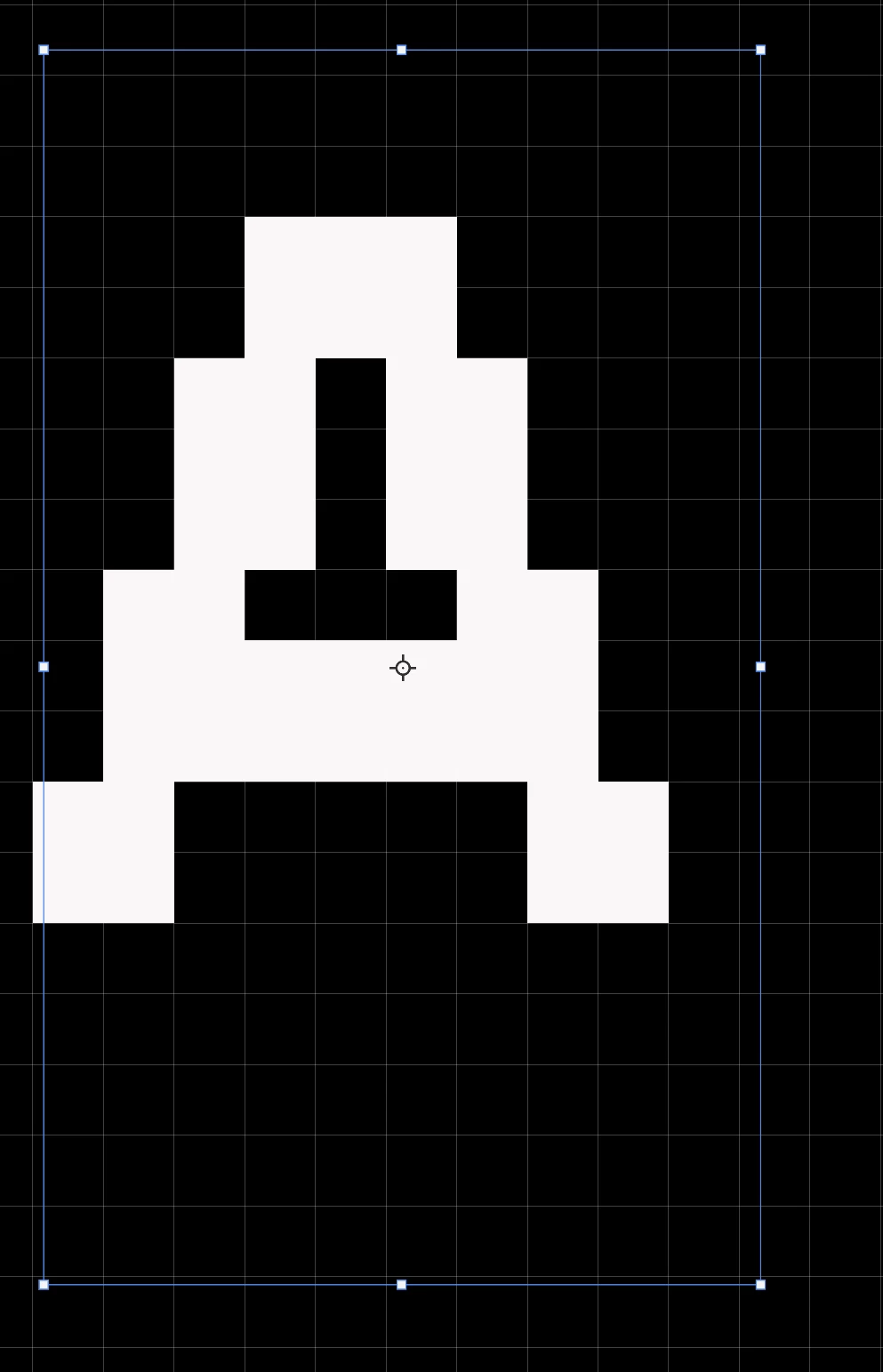
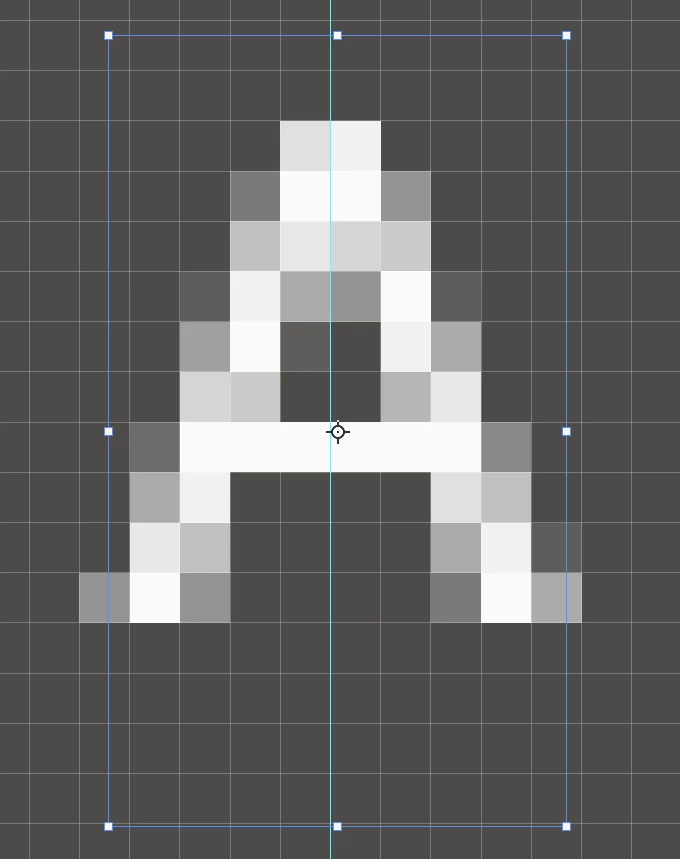
Is there a way to center the anchor point to the bounding box of the text?  As seen in the image example the anchor is a little bit off to the right of the letter. I tried moving it, but it cannot be repositioned from where it is.

Thank you.
 

This topic has been closed for replies.
Correct answer Trevor.Dennis

Is this to do wqith it being so small an object?

I'm guessing that Free Transform is using only those pixels that are 50% opacity, and that the text's anti alias is throwing it off.


We can test that by setting the text aa to None

...which didn't work 😞


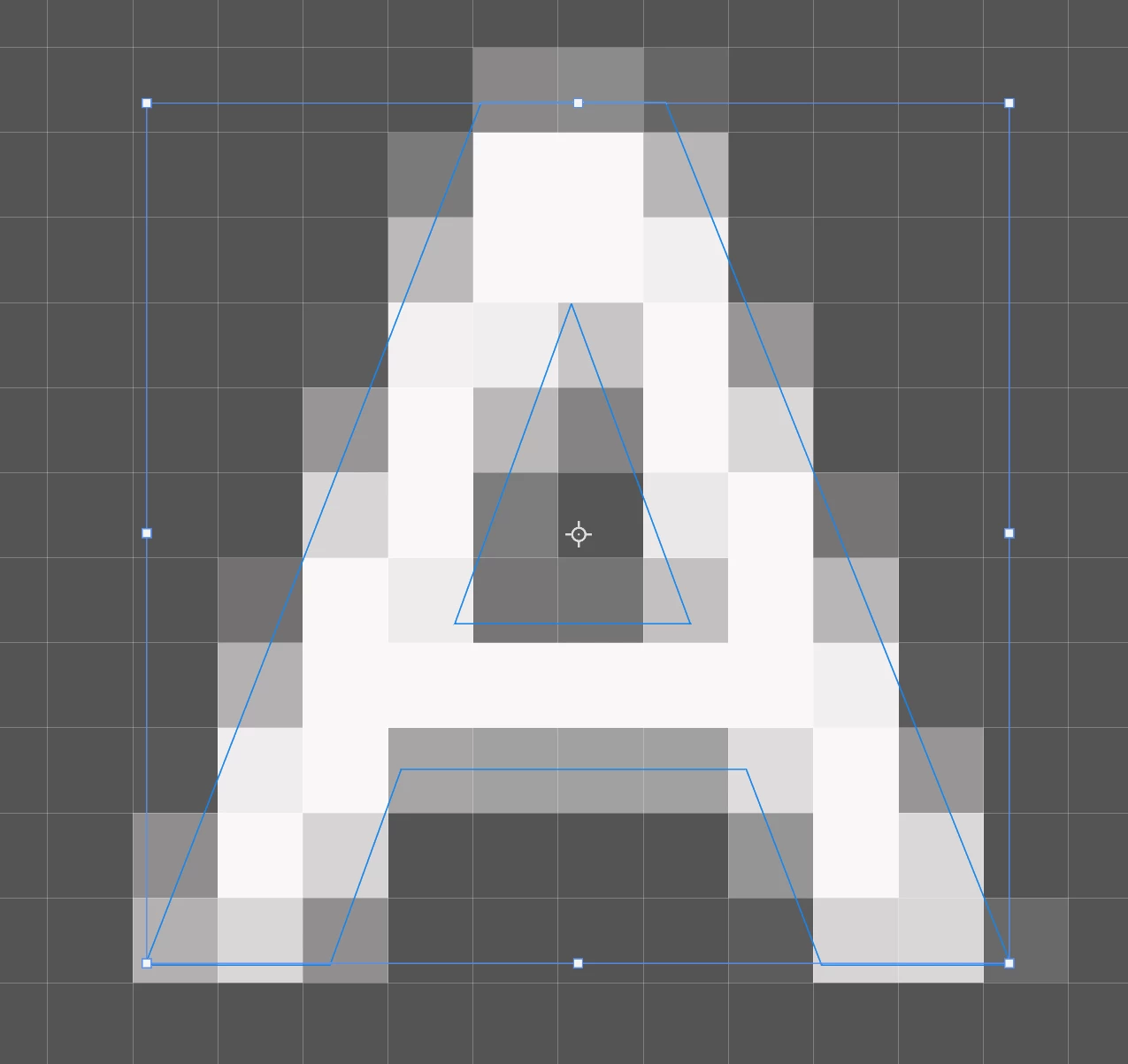
OK, here you go.  If you turn the text into a shape layer, we can see that Free Transform is conforming to the shape.  I'd turned off snap vector tools to pixel grid.  The raster content still conforms to the grid, but the Shape is floating. Strangely, turning snap back on makes no difference.

I don't see how you avoid this with very small text.

2 replies

Trevor.Dennis
Community Expert
Trevor.DennisCommunity ExpertCorrect answer
Community Expert
November 25, 2024

Is this to do wqith it being so small an object?

I'm guessing that Free Transform is using only those pixels that are 50% opacity, and that the text's anti alias is throwing it off.


We can test that by setting the text aa to None

...which didn't work 😞


OK, here you go.  If you turn the text into a shape layer, we can see that Free Transform is conforming to the shape.  I'd turned off snap vector tools to pixel grid.  The raster content still conforms to the grid, but the Shape is floating. Strangely, turning snap back on makes no difference.

I don't see how you avoid this with very small text.

Inspiring
November 26, 2024

Thanks for your replies community.


Kind regards.

Myra Ferguson
Community Expert
Community Expert
November 25, 2024

If you're having trouble moving the pivot point once you have it selected, then you can enter values for its position in the Options bar (Window > Options).


It may be that snapping is making it difficult to move. You can also turn off Snap in the View menu.