


rehana36276218
Known Participant
May 22, 2023
Question

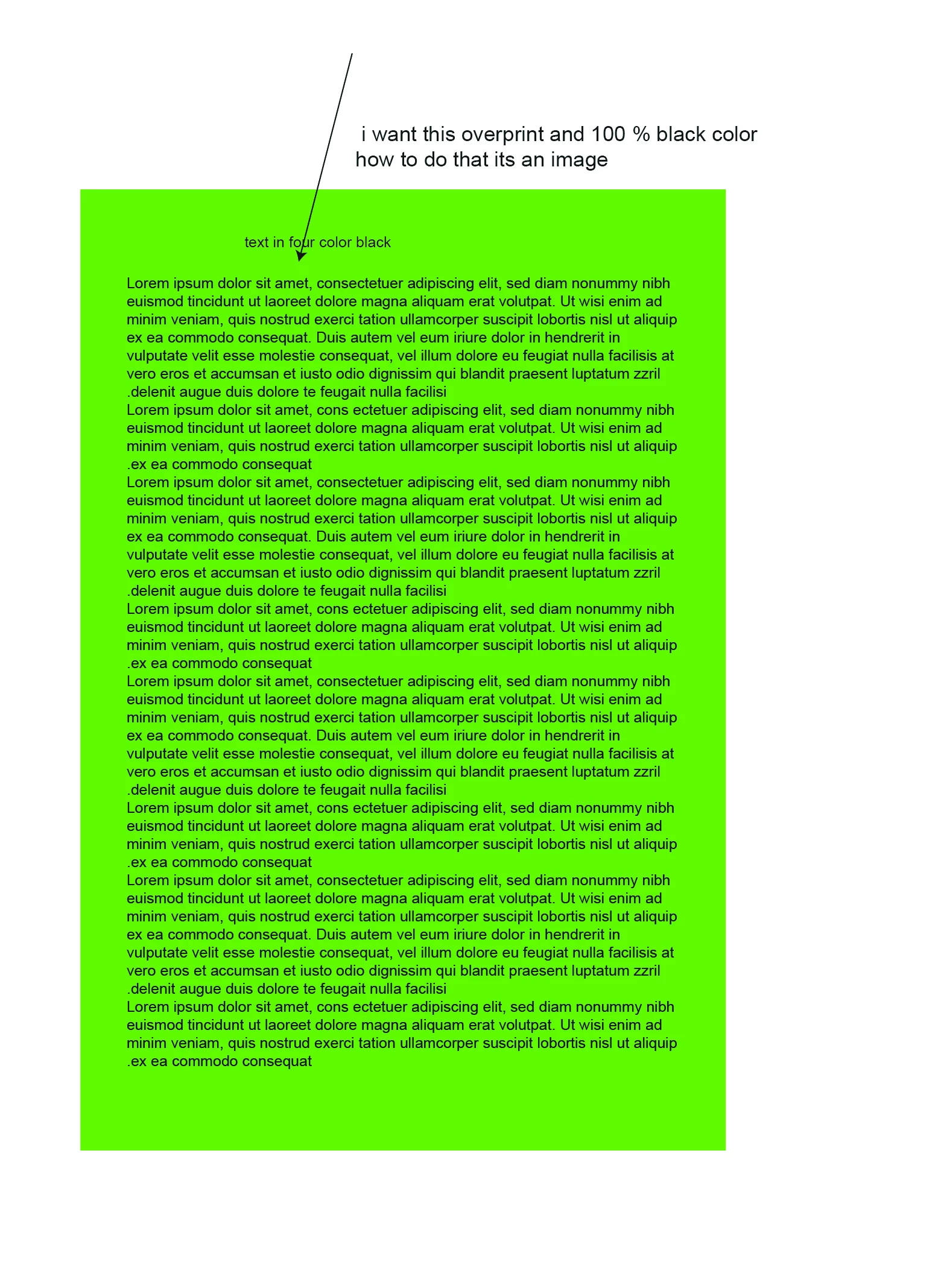
Text in four color

  • May 22, 2023
  • 1 reply
  • 1616 views

hi everyone this is text image in photoshop , jpeg you can say flattened , i want this black color in simple 100% black with overprint , how we can do this in photoshop please any help will be appreciated greatly.


thanks in advance
This topic has been closed for replies.

1 reply

D Fosse
Community Expert
Community Expert
May 22, 2023

Is this live text or rasterized (image)? If it's live text, you really should be doing this in InDesign. It will by default set text as K-only overprint. In Photoshop you'll have to do it manually, not to mention that Photoshop will rasterize the text quickly unless you're careful.


So what you do in Photoshop is paste into the K channel and fill C/M/Y with white to empty them. In your posted example, the K channel looks good to go as it is, so all you have to do is empty out the other channels.


If this was an RGB file, you'd copy the green channel (best contrast), convert to CMYK, and paste into the K channel. Empty the others as per above.


rehana36276218
Known Participant
May 24, 2023

how do i empty other channels this is an image as i mention in my post dear, black text is in 4 color and text is jpeg , what is the the process of empying channels this my questoin boss..

D Fosse
Community Expert
Community Expert
May 24, 2023

Emptying a channel means filling it with white. That translates to no ink on press.