


Question
The gradient displays strangely in Photoshop, but there are no issues once it is to saved to a files
Hi, community
Recently, my Photoshop has been displaying gradient issues with noticeable banding, and these problems are also affecting the 'Color Picker'.
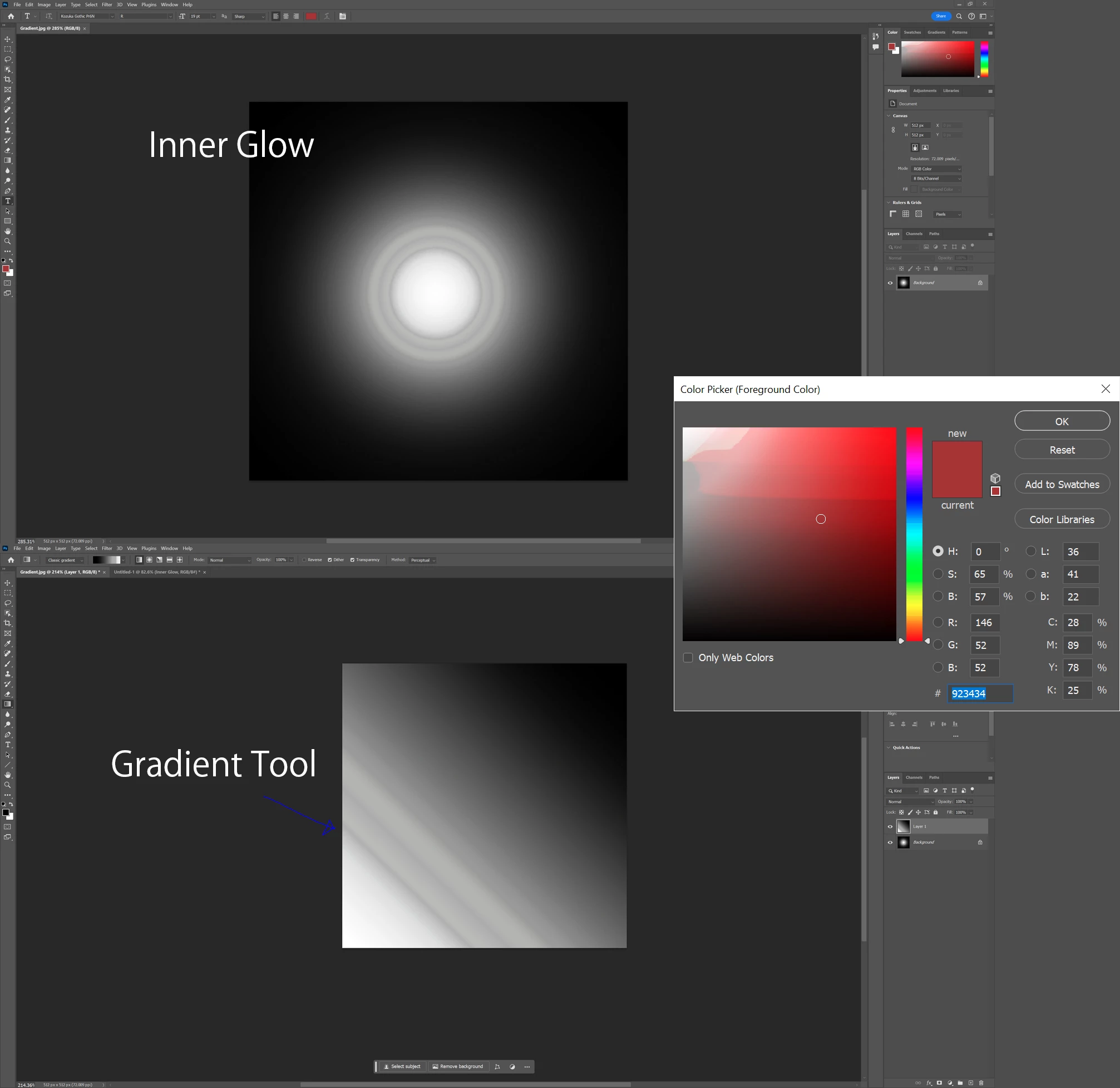
What I have done so far:
- Tested with a 16-bit color image.
- Reset Photoshop settings to default.
- Tried installing and reinstalling Photoshop, and even tested with various versions of Photoshop, but the issues still persist. It appears that there is a PC setting causing these issues. I can't recall the changes I made.
I attempted to save these images as JPG files, and the gradients appeared as intended.
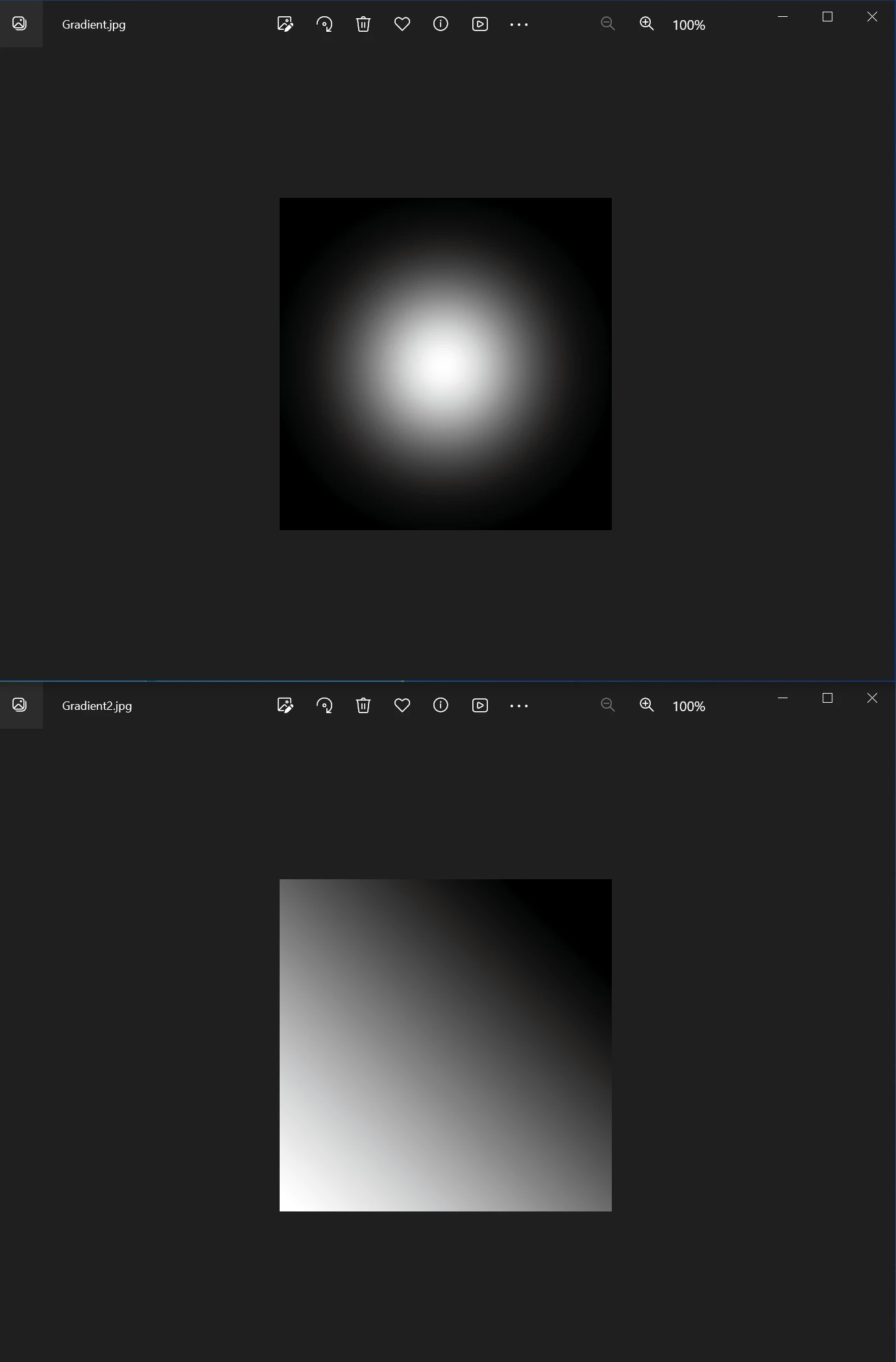
Has any community member encountered this issue before? Can you share some solutions?
Basic PC Information:
Windows 10 - 22H2
Intel(R) Core(TM) i9-10900K
RTX 3070
 AdChoices