


Question
The Play Button is Deactivated and somehow cannot be reactivated, while trying to manipulate a video
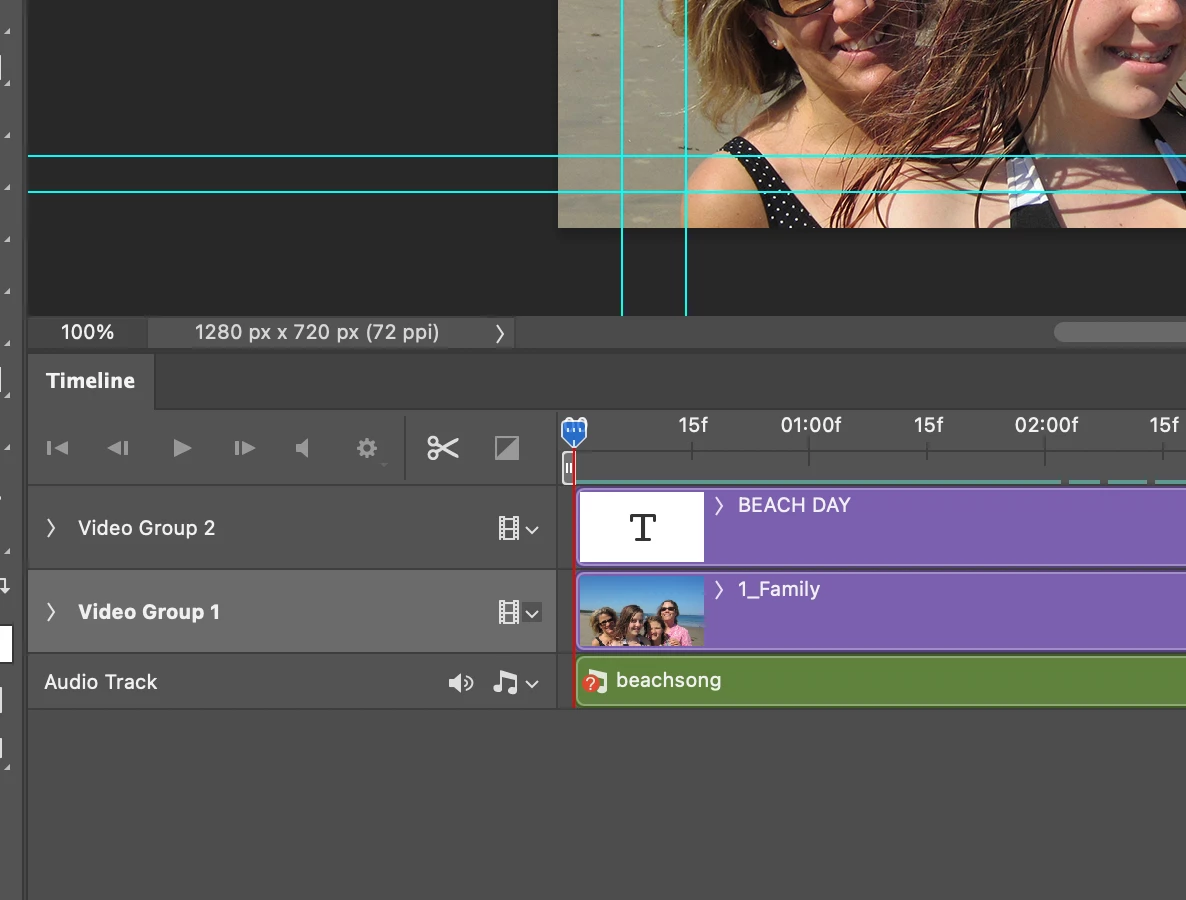 I am studying my photoshop skills (trying to improve them, because, I am somewhat familiar with this program), and I found out that I can assemble and arrange video clips, images, and audio files for a movie file. The only problem is, that anytime I import a file, the play button (as well as other buttons) on the timeline becomes inactive. This becomes a problem, because, the animation I can only activate is the Frame animation. Any ideas, or words of help, would much be appreciated.
 AdChoices