


Answered
tif files saved with selections display "chopped" thumbnail in Windows Explorer
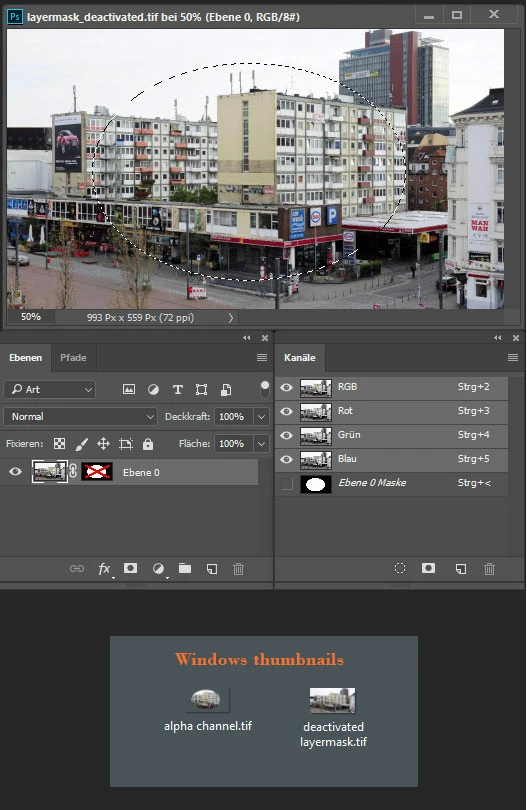
When I save a TIF file in Photoshop, I save the selections with it. But then when I look at the thumbnail in Windows Explorer, the thumbnail shows only the image within the selection I made; the part of the image that is outside that first selection shows as pure white.
How can I save the TIF in Photoshop so that it saves the selections along with it, but then shows the entire image (not just the area within the first selection) in the Windows thumbnails?
Thanks.
 AdChoices