

Rise22
Known Participant
January 2, 2024
Answered

Toolbar changes

  • January 2, 2024
  • 7 replies
  • 1097 views

I just want to rearrange the tools on the toolbar - left side of screen....how do I do that now?

    This topic has been closed for replies.
    Correct answer Trevor.Dennis

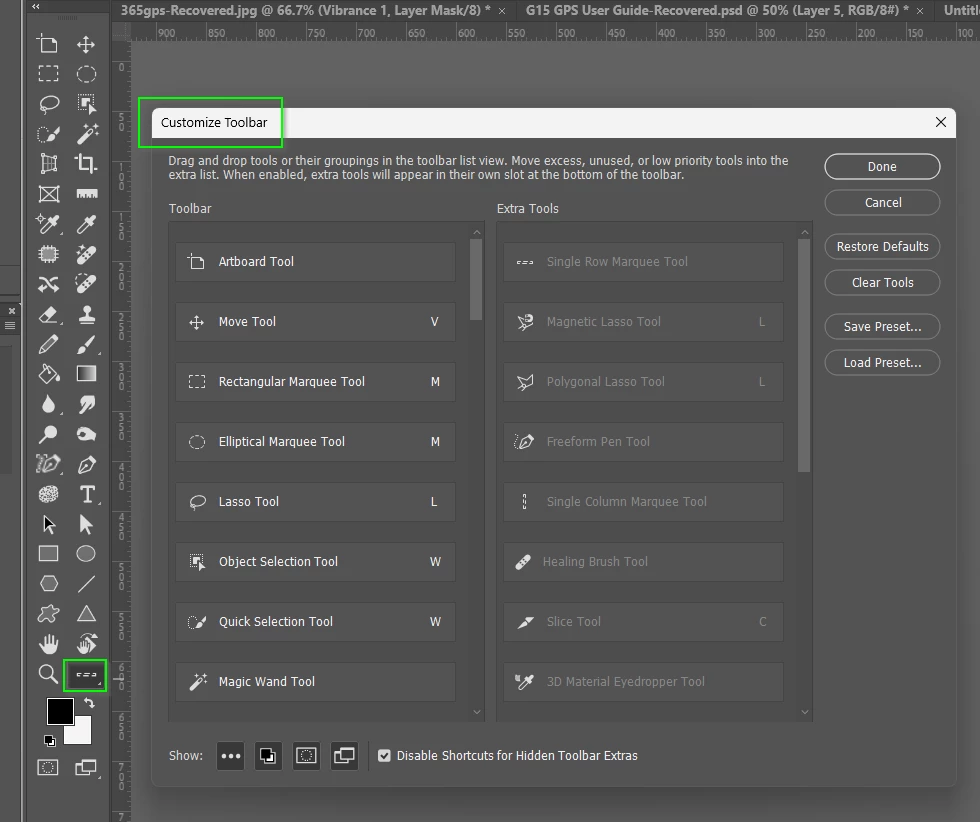
    I'm sorry, but that is not possible with Photoshop CS6 or CS2.  The subscription based Creative Cloud versions of Photoshop have had that facility for some years now, but it has never been doable with CS6 qnd older versions
    7 replies

    Jeff Arola
    Community Expert
    Community Expert
    January 6, 2024

    Adobe moved the tools around in Photoshop CS4.


    Rise22
    Rise22Author
    Known Participant
    January 2, 2024

    Here are the toolbars - I would like to put the CS6 back to the same order as the old CS2....any suggestions?

    Trevor.Dennis
    Community Expert
    Trevor.DennisCommunity ExpertCorrect answer
    Community Expert
    January 2, 2024

    I'm sorry, but that is not possible with Photoshop CS6 or CS2.  The subscription based Creative Cloud versions of Photoshop have had that facility for some years now, but it has never been doable with CS6 qnd older versions

    Rise22
    Rise22Author
    Known Participant
    January 2, 2024

    Ok - that's what I needed to know - I just don't understand why moving something like the eyedropper tool is important to Adobe....leave things alone.

    Jeff Arola
    Community Expert
    Community Expert
    January 2, 2024

    Rise22,


    The toolbar in Photoshop CS6 is not editable, so maybe your thinking of another CS6 application.

    Nancy OShea
    Community Expert
    Community Expert
    January 2, 2024

    Details matter.  Please be more specific.

    Adobe makes 50 different apps for desktop, mobile and web.

    We can't guess which one you're asking about.


    Which software? The name & version number please.

    Also which operating system do you have? 


    Nancy O'Shea— Product User & Community Expert
    Rise22
    Rise22Author
    Known Participant
    January 2, 2024

    I'm using Win10 and it's just the little icon toolbar on the left....this is PhotoShop CS6.

    kglad
    Community Expert
    Community Expert
    January 2, 2024

    in the future, to find the best place to post your message, use the list here, https://community.adobe.com/

    p.s. i don't think the adobe website, and forums in particular, are easy to navigate, so don't spend a lot of time searching that forum list. do your best and we'll move the post (like this one has already been moved) if it helps you get responses.


    <"moved from using the community">
    John T Smith
    Community Expert
    Community Expert
    January 2, 2024

    Messages merged... CS6 is an entire family of programs


    Please post the name of the program so this message may be moved to the correct forum

    Rise22
    Rise22Author
    Known Participant
    January 2, 2024

    I just want to move things on the left toolbar, like the eyedroppper, which used to be at the bottom, and is now at the top.  Don't know why that had to change.

    kglad
    Community Expert
    Community Expert
    January 2, 2024

    @Rise22 


    again, what app?

    John T Smith
    Community Expert
    Community Expert
    January 2, 2024

    When you post a question you always need to tell the Adobe program you are using
    There are MANY programs in a full subscription, plus other non-subscription programs
    Please post the exact name of the Adobe program you use so a Moderator may move this message to that forum

    Rise22
    Rise22Author
    Known Participant
    January 2, 2024

    I realized that as soon as  I posted - see the next post where I tell people I'm using CS6...


    kglad
    Community Expert
    Community Expert
    January 2, 2024

    which cs6 app?

    Rise22
    Rise22Author
    Known Participant
    January 2, 2024

    I'm using CS6 and I want the "Eyedropper Tool" to be back at the bottom, like it used to be

    kglad
    Community Expert
    Community Expert
    January 2, 2024

    which app?