



Typing Cursor Resetting Automatically - Reset Preferences and Tool DOES NOT WORK
- May 5, 2024
- 1 reply
- 195 views
Photoshop 25.7.0 (latest)
Windows 10 64Bit
Spoke to chat support and they reset the preferences manually via changing the file to ".old" on it on my PC. This did not fix it. They advised my photoshop was correupt even though this issue started once I updated to the latest version. I had no issues before the update. I suggested it was a bug/glitch and they said its not. Advised to wipe out my install and start over with tons of actions and plugins installed would be required to reinstall everything manually.
I then reached out to photoshop community on facebook, they advised to try it on the photoshop beta, same issue. Which they also advised its likely the issue with my photoshop too.
I was provided this topic being spoken before in a similar sense here provided by support to read into it.
I performed reset tool, same issue. I also performed Reset Preferences On Quit, same issue.
Waiting on a new version of Photoshop would be far more time savings than simply reinstalling from scratch I say. Any other suggestions?
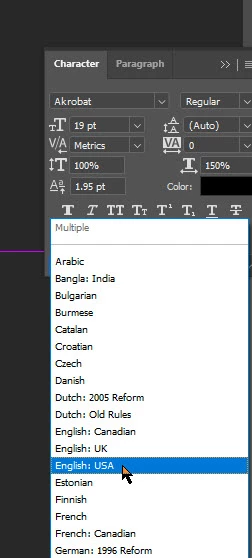
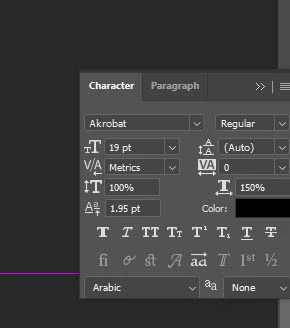
Check GIF for recreation of the issue as it shows I type out 15- then it resets the cursor back in front of the 15 for no reason. I need it to say "15-120".
 AdChoices