



Answered
Unable to open downloaded file formats
Hi all,
Macbook Pro, latest Mac OS and Photoshop software.
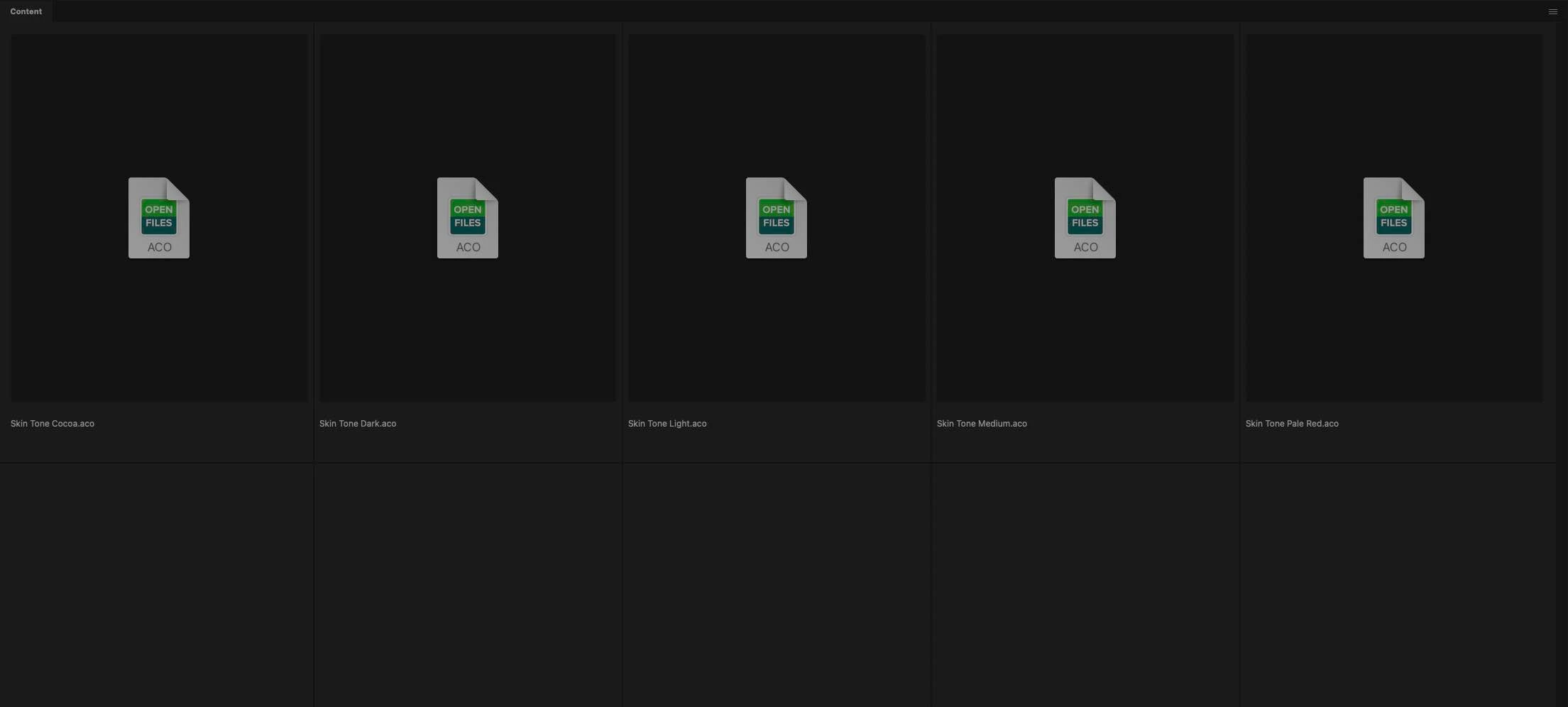
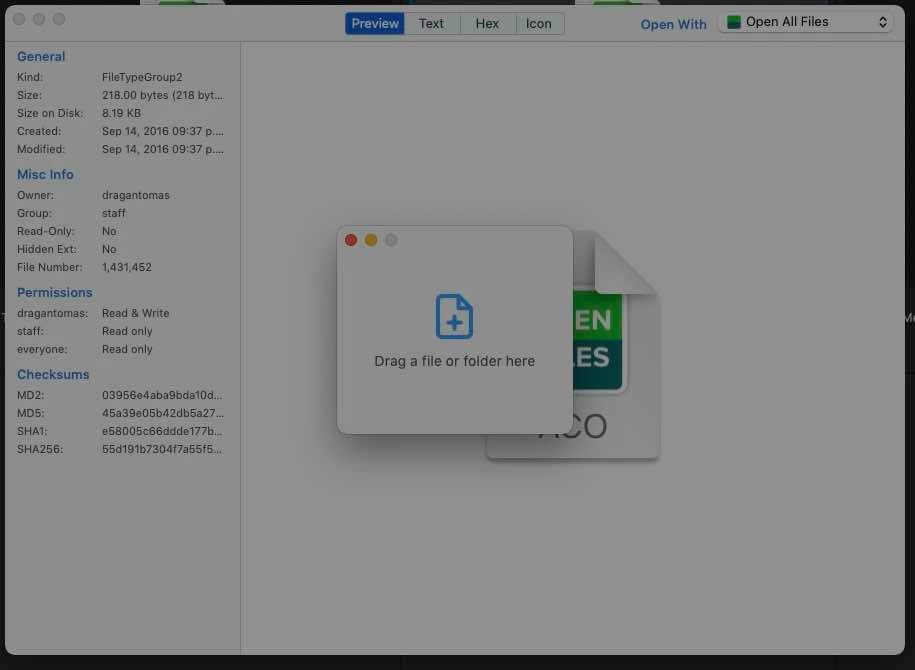
Please see the screenshot here bellow.
Very often when I download a file from Internet, say actions or brushes from certain website, I get these file formats (see screenshot). When i double click on them I get these pop up dialogs (see screenshot) that ask me to drag a file on it. Ive draged and dropped the downloaded files in question onto that dialog, but nothing happens.
Can someone please advise what these files are and how to work around them, because I can never open them. Is there a way to choose a different foemat when before clicking on a download source, or, is it something in computer preferences I need to change?
 AdChoices