Participant
October 19, 2017
Answered

Uninstall Adobe Photoshop CS2

  • October 19, 2017
  • 1 reply
  • 5690 views

I have installed Photoshop CS2 and it seems there is some error now.  I am using windows 10. I neither able to use current CS2 nor able to install new because CS2 is still there. I am trying to provide you screens of my laptop so you can review this and help me with the problem.

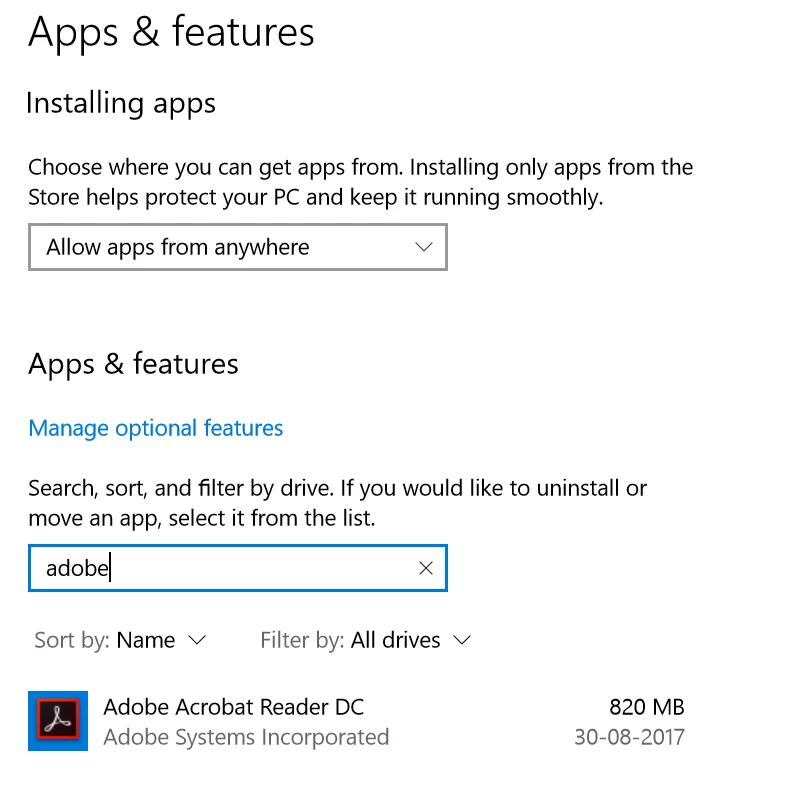
screen 1 - I have uninstalled it using windows uninstall program but it still shows up in my program list.it  doesn't show up in uninstall list. please check screen capture here.

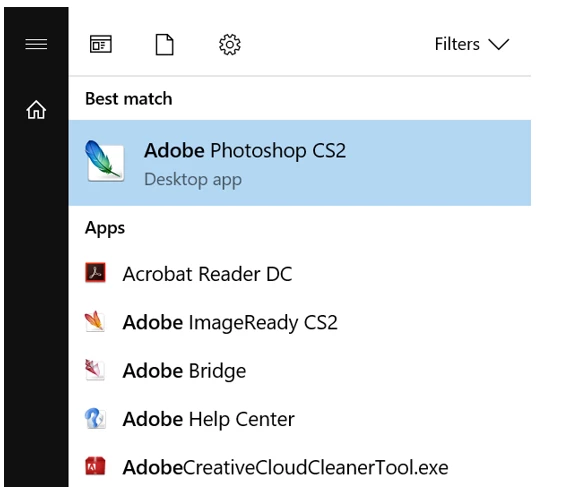
screen 2 - But in program list, it shows me full list of Adobe program installed.

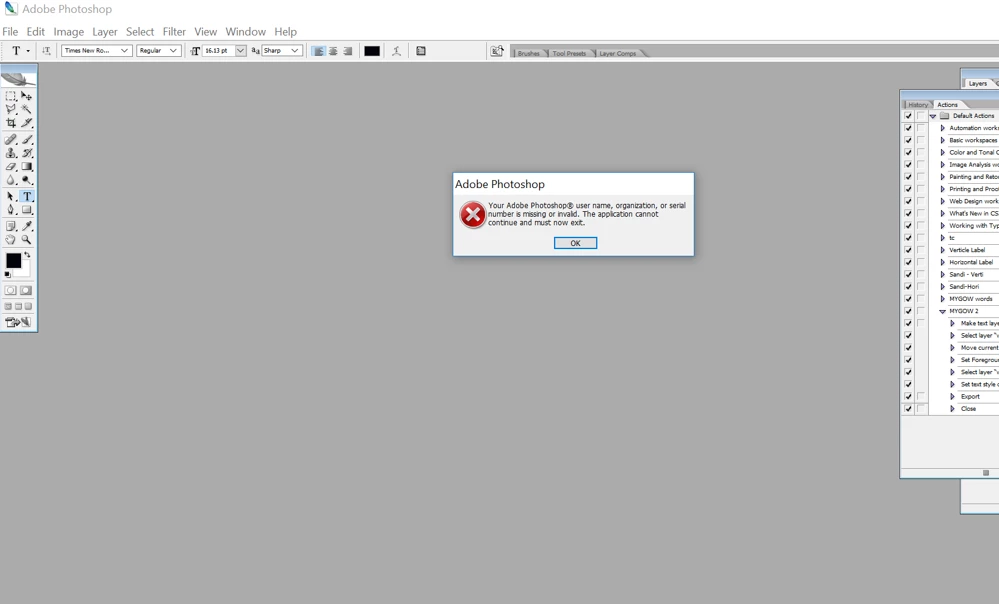
Screen 3 - when I start Adobe CS2 it gives me error.

Screen 1
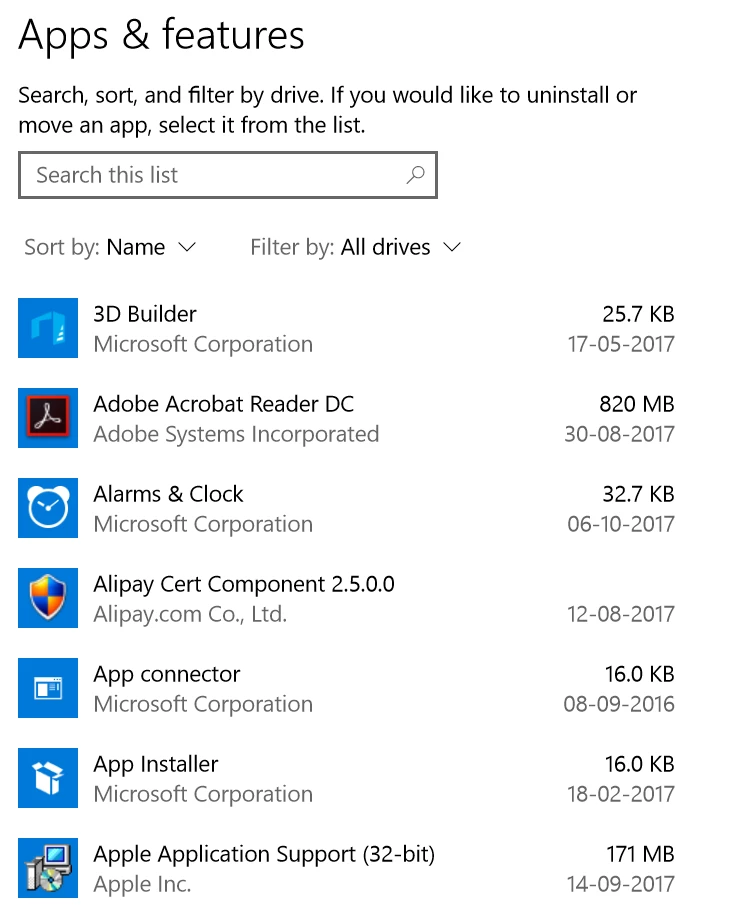
Screen 2
screen 3
This topic has been closed for replies.
Correct answer gener7

Is this CS2 the old edition that came on a cdrom? Because the activation servers closed, it won't work.

The cdrom should have an uninstaller when you run it. Reinstall and then uninstall using the cdrom, not the Control Panel.

Second choice if that won't work is to manually uninstall it.

Manually remove Adobe Creative Suite 2.x | Windows

1 reply

gener7
Community Expert
gener7Community ExpertCorrect answer
Community Expert
October 20, 2017

Is this CS2 the old edition that came on a cdrom? Because the activation servers closed, it won't work.

The cdrom should have an uninstaller when you run it. Reinstall and then uninstall using the cdrom, not the Control Panel.

Second choice if that won't work is to manually uninstall it.

Manually remove Adobe Creative Suite 2.x | Windows

Participant
November 1, 2017

apologies but this didn't work. how can i get uninstaller tool.

OldBob1957
Inspiring
November 1, 2017

I don't know that any of this will help, but I found two older threads with issues installing / uninstalling CS2 under Win 10. Maybe something there will help. I would look especially at the recommendation of using the Cleaner Tool in the second thread.

https://forums.adobe.com/message/9784905#9784905


https://forums.adobe.com/message/7911349#7911349

Good luck

-- OB