



Inspiring
August 29, 2020
Answered
Use colorchecker to improve color in JPG/TIFF?
- August 29, 2020
- 6 replies
- 10587 views
Someone has sent me some "uncompressed" jpegs and each image has a colorchecker passport in the image. The images seem very bland to me, and I thought I could use colorchecker software to calculate and apply an appropriate profile to make the images more realistic. But so far I haven't been able to do this.
What I have done is
- Convert jpeg to tiff in Photoshop
- Crop the tiff to just the color-checker passport
- Import that tiff to Lightroom Classic and export as a dng
- Drag the dng to Colorchecker Passport desktop app, and save the profile.
The last step creates a "dcp" file in ~/Library/Application Support/Adobe/CameraRaw/CameraProfiles/
But I can't figure out any way to apply that profile to either the TIFF or dng file.
Can this be done?
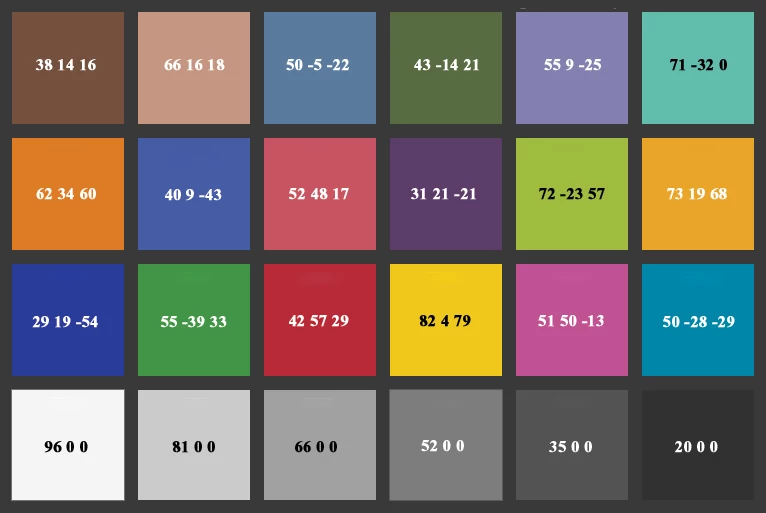
Attached is a comparison of a photo of a color checker and the part of the scan with the color checker in it. The difference in intensity of colors is profound.
 AdChoices