

Answered
Using Define Pattern changes the colors of my file
Photoshop 2021: Using Define Pattern altered the colors of the original design
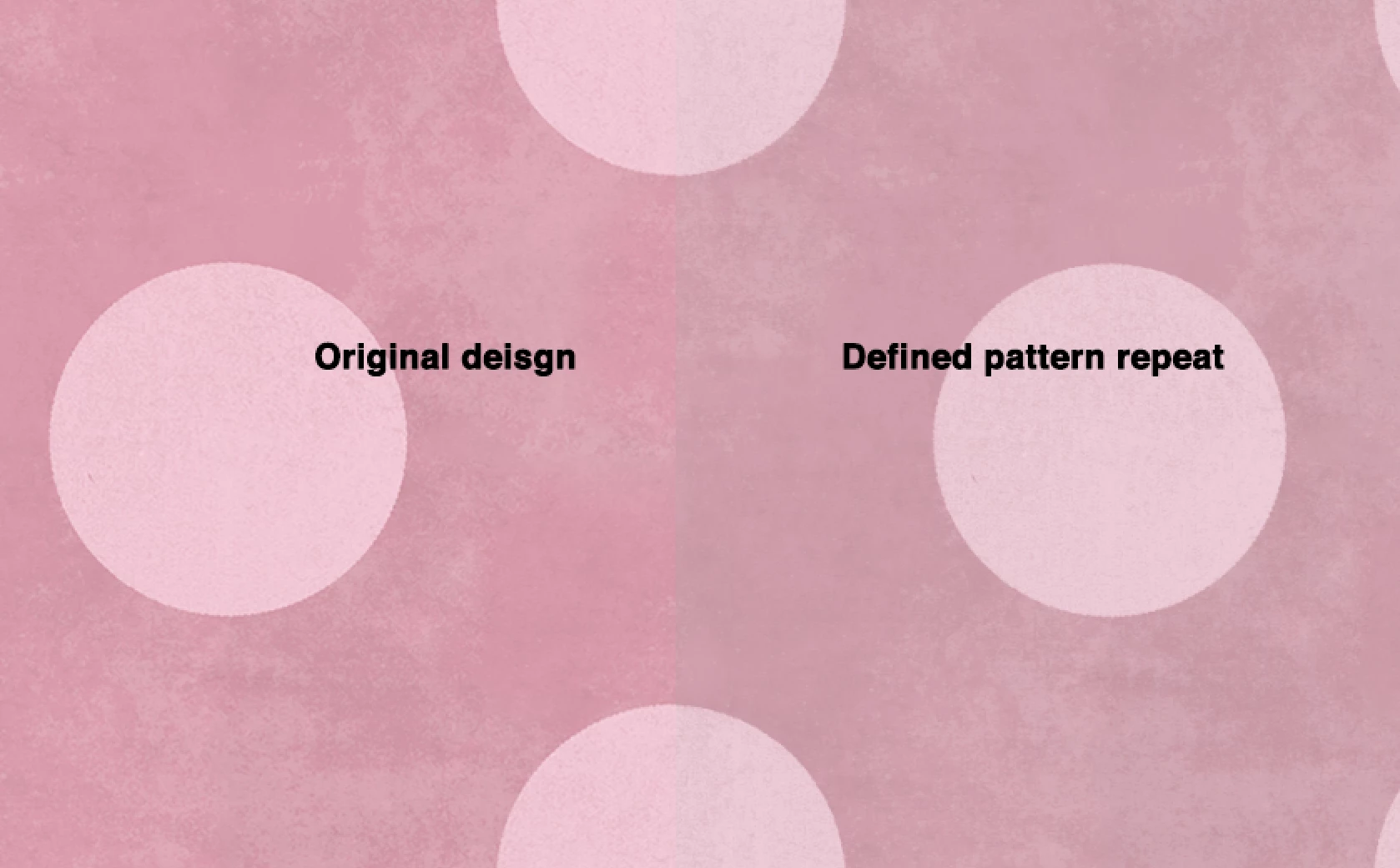

Photoshop 2021: Using Define Pattern altered the colors of the original design
The jpg’s profile seems to indicate it was a screenshot, so the question about the Color Space of the original pattern image and the image containing the Pattern Layer seems pertinent indeed.
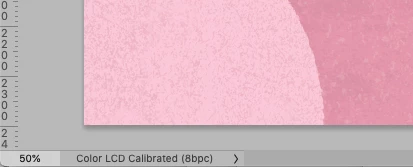
Edit: Assigning sRGB seems to produce a comparable change in appearance, so it seems likely to be a Color Management mishap.
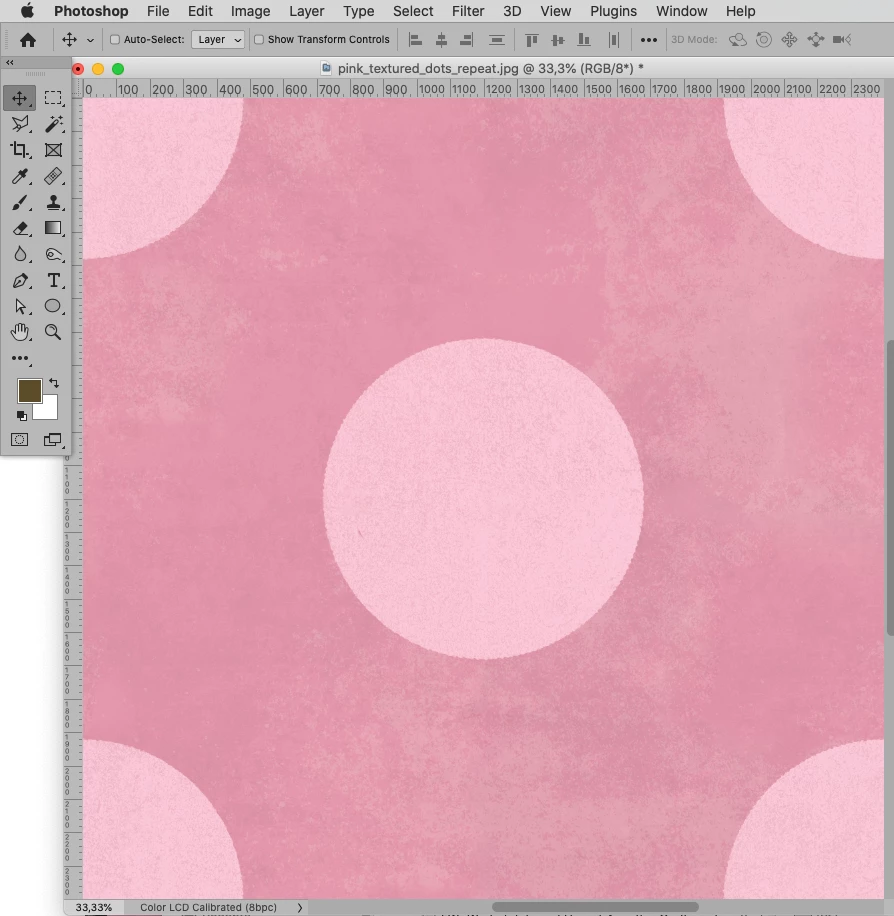
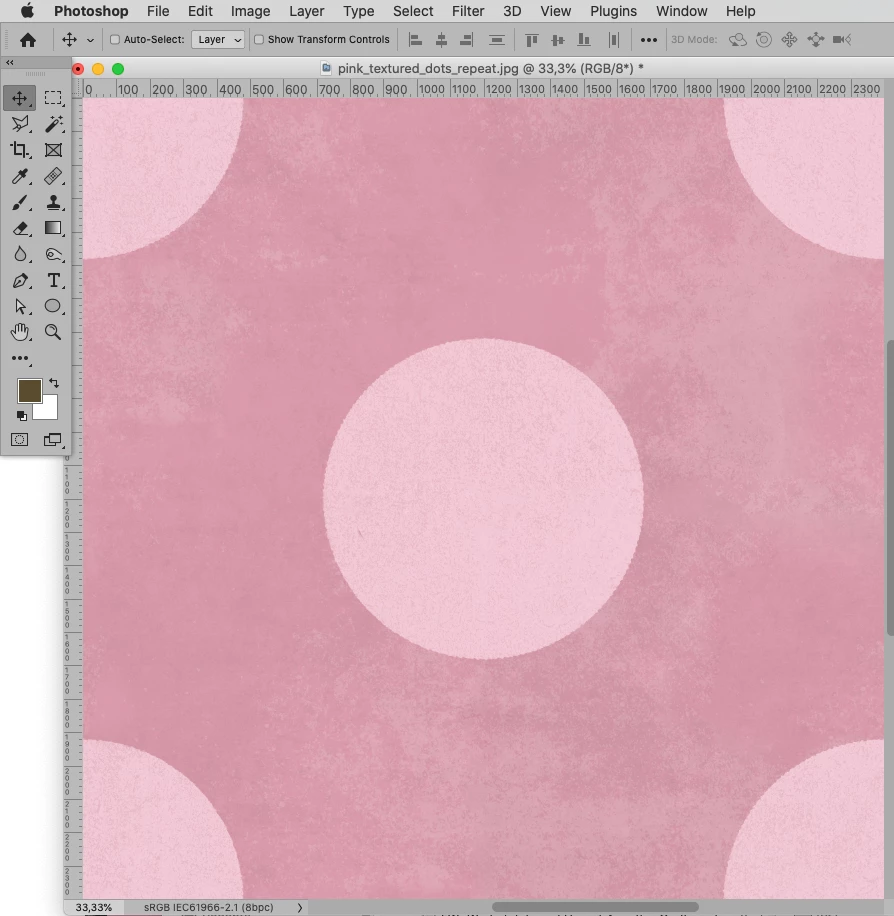
Well, I finally got access to the psd file (had to wait on someone)
c.pfaffenbichler you were right! It was a color management mishap. The original file was Color LCD Calibrated (8bpc). I recreated the document (just in case) using sRGB IEC61966-2.1 then created a repeat pattern. Looks like the colors match now!
Thank you all for your help!
Already have an account? Login
Enter your E-mail address. We'll send you an e-mail with instructions to reset your password.
 AdChoices