


Participating Frequently
December 18, 2017
Question

Using vectors in Photoshop to make GIFs

  • December 18, 2017
  • 2 replies
  • 694 views

Hi all,

Hoping someone can help me out.

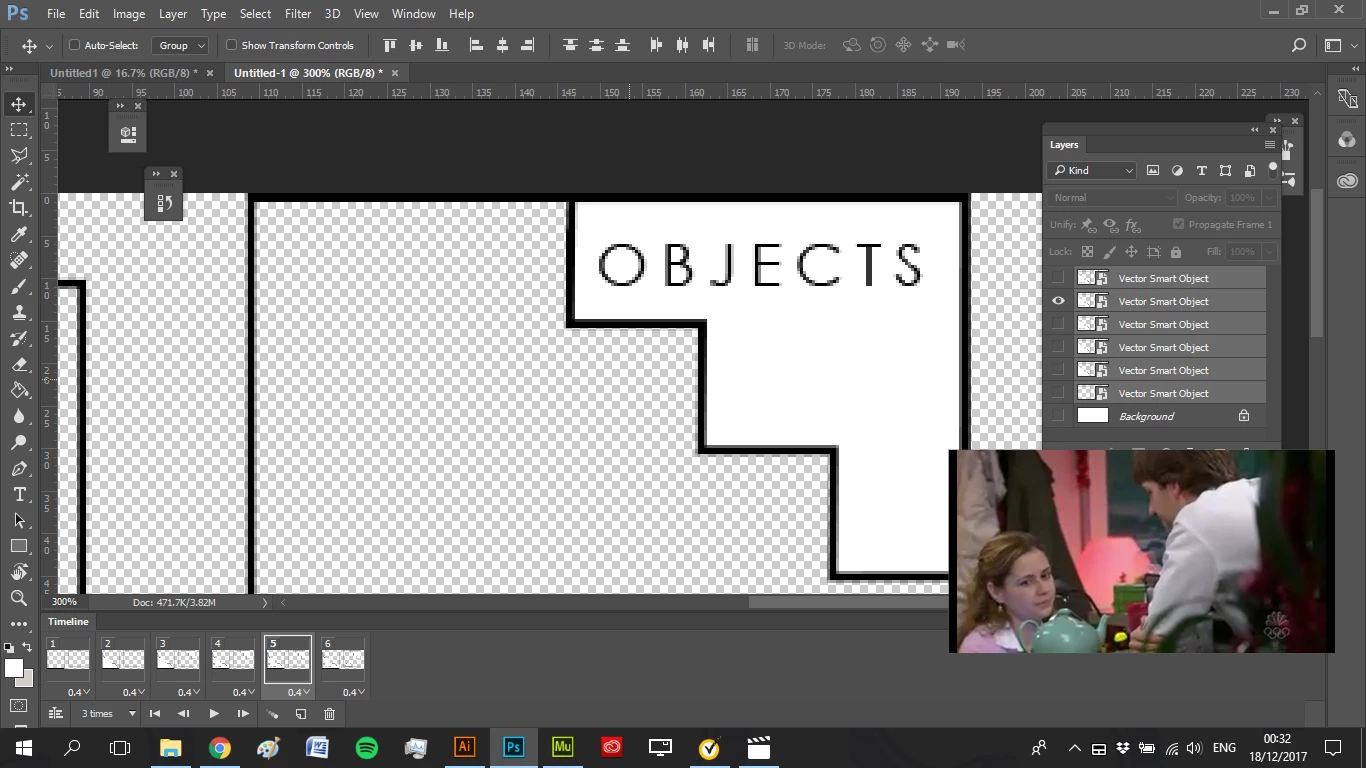
I'm making a series of GIFs and have made the graphics in Illustrator. I've tried copying and pasting the vectors into Photoshop as Smart Objects but they are still blurry.

The PSD is 72ppi and 300px x 300px. Anti Alias is ticked.

What is the best way to transfer vector graphics to Photoshop?

Thanks!
    This topic has been closed for replies.

    2 replies

    JJMack
    Community Expert
    Community Expert
    December 18, 2017

    Save ai and svg file in illustrator than place those file into your Photoshop Document as smart object layers they will be vector smart object. However, rotation, warping and perspective is not  supported when you change those smart object layer transform.  Other Smart Object layers like a placed psd, gif, etc file are not vector smart objects the are like a single raster layer and are transform resize via interpolation.

    Gif file format is not a vector file and also does not support color well they can have a maximum of 256 mapped colors.

    JJMack
    Theresa J
    Community Expert
    Community Expert
    December 18, 2017

    They look blurry because they are previewing at the resolution of the document. You can’t make them look sharper unless you add a bunch of pixels to your Photoshop document (which you don’t want to do). When you export the gif from Photoshop it will be pixels, so it doesn’t really matter that you started with a vector smart object. The benefit you get with the vector smart object is that you can scale it up and down inside of Photoshop and it won’t lose any quality.