


Participant
October 10, 2020
Question

Video editing - different image sizes

  • October 10, 2020
  • 2 replies
  • 671 views

Hi guys,

This is my first time here, as normally I do all my still image editing in Lightroom.

I am trying to learn how to edit video in PS, as I do not really use PS I have watched the basic into videos to understand the basics, and watched some of the videos on basic video editing.   

I am trying to gather all the little clips of my new grandson together for my daughter.

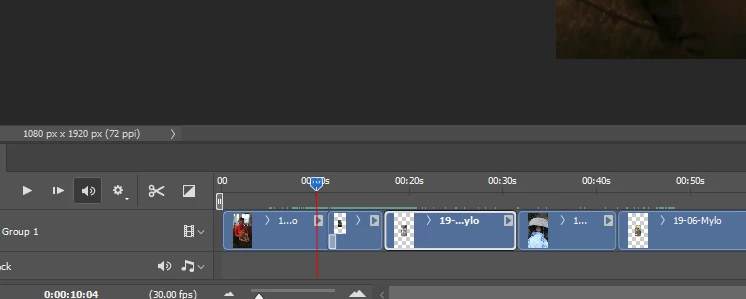
The clips are from differnet phones, and therefore different sizes (see below), I have searched 🙂

Is there a way getting them all to play in the same size?

Sorry if its a daft question, first go at video edit and not very often in PS.

Cheers Sandy   


This topic has been closed for replies.

2 replies

Bojan Živković11378569
Community Expert
Community Expert
October 10, 2020

Solution can be to use Smart Object layers just keep in mind that Smart Object layer allows you to scale multiple times while degrading quality only once. Smart Object can not help you to enlarge heavily without losing some quality.


Perhaps it is better to scale down bigger dimensions rather than enlarging small ones. So convert to Smart Object layer bigger ones, press Ctrl/Cmd + T then drag inwards to match smaller dimension, in case you want best possible quality from that salad of different dimensions.

Participant
October 11, 2020

Hi,

Thanks for getting back to me, as I said PS it new to me so I am finding my way around.

I assume even if I make the biggerones smaller, when it plays on a pc or tv, it will play at the normal bigger size?

Cheers Sandy


Bojan Živković11378569
Community Expert
Community Expert
October 11, 2020

Not sure what exactly you want to ask. You must export video which will play at exported dimensions. You may need to adjust document dimensions to smaller video dimensions. 


Participant
October 10, 2020

Oh, I think I may be on my way of sussing it 🙂

Convert to a smart image )I have no idea what that means) crt T - drag out the edges of the smaller images ?