
Question
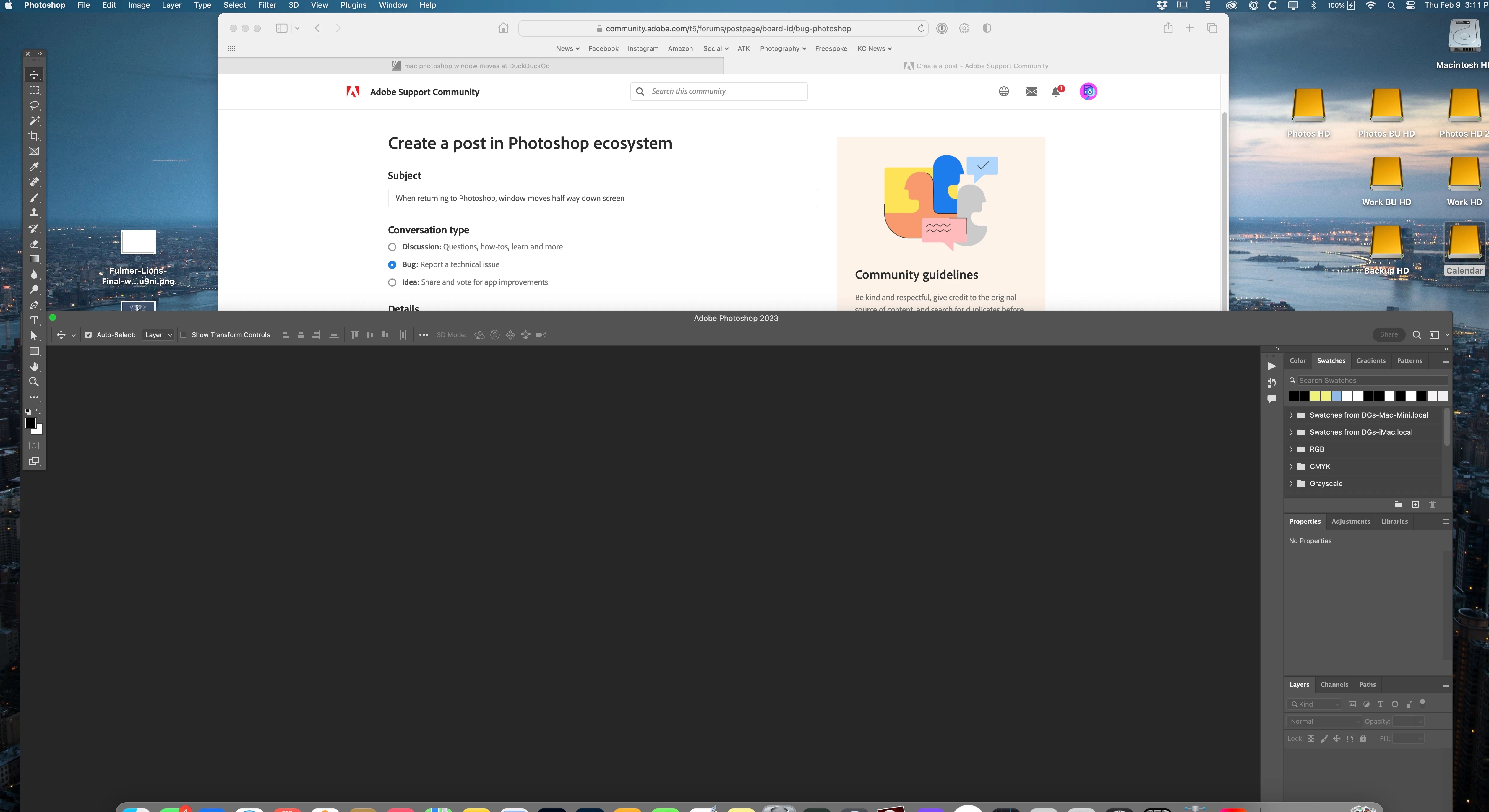
When returning to Photoshop, window moves half way down screen
The Photoshop work window randomly moves about half way down the screen when returning to it from any other app. I use Shift+Tab to rotate through windows I have open/using. It will randomly move the Photoshop workspace down the monitor screen. The Tool strip on left stays in place though. I've tried to change the Photoshop workspace window to a diffrent size but it has no effect. It's random and very annoying. Has anyone had this issue and/or fixed it? I have read other users having the same issue but no solution.
Has anyone had this problem and discovered a solution?
Mac Mini M1, MacOS 13.1, Studio Display, Photoshop 24.1.1 (everything is most current version)
 AdChoices