


Participant
January 9, 2023
Answered

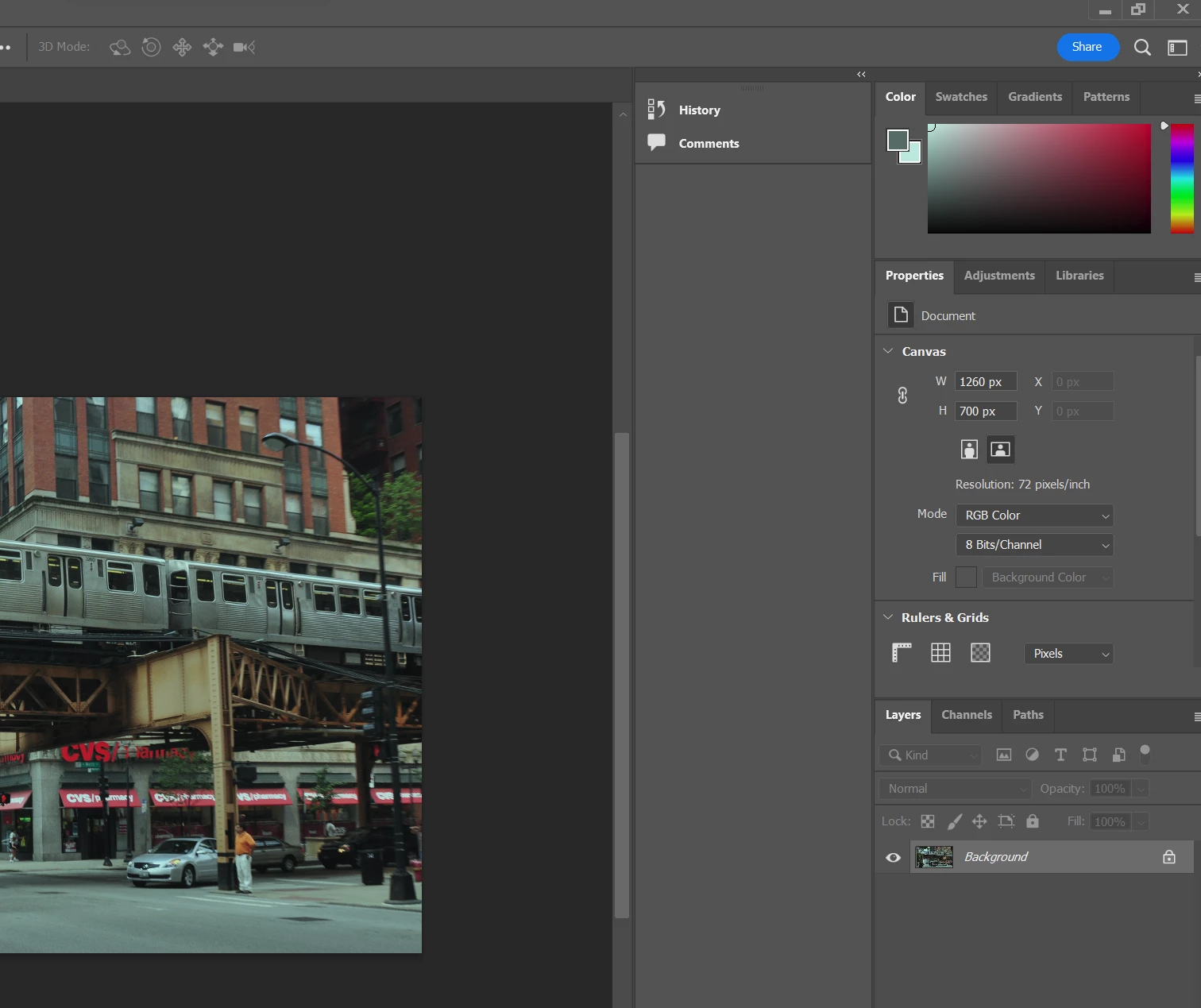
White color is absent, everything has a green tint on it.

  • January 9, 2023
  • 3 replies
  • 357 views

Hi, Whenever I open an image in photoshop or start a new document, the image is green. The color palette is also green and doesn't feature any whites. 

I've tried defaulting the ICC profile to sRGB in color management but that didn't fix the issue. Do you have any solution to this? Can you please share your thoughts on this?


This topic has been closed for replies.
Correct answer TheDigitalDog

Try the "Deactivate Native Canvas" options in preferences, and restart: is the green gone?
On Windows, In Windows display settings > Windows HD color, make sure that HDR is not on!

3 replies

NB, colourmanagement
Community Expert
Community Expert
January 11, 2023

Heres a bit more info to aid in understanding

Adobe writing on GPU issues.

Here are some suggestions from Adobe for GPU issues.

https://helpx.adobe.com/photoshop/kb/troubleshoot-gpu-graphics-card.html


Also:

Does turning on »Deactivate Native Canvas« (Photoshop > Preferences > Technology Previews) and restarting Photoshop have any bearing on the issue?


Sometimes this helps:

Go to Preferences > Technology Previews... and enable "Older GPU mode (pre 2016)" - Restart Photoshop.


Also try this:

Check your hardware acceleration settings and in particular turn off the Native Canvas. also of course consider updating your graphics driver.


Next step would be to disable the GPU in Photohop preferences


I hope this helps

neil barstow, colourmanagement net :: adobe forum volunteer:: co-author: 'getting colour right'

google me "neil barstow colourmanagement" for lots of free articles on colour management

Participant
January 9, 2023

@TheDigitalDog Turning off HDR worked. Thanks!


TheDigitalDog
TheDigitalDogCorrect answer
Inspiring
January 9, 2023

Try the "Deactivate Native Canvas" options in preferences, and restart: is the green gone?
On Windows, In Windows display settings > Windows HD color, make sure that HDR is not on!

Author “Color Management for Photographers" & "Photoshop CC Color Management/pluralsight"