
Participating Frequently
March 14, 2021
Answered

Why are Adobe apps so dirty on MacOS?

  • March 14, 2021
  • 4 replies
  • 1875 views

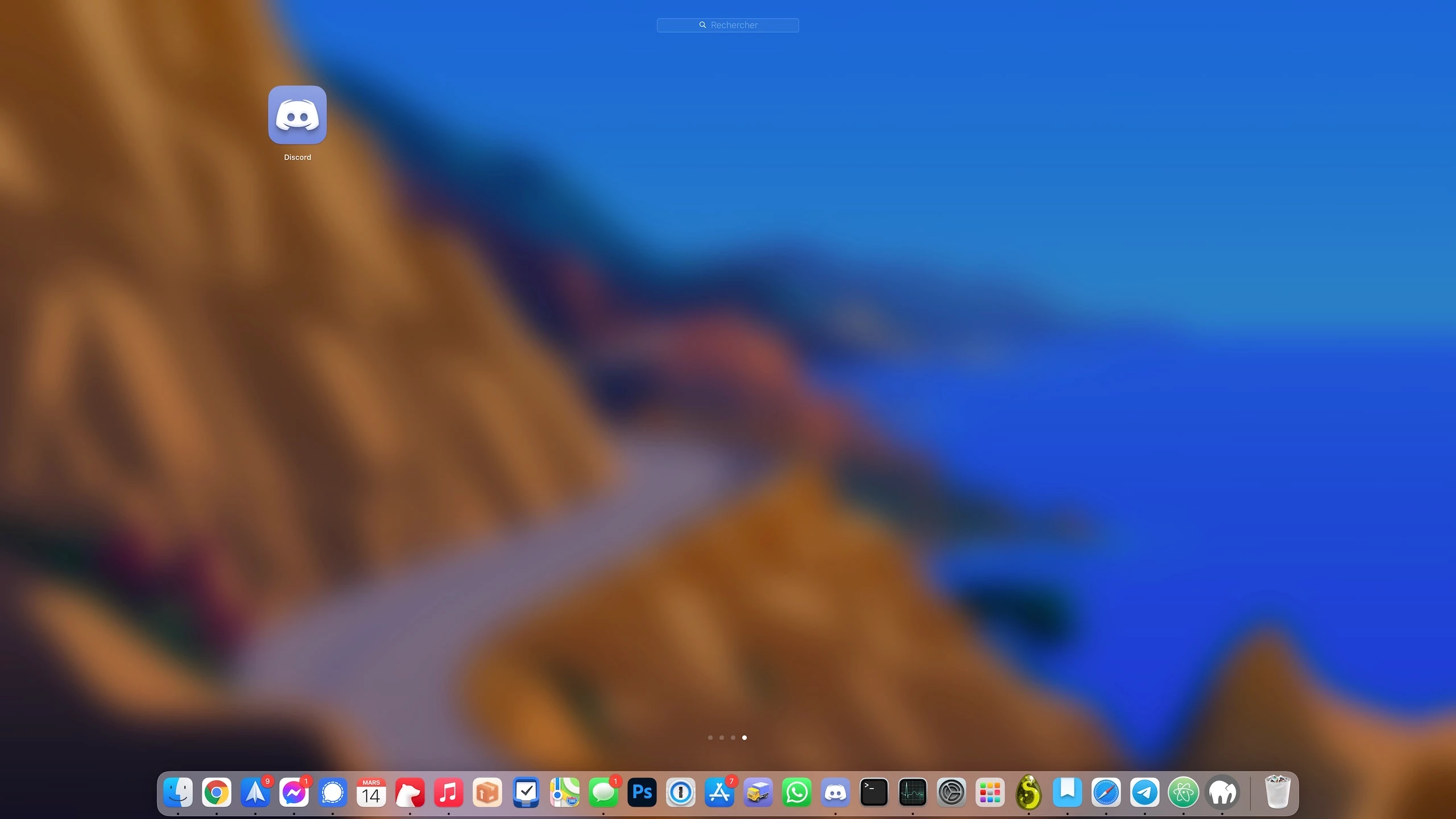
This is how it looks when you install an app on MacOS:


Now this is how it looks when you install an Adobe app on MacOS, for example Photoshop:
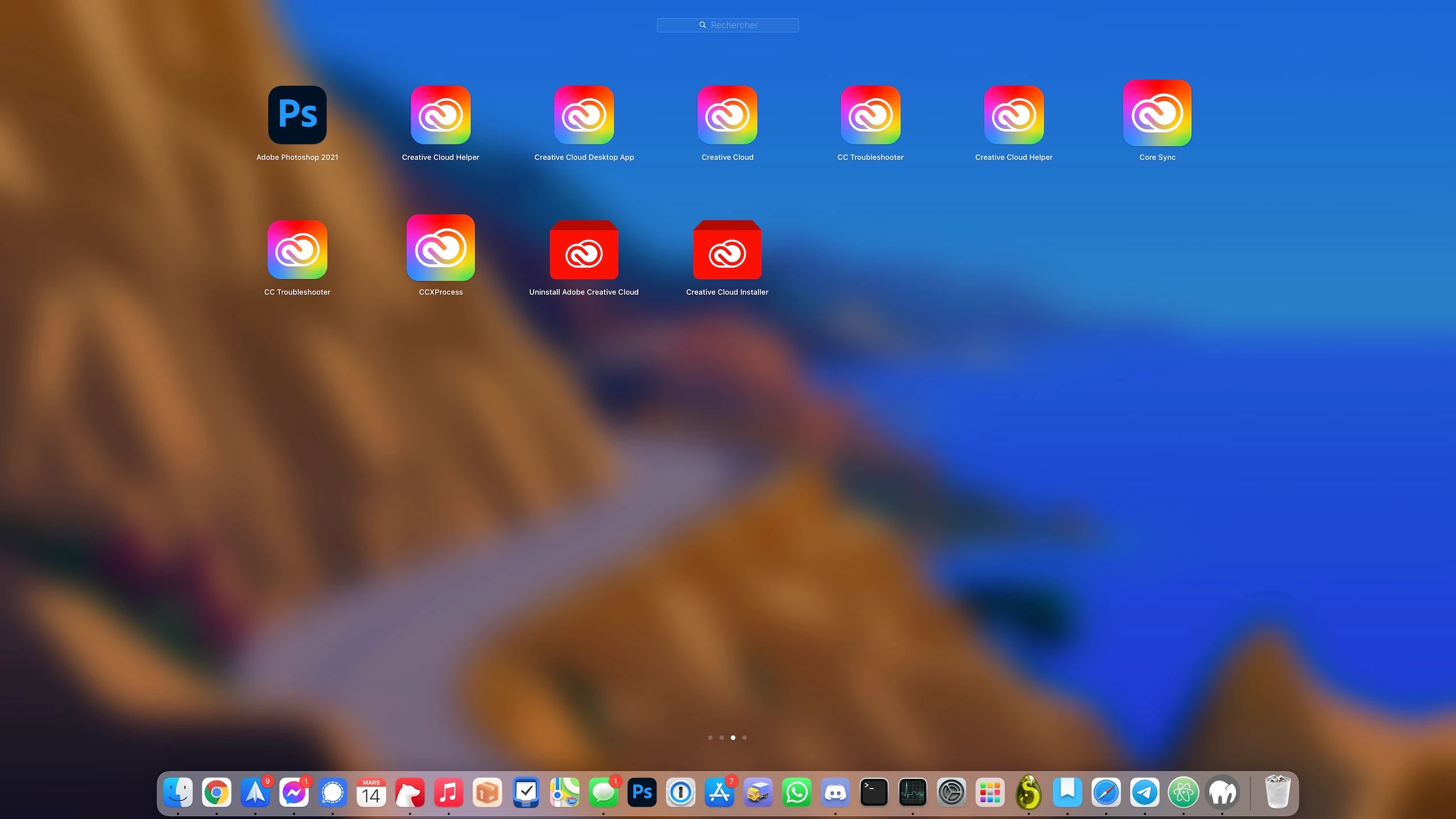


I mean ... Is all this [cursing removed] really useful? Can't Adobe integrate it into the app instead of making 2 million independent apps?


In addition, Adobe processes run in the background to do unwanted tasks. Sometimes my internet connection is slow, I look at where it's coming from and see that it's coming from a "Setup" process. I look closer and it's actually an Adobe process, downloading gigabytes and gigabytes of data while taking up my entire connection and preventing me from doing anything.
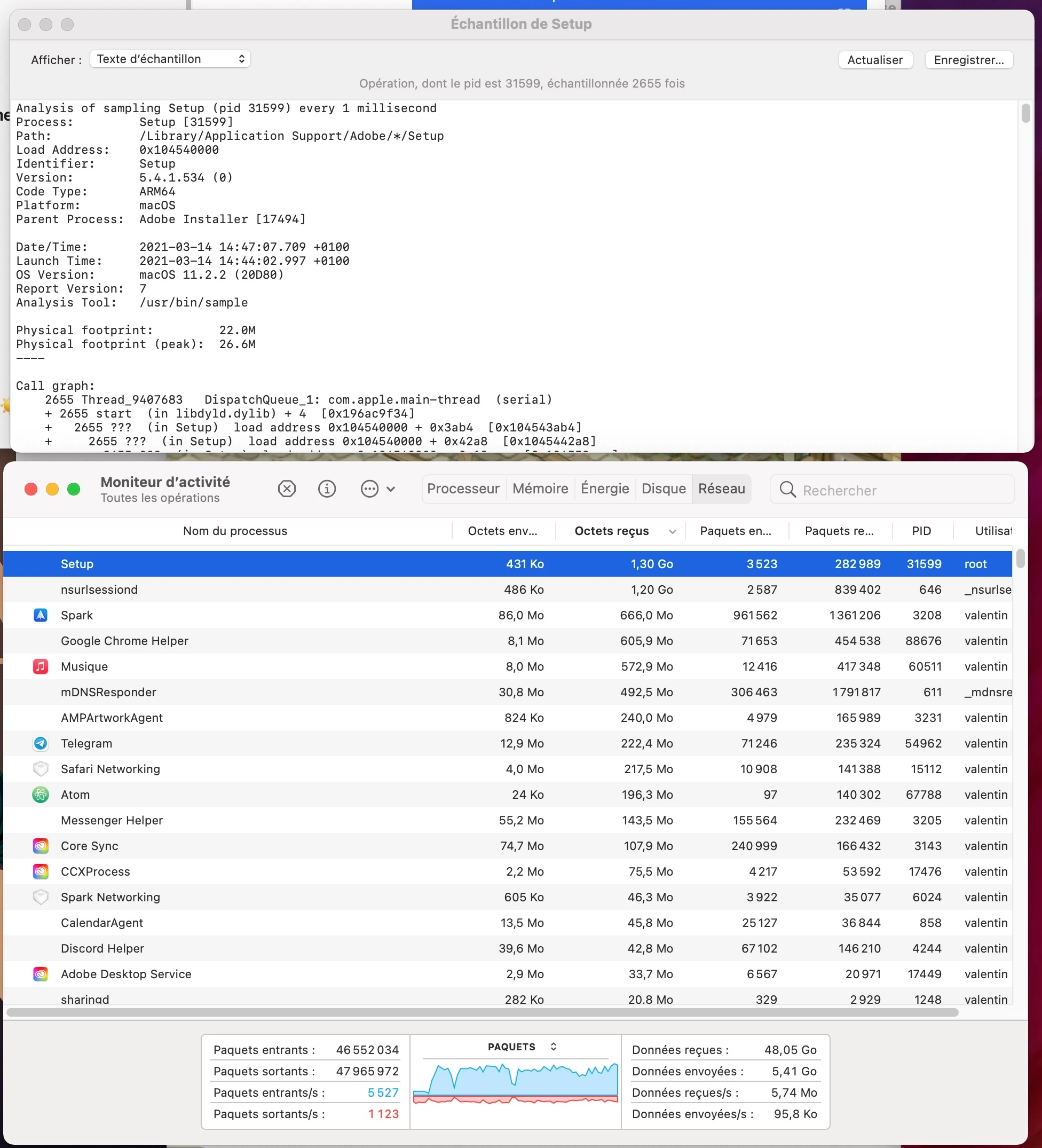


I would like to point that I have NO adobe application running, nor Creative Cloud, and that I did uncheck the option that automatically launches Creative Cloud at startup. But still Adobe runs a lot of processes in the background, downloads gigabytes of data while all my apps are actually up to date. What is it downloading?! How I can prevent Adobe from doing tasks that I don't want ?

This topic has been closed for replies.
Correct answer D Fosse
quoteprocesses running in the background and slow down my system for no reason.

By @valentinz92587952


If your system is slowing down, you have other problems, and you should turn your attention to those. These processes aren't what causes it.


I have all of these processes running, and they are not slowing down anything. All the Adobe applications I have installed react instantly to anything I throw at them. Nothing is slowing them down.


There is this misconception that it's good to have "free memory". For what? Free memory isn't doing anything. Ideally, all your memory should be in use all the time.


Other than that, what Conrad says. Fonts, AI processing, libraries - lots of things that are actually useful to you, run through these background processes.

4 replies

TheDigitalDog
Inspiring
March 25, 2023
quote

I mean ... Is all this crap really useful?


By @valentinz92587952


The short answer is yes. 

Now if you want Adobe to be viewing what you post and do anything about it, there are two ways based on what you are hoping to report:
If you wish to report what you believe is a bug, you do so by following these guidelines:
https://community.adobe.com/t5/photoshop-ecosystem-bugs/how-do-i-write-a-bug-report/idi-p/12373403

If you wish to provide a feature request (which wasn't done in this post), you do so by following these guidelines (then make a request in the product forum):
https://community.adobe.com/t5/lightroom-classic-ideas/how-do-i-write-a-feature-request/idi-p/12386378

Author “Color Management for Photographers" & "Photoshop CC Color Management/pluralsight"
Participating Frequently
March 25, 2023
quote

The short answer is yes. 


Can you be more specific? I quit Photoshop, I quit Creative Cloud, I have no Adobe applications running, but I still have a dozen Adobe processes running in the background, consuming almost 1GB of RAM.


Can you explain to us how all these processes are useful? Because you know, when I force the processes to stop, it doesn't use 1Gb of background RAM anymore, and everything works fine when I open Photoshop or Creative Cloud again. Adobe applications have nothing to do with how the system works, so if I decide to quit them, they should not keep their [cursing removed] processes running in the background and slow down my system for no reason.

D Fosse
Community Expert
D FosseCommunity ExpertCorrect answer
Community Expert
March 25, 2023
quoteprocesses running in the background and slow down my system for no reason.

By @valentinz92587952


If your system is slowing down, you have other problems, and you should turn your attention to those. These processes aren't what causes it.


I have all of these processes running, and they are not slowing down anything. All the Adobe applications I have installed react instantly to anything I throw at them. Nothing is slowing them down.


There is this misconception that it's good to have "free memory". For what? Free memory isn't doing anything. Ideally, all your memory should be in use all the time.


Other than that, what Conrad says. Fonts, AI processing, libraries - lots of things that are actually useful to you, run through these background processes.

Participant
March 25, 2023

It is really not nice for Adobe to think it has the right to occupy a device with tons of apps, at least in this disorganized way. I didn't check the network usage yet but for any Adobe app other than the one I signed up for (Photoshop), I delete them all and when it tries to install again at random times, my Mac asks permission and I deny. Really annoying and looks cheap like those warez that come with tons of other programs you never wanted.

D Fosse
Community Expert
Community Expert
March 14, 2021

This is an age-old complaint, starting around CS2 or 3 as I remember.


I could sympathize if there was any evidence that it actually impacted performance, but I have never seen that. Lots of people claim it does, but as a convenience blame and never with any supporting evidence. They usually have general system problems (bad video drivers, tablet drivers, third party plugins/extensions etc).


I have all this and more, and it has never bothered me for a second. Any advanced application nowadays will install a bunch of these background processes. I disable from startup those that I obviously don't need, and leave the rest.

c.pfaffenbichler
Community Expert
Community Expert
March 14, 2021

Are you installing Photoshop on the Desktop? 

Why not the Applications Folder? 

Participating Frequently
March 14, 2021

It's in the applications Folder of course