


Participant
July 12, 2024
Answered

Why doesnt the Generative fill work anymore?

  • July 12, 2024
  • 5 replies
  • 8618 views

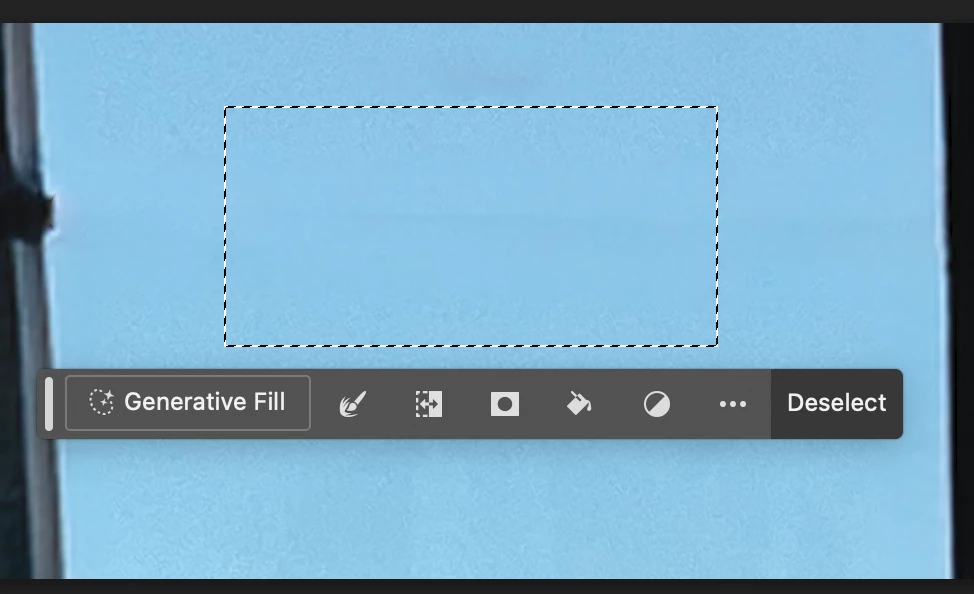
I have been using Photoshop for many years. I do basic editing, and removal of objects. Nothing special. But last week generative fill used to work, and now it doesnt. I would select a telephone line for example and hit generative fill, generate and NOTHING happens. So then i type in remove, still nothing happens. Suggestions to me have been to just use the remove tool and then clean it up. Generative fill was so good I could remove  a branch across a birds face and you couldnt even tell. I cant do that now.

Upon investigation I learned about Rosetta so yes I unchecked the box. Still nothing. As of July 12th, I am updated in all versions from the cloud and desktop. My credits are 95/250 and I am mad i keep losing credits when nothing is working.

I am mac m2.
Correct answer Kevin Stohlmeyer

@erik_linton@mac.com Use the Remove tool instead. It even kept the marching ants around your image. Right tool for the right job.


5 replies

garryh34617837
Participant
March 4, 2025

I'm getting exactly the same problem and Remove tool doen't work either. I'm using PS 26.4.1. When I try to remove an object I get an error message which says that I'm not connected to the internet. I am connected to the internet. This has been happening for a couple of weeks. Same problem in the Beta version.

Kevin Stohlmeyer
Community Expert
Community Expert
March 4, 2025

@garryh34617837 its your firewall. Check your firewall/Windows Defender (if on Win) and allow Firefly, Adobe and Photoshop.

c.pfaffenbichler
Community Expert
Community Expert
February 22, 2025

Could you please post screenshots the pertinent Panels (Toolbar, Layers, Options Bar, Properties, …) visible to illustrate your complaint? 

Kevin Stohlmeyer
Community Expert
Community Expert
February 21, 2025

@Eric3246971115no can you post an example of the image and the selected area? Is the image causing the conflict? The prompt is benign.

erik_linton@mac.com
Participant
July 18, 2024

Same here. I get options, but what used to be a removal of the offending object is not an "enhancement" of the object.

Mac M2 as well.


Kevin Stohlmeyer
Community Expert
Kevin StohlmeyerCommunity ExpertCorrect answer
Community Expert
July 18, 2024

@erik_linton@mac.com Use the Remove tool instead. It even kept the marching ants around your image. Right tool for the right job.


erik_linton@mac.com
Participant
July 18, 2024

Thank you, Kevin.

The Remove tool is working.

I still do wonder why the behavior of the Generative Fill has changed (for me.)

Once more, thank you for time and help.


Kevin Stohlmeyer
Community Expert
Community Expert
July 12, 2024

@prwhite55 can you show some examples of before (with selection and layers panel showing) and after? Do you get any kind of error message after it runs? Does it show you the three results in the properties panel after completion?

Participant
November 25, 2024

Hey Kevin! Can you help me?

I give the prompt a description, it loads but doesn't show any options. 

I don't know what to do.


Participant
November 25, 2024

My layer was blocked, I tried in the unblocked layer and same problem.