


Working with bitmap without changing to grayscale
Hello! I'm new to photoshop and I'm working in a manga cleaning project in Bitmap and I can't modify anything. I know that one way is to switch to grayscale and work there but they explicitly told me that I can't change to grayscale
"NEVER pass a BITMAP file to GRAYSCALE. To work outside of the file, select and copy the area to be worked on, and paste it into a New File in Grayscale. Do the onomatopoeia, or whatever, on a new layer. Place the corresponding STROKE, copy and paste on the original file in Bitmap, Invert the selection and carefully patch the rest of the image."
I don't understand what I have to do because I can't paste anything into a bitmap file or at least I don't know how to do it
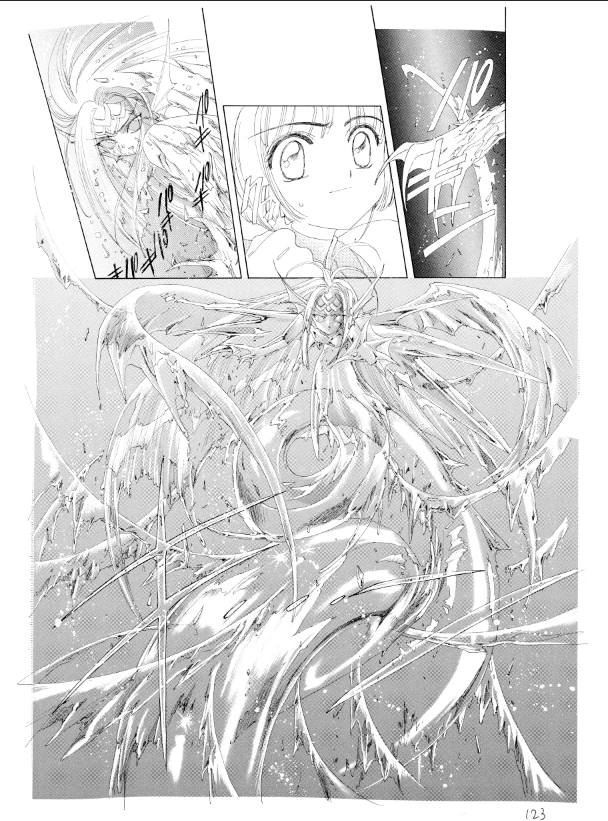
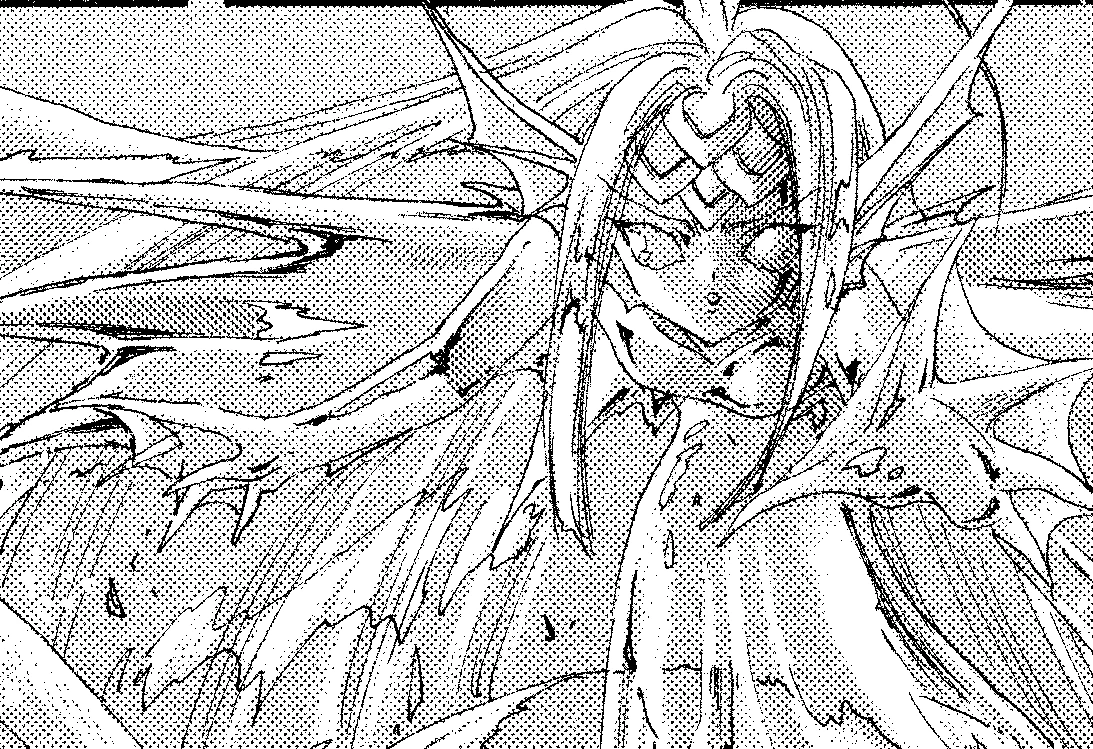
Here is a screenshot of the image that I need to work on just in case it helps
 AdChoices