


Deleting "silvering" particles from scans of antique photo prints
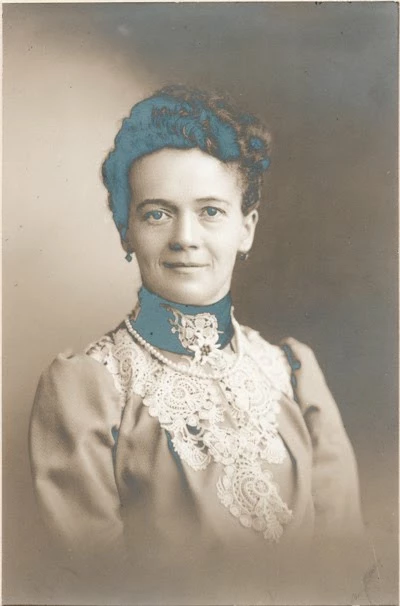
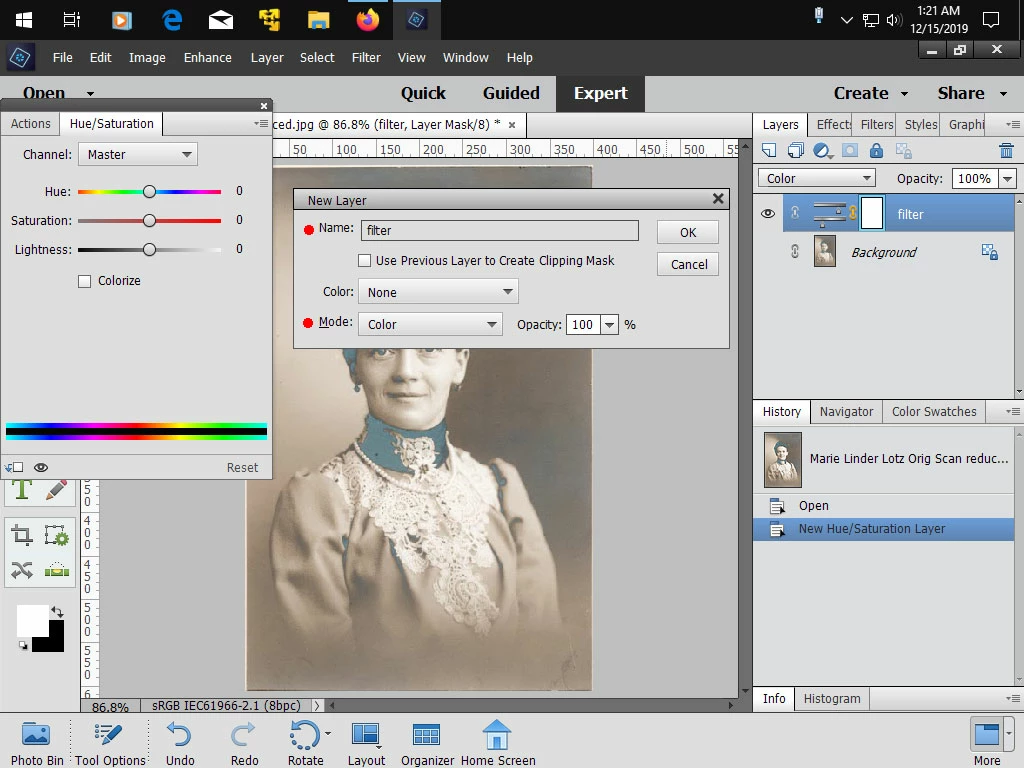
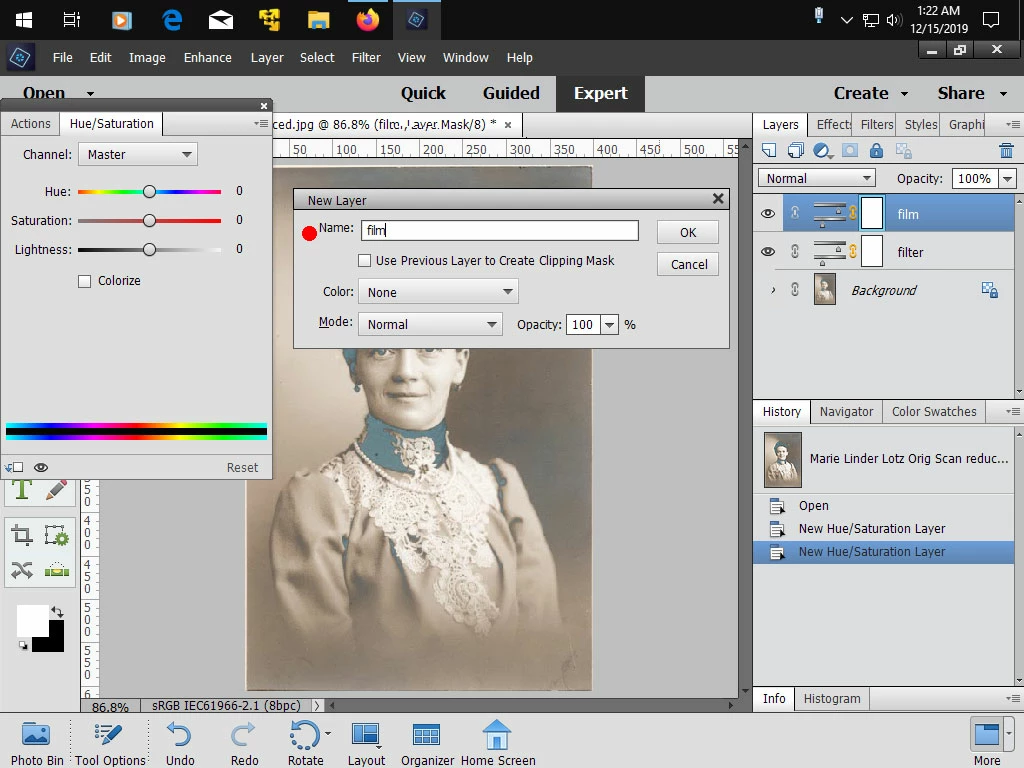
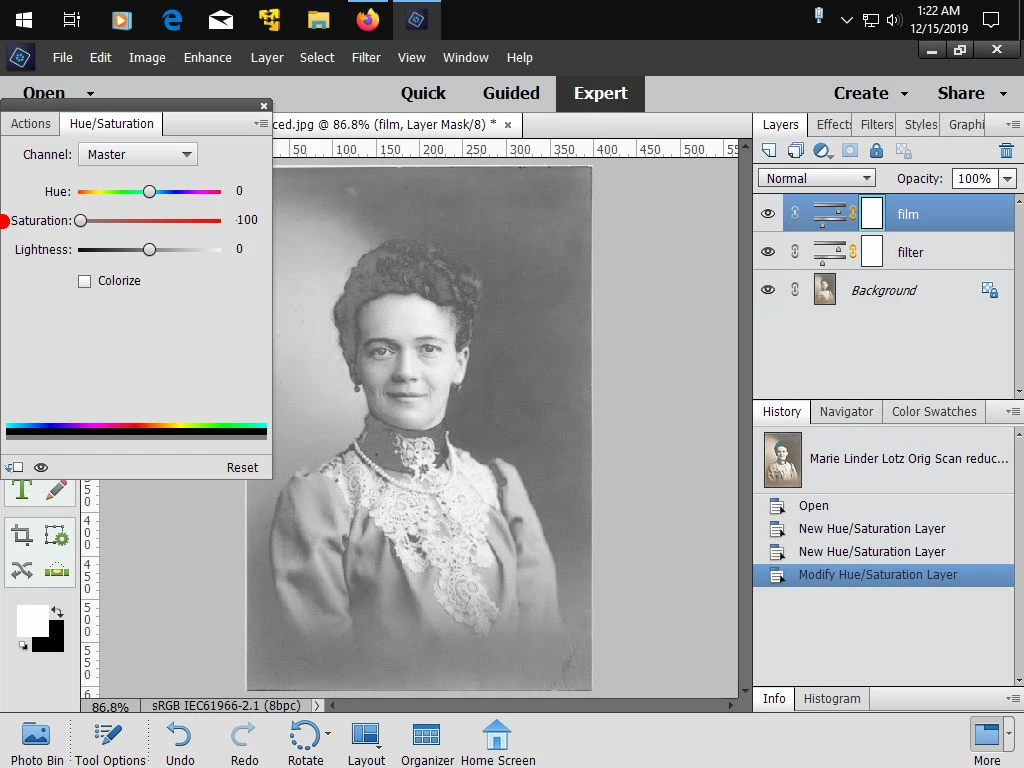
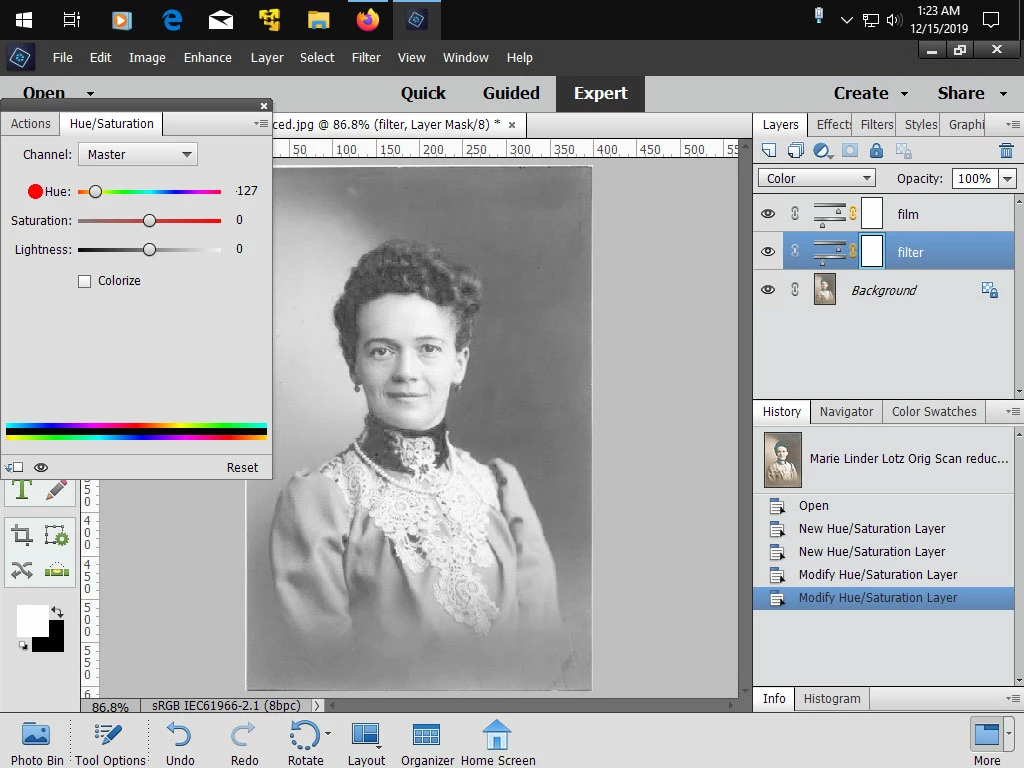
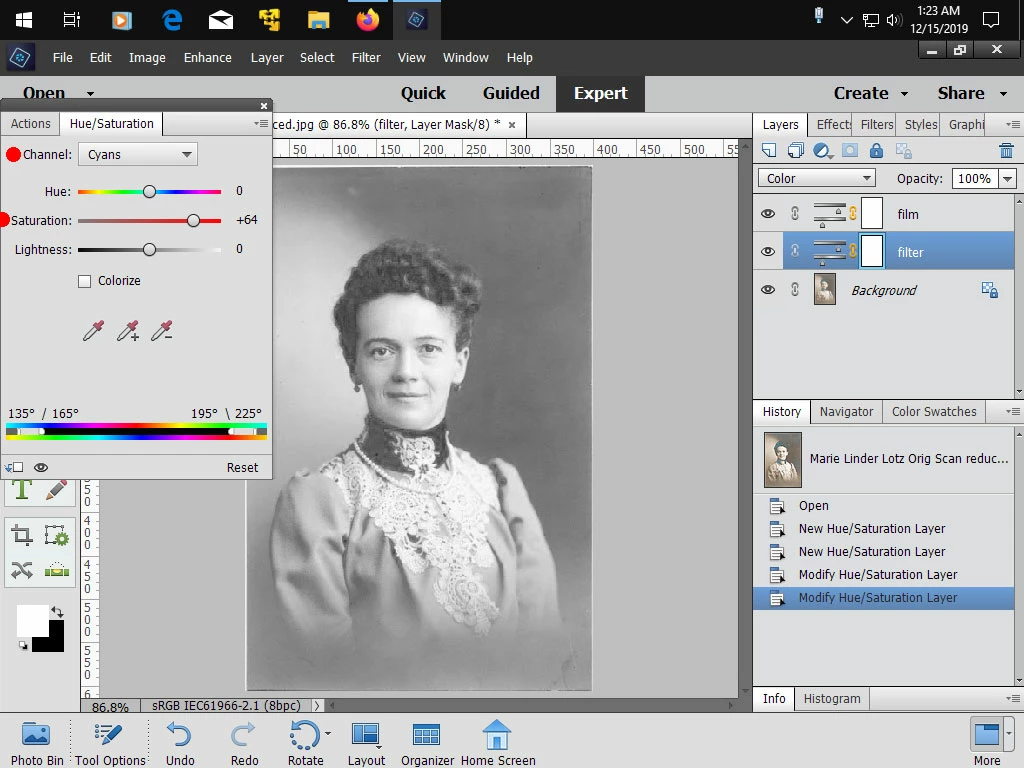
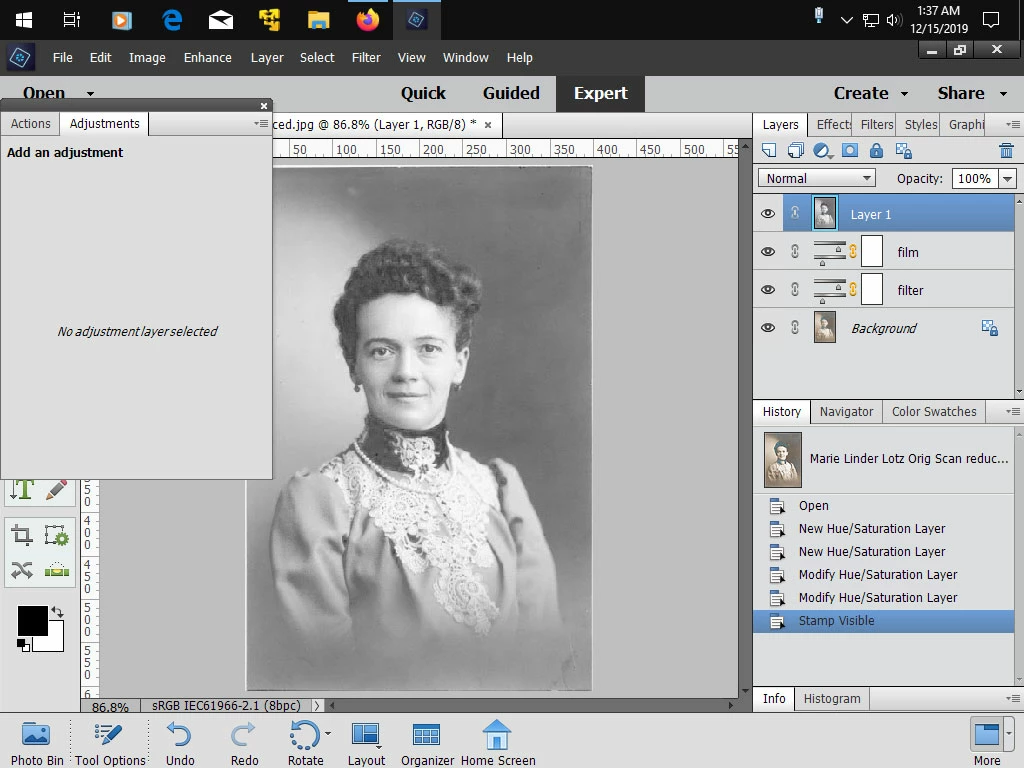
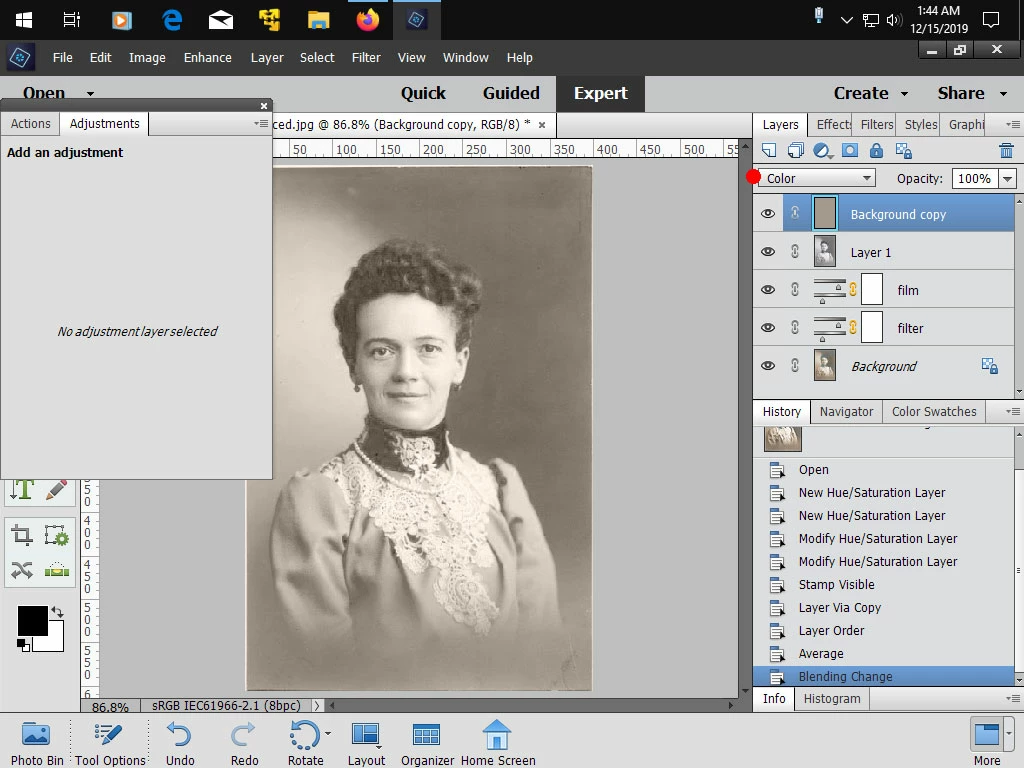
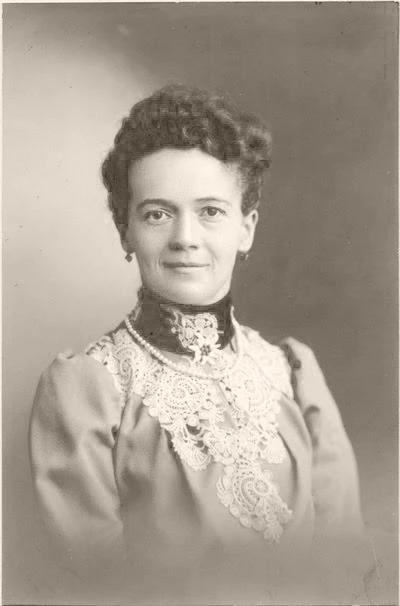
I have scanned many old photos from the early 20th century. At that time, they used silver oxide or something like that in priting black and white. The sheen from the silver in the print shows up as "silvering"/tarnish in the scan, i.e. bright blue particles all over the image. Is there a way to select only these bright blue particles and either delete them, mask them or replace them with what is around them? This is something that can be done using the full Photoshop or a program called Picture Window Pro, but the last time I checked (PSE 12?) it could not be done with PSE. I'd like to stick with PSE so I'm hoping that by now this kind of selection and restoration can be handled by PSE. Can anyone tell me if it's possible and, if so, how? Many thanks!
 AdChoices