


gfbugaboo
Inspiring
December 30, 2019
질문

Why do Crop Unrestricted & Crop using Ratio have different results, even if selected area is same?

  • December 30, 2019
  • 1 답변
  • 309 조회

Here’s something that’s been puzzling me for a while. When I zoom in 100% and select the entire zoomed-in area for cropping, the appearance of the image doesn’t change after cropping if I’ve set the tool option to No Restriction. For example, when the following image is cropped to include everything shown here . . .
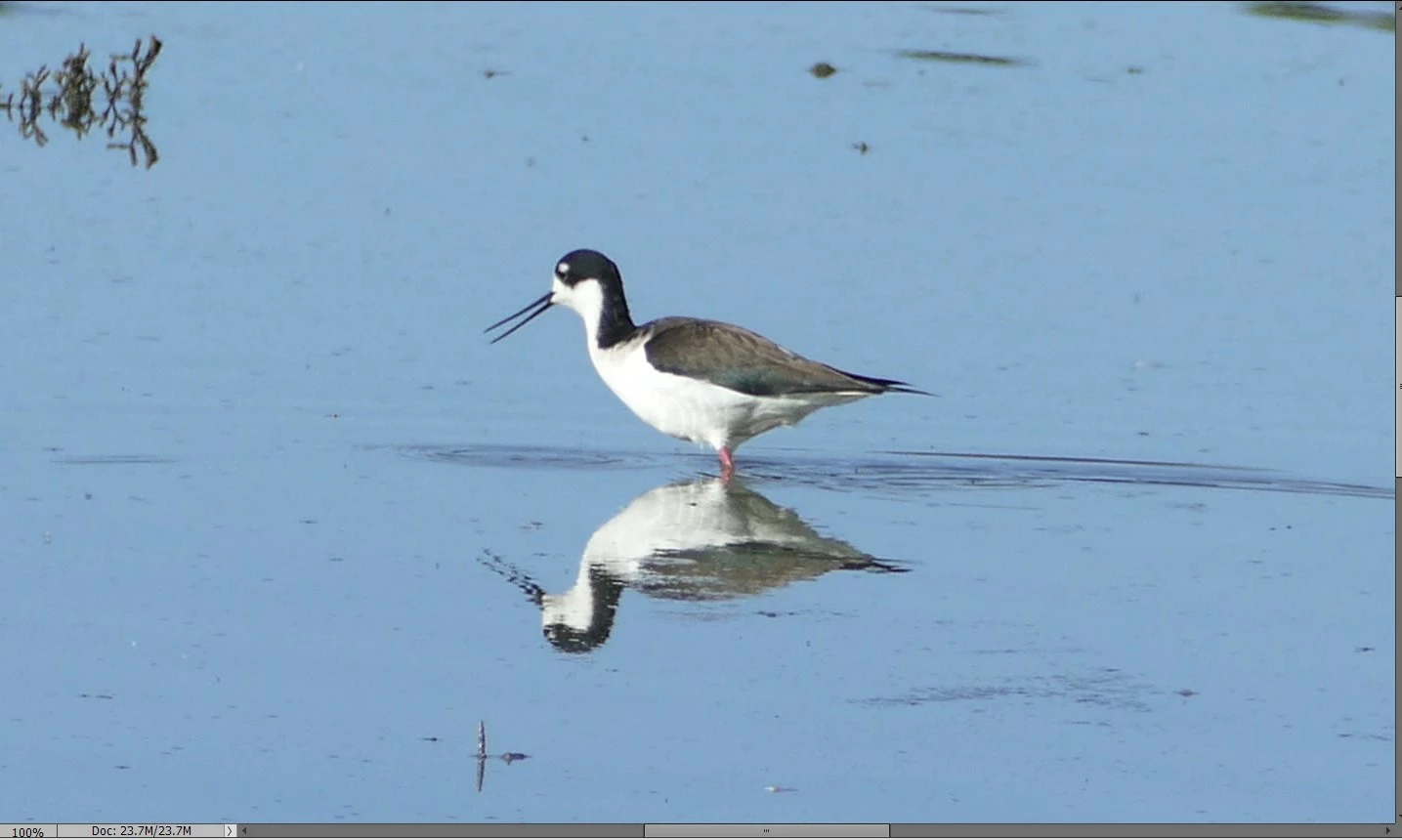
. . . it’s still looks the same as what I cropped when it is zoomed to 100%

But if I set the option to Use Photo Ratio before cropping, the result zoomed to 100% looks like this:
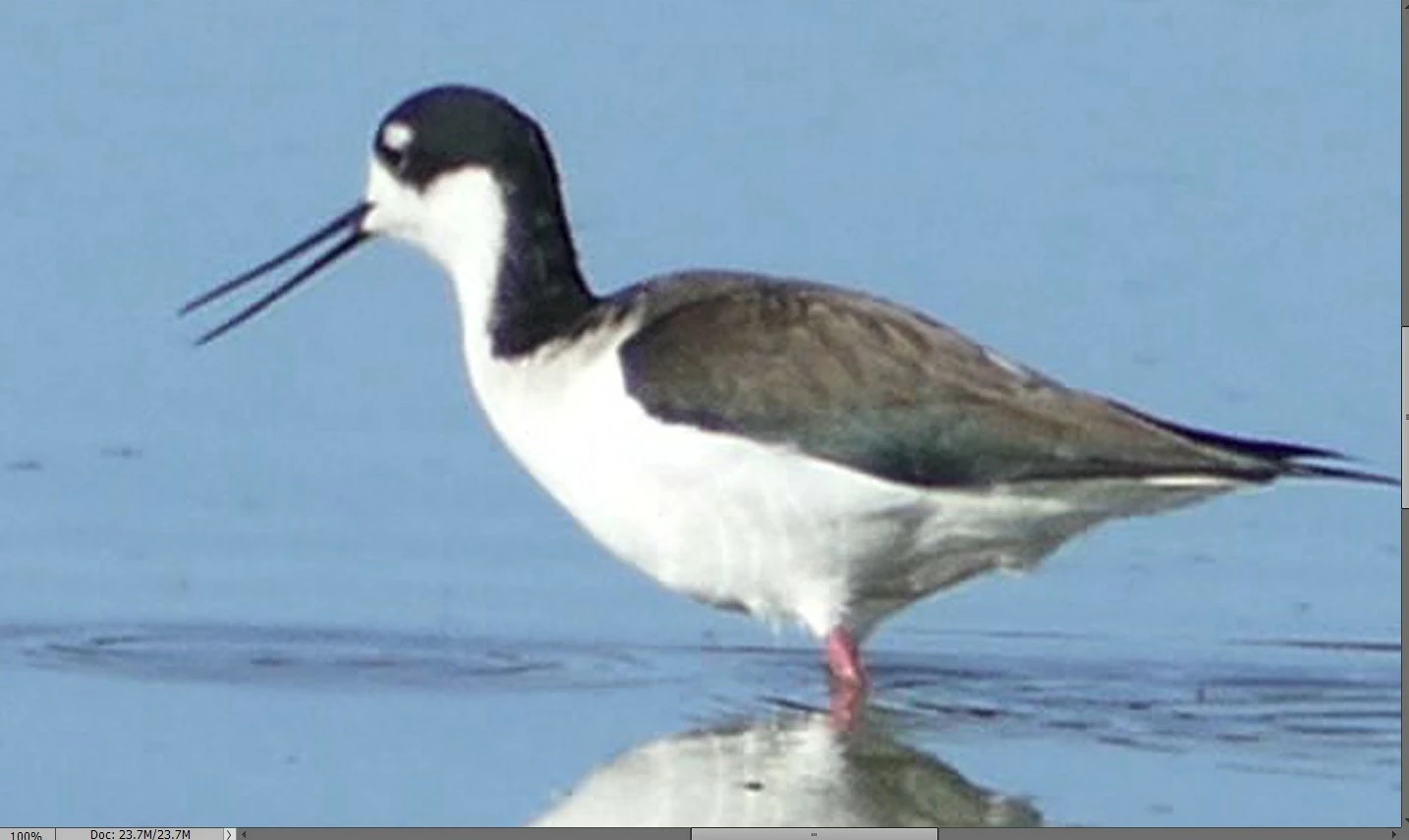
Can someone explain the process and/or theory behind this? I’m just curious.

이 주제는 답변이 닫혔습니다.

1 답변

Greg_S.
Community Expert
Community Expert
December 30, 2019

I think any difference would depend on the resolution of the photo, the aspect ratio of your monitor and the orientation of the image.  For example, in the following screenshot, I have a high resolution portrait image set at 100% zoom level (Ctrl+1).  In the Navigator window, you can see that my monitor is displaying a landscape view of the image.  If I were to crop everything on the screen using no restrictions, the resulting crop will be a landscape image.


However, in the Editing screen, with crop set to Use Photo Ratio, I can only crop a portrait image. 


The same situation exists with a high resolution landscape image with an aspect ratio that does not match the monitor's aspect ratio.

Does that answer your question?