davadvice
Participating Frequently
November 12, 2016
Answered

Adjusting image with FFT Filter isn't working

  • November 12, 2016
  • 4 replies
  • 2270 views

Hi I have an image and i'm trying to remove dimples from it as the originaly Scanned immage has textured paper.

I have the image saved as jpg and is at 8 bit RGB i'm using a 64bit windows pc woth the 54 bit fft filter.

the image sample
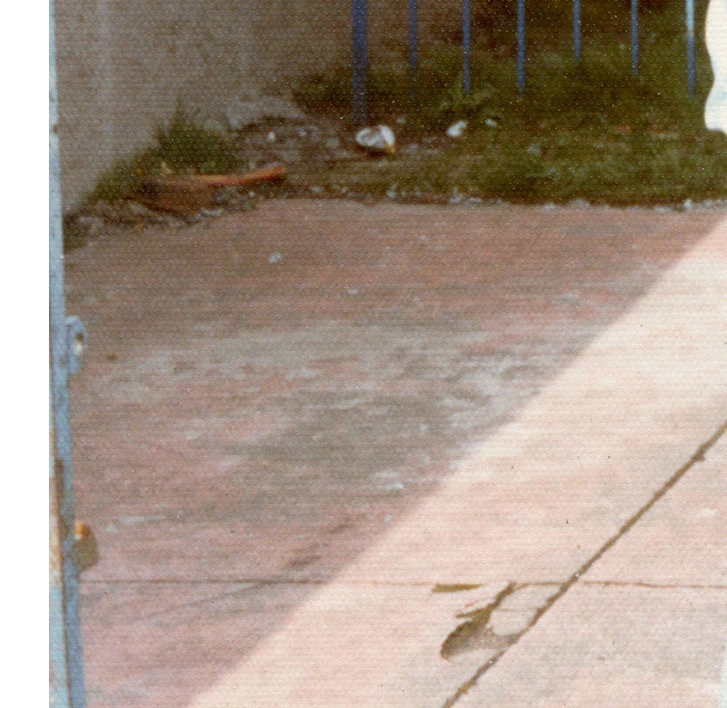
and the result when i run the FFT filter over the image channels is as below
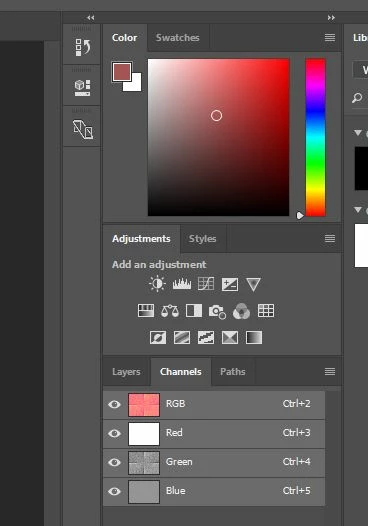
     

I have attempted when deselecting the Green and Blue to adjust the contrast but to no avail.

I have tested the filter on and other image that i got online and this works ok.
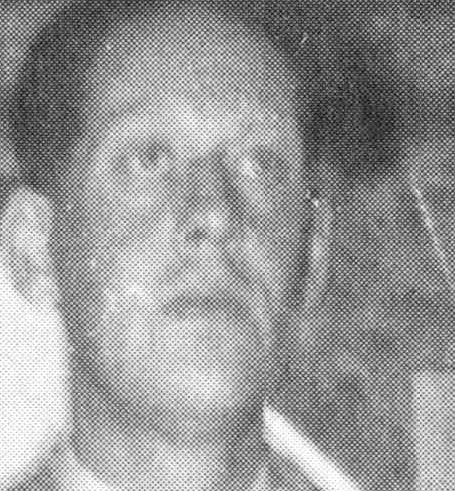
 

Would anyone have any advice to get the filter working with my Scanned immages ?

Many thanks

David

typo in title
This topic has been closed for replies.
Correct answer Jeff Arola

If you follow the directions here, you should get similar results as below.

http://retouchpro.com/tutorials/?m=show&id=185

I used the fft filter from here in photoshop cc 2017

http://www.retouchpro.com/forums/software/33084-here-fft-64-bit-photoshop.html

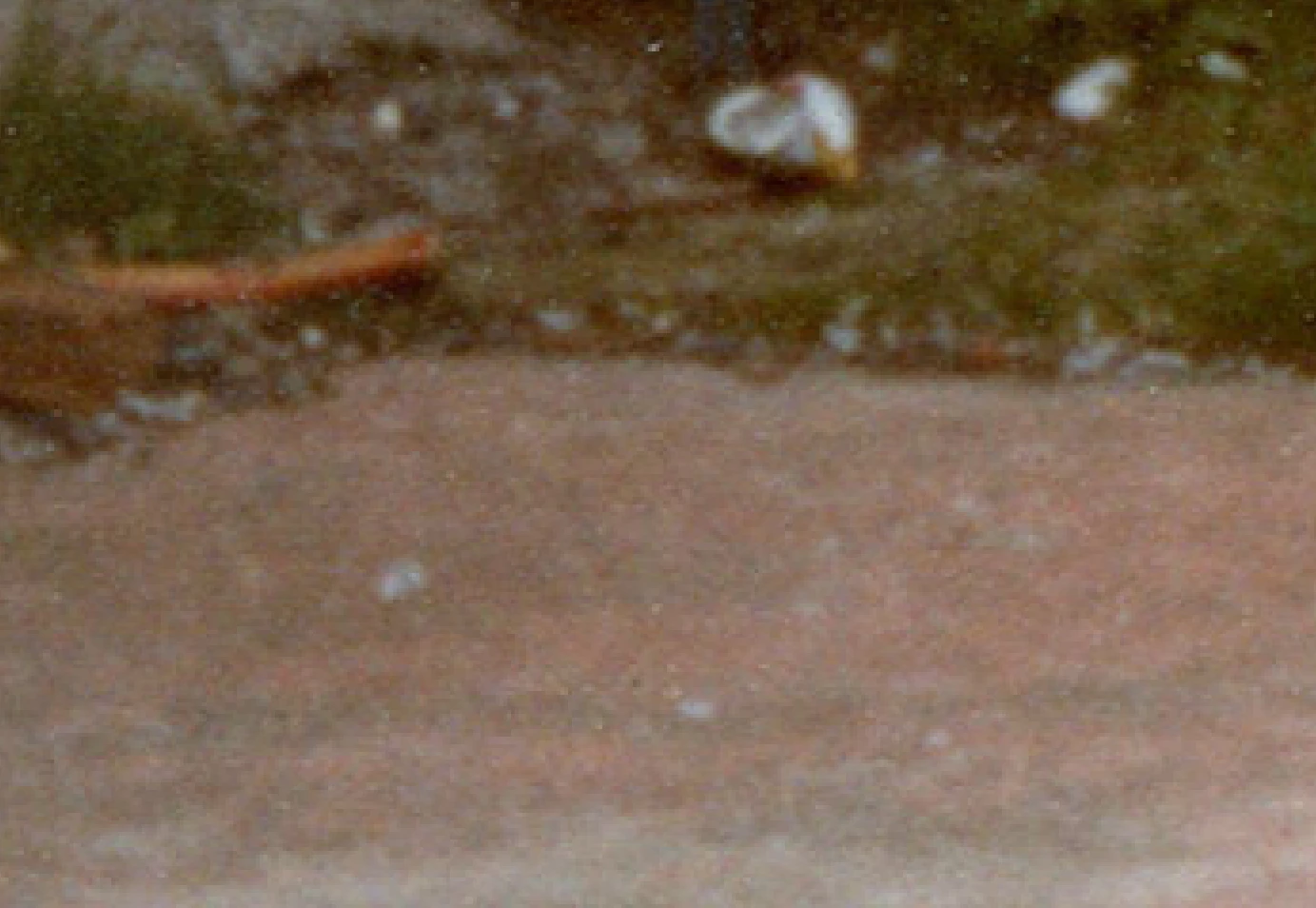
No other filters used after, just a section of your image shown at 400% before the fft filter and after the fft filter.

click on the screenshots for fullsize

before fft

after fft

4 replies

Jeff Arola
Jeff ArolaCorrect answer
Community Expert
November 12, 2016

If you follow the directions here, you should get similar results as below.

http://retouchpro.com/tutorials/?m=show&id=185

I used the fft filter from here in photoshop cc 2017

http://www.retouchpro.com/forums/software/33084-here-fft-64-bit-photoshop.html

No other filters used after, just a section of your image shown at 400% before the fft filter and after the fft filter.

click on the screenshots for fullsize

before fft

after fft

davadvice
davadviceAuthor
Participating Frequently
November 13, 2016

I have found that the FFT would not work as there was a slight amount of white space at the edge of the image thus it was not able to select the pattern.

I can also say i'm Happy withe results.

I have now tried both methods of scanning the image twice with 180 degree difference and merging the layers and this and i'm getting better results with this I have many images to work so will report back when i have done some more.

Thanks so much for your help.

Participating Frequently
November 12, 2016

I am interested in knowing more about the FFT filter. Is this a plugin of some sort? And does it work with newer versions of Photoshop? Is there a source I can go to for more information?

Chuck Uebele
Community Expert
November 12, 2016

Yes, it's a plugin, and should work with the current PS. Google fft and look for one that matched your OS and make sure it's a 64bit one. There are several different ones and some of them work differently than others, different channels, etc.

Participating Frequently
November 12, 2016

Thank you Chuck. I do some restoration work every now and then and I have read a little about the filter, but never explored it in any serious fashion. I currently have a couple situations that I believe it may help with. Any plugin maker name in particular which I should trust or stay away from?

barbara_a7746676
Community Expert
November 12, 2016

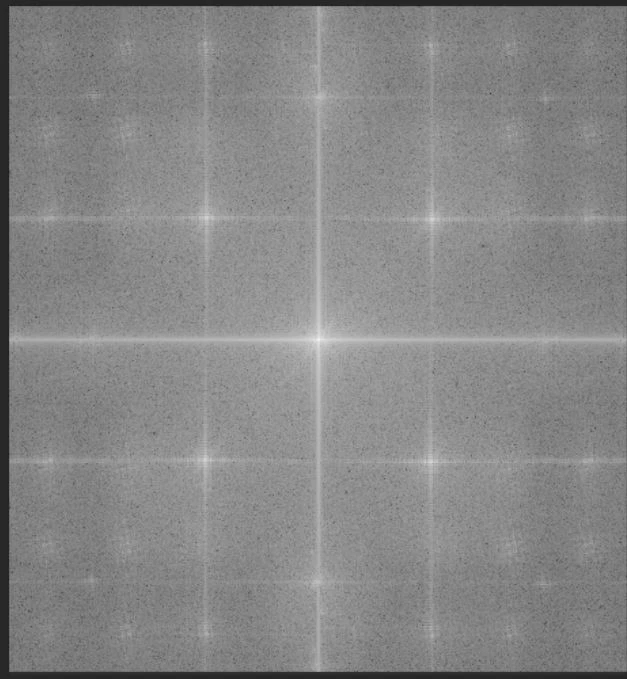
Are you using the Star Brushes that are recommended for the FFT filter?

Chuck Uebele
Community Expert
November 12, 2016

can you post a larger image of whatever channel - the green I take it - from the image you're trying to correct after you run the first part of the FFT filter? The texture in the image you have isn't that pronounced, so you might not be getting great results with the filter. While it can greatly reduce repeated textures, it's far from perfect.