
Question
Blurry PDF when importing into Photoshop
I've encountered a huge problem with trying to import PDF files into photoshop.
What I have done is to export PDF files from either AUTOCAD or illustrator. When i exported the files the lines are all very crisp and clear (example below)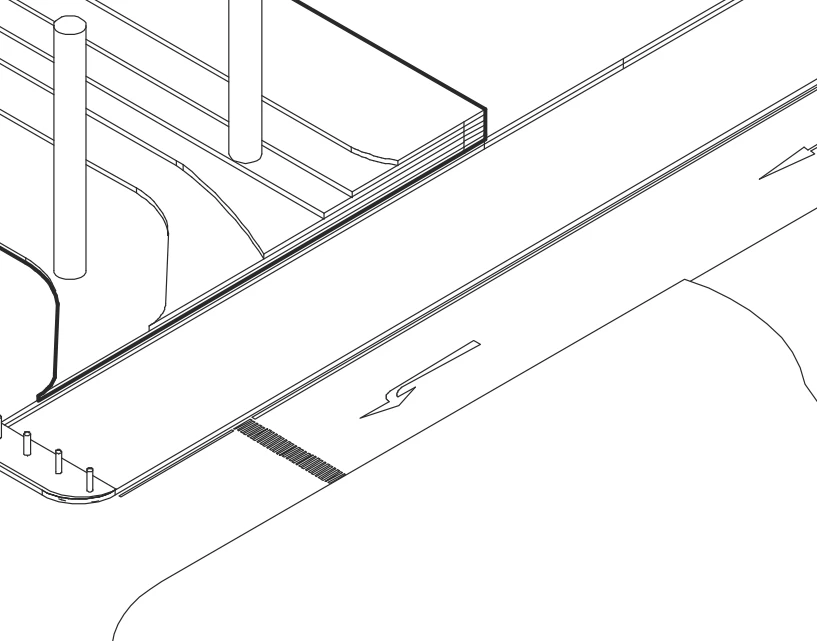
when i place the file into photoshop, it instantly turns grainy... it is very obvious when i print it out on paper(example below)
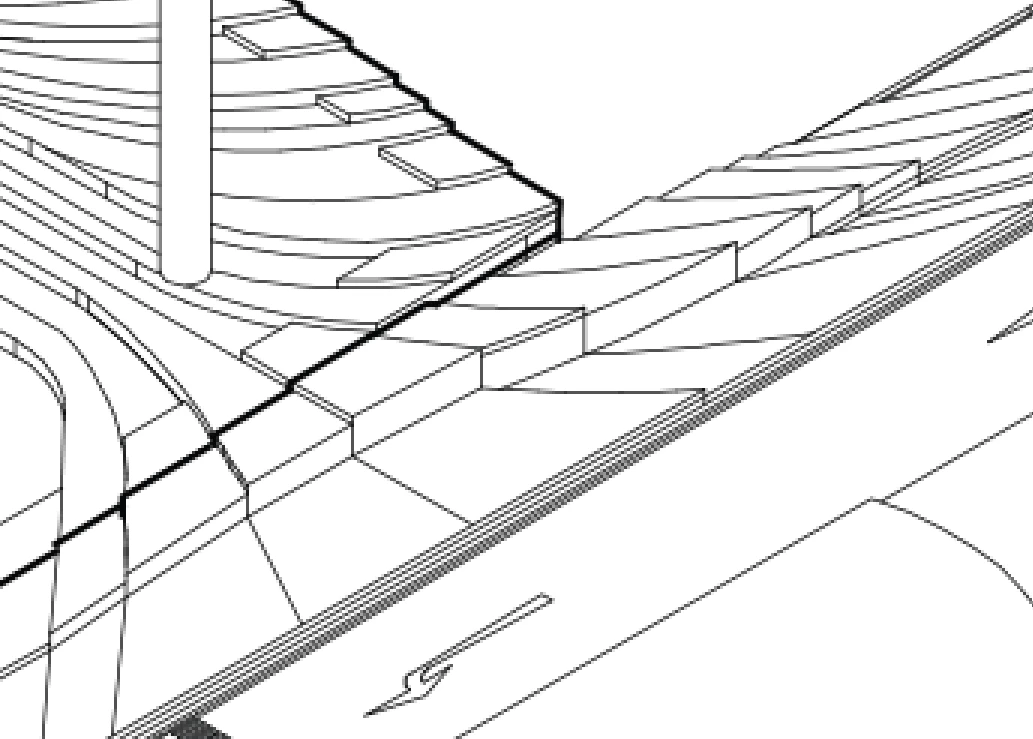
i have already tried so many methods
such as making sure its 300 ppi, changing pixel sizes, checking anti aliases.
Have even tried with the CS 5 version, 2017 and 2019 versions
Please do help:(((((((
 AdChoices