


Changing opacity of multiple layer sets at once results in different opacities...
Hi everyone!
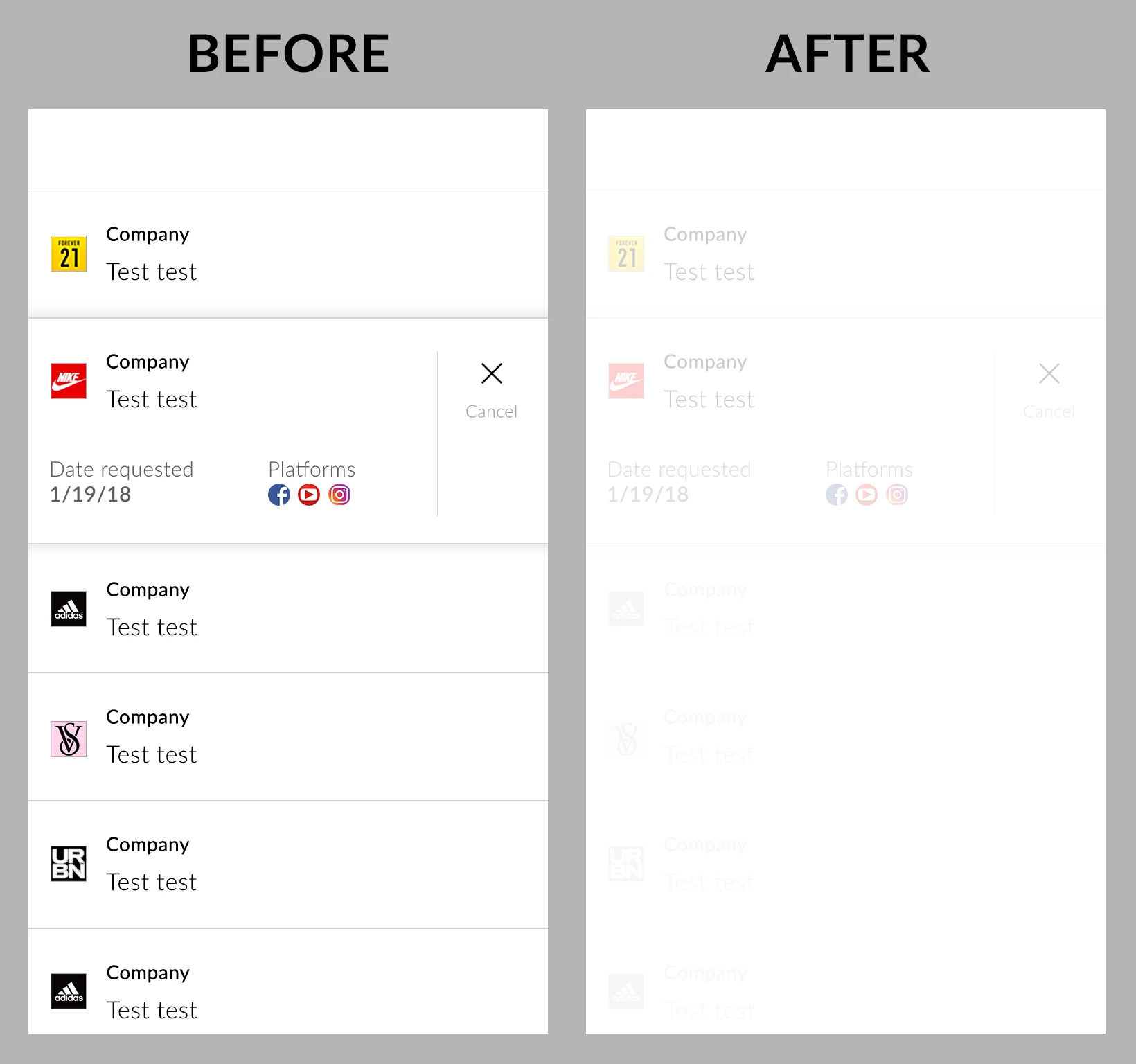
I was always wondering why when conveniently selecting multiple layer sets and then changing their opacity, it would set some layer sets perfectly to the desired opacity BUT with others, it also sets EACH layers within the sets to the same opacity which of course results in an overall lesser opacity. Just tried it again with layer sets that have identical contents, so that can't be it also. It's a very random behavior... (see attached example).
But when setting all layer sets back to 100%, the content of the messed up sets remain at the lower opacity. So it's not even quickly reversible unless undoing that action right away.
It really can't be only one version on one Mac or so having a glitch, I've experienced this behavior several times on different work spaces.
Anyone any ideas?

 AdChoices