
Colours Not Matching Photoshop vs Photo Viewer Windows 10
Hello,
After switching to a new laptop, (Dell XPS 15), using my same old monitor (Dell as well), I spotted some really bad colour differences between Photoshop and Windows 10 Photo Viewer.
Some of the things that I've already tried & observed:
1. I did look a lot into colour management. I bought the Windows 10 Colour Managed version and exactly the same result.
2. I tried using Paint & Paint 3d for opening up the image & potential editing, same colour issue was present.
3. I did NOT change any of the settings that the photoshop comes with. I also tried to reinstall & delete the settings file of photoshop.
4. My exported versions are all in sRGB. I also tried swithing to other profiles and exporting as sRGB, without any effect.
5. The only way I managed to get it working is by changing the Proof Setup to Monitor RGB, but I don't have any idea why, after a short period of time(a few hours) this fix was not working anymore.
Tried the solutions from this post with no result. Proof setup was the only way and it now doesn't work again.
https://community.adobe.com/t5/photoshop/photoshop-jpeg-colors-different-from-windows10-photo-app/td-p/9974512
I would be deeply appreciative if someone would help out!
Pictures: 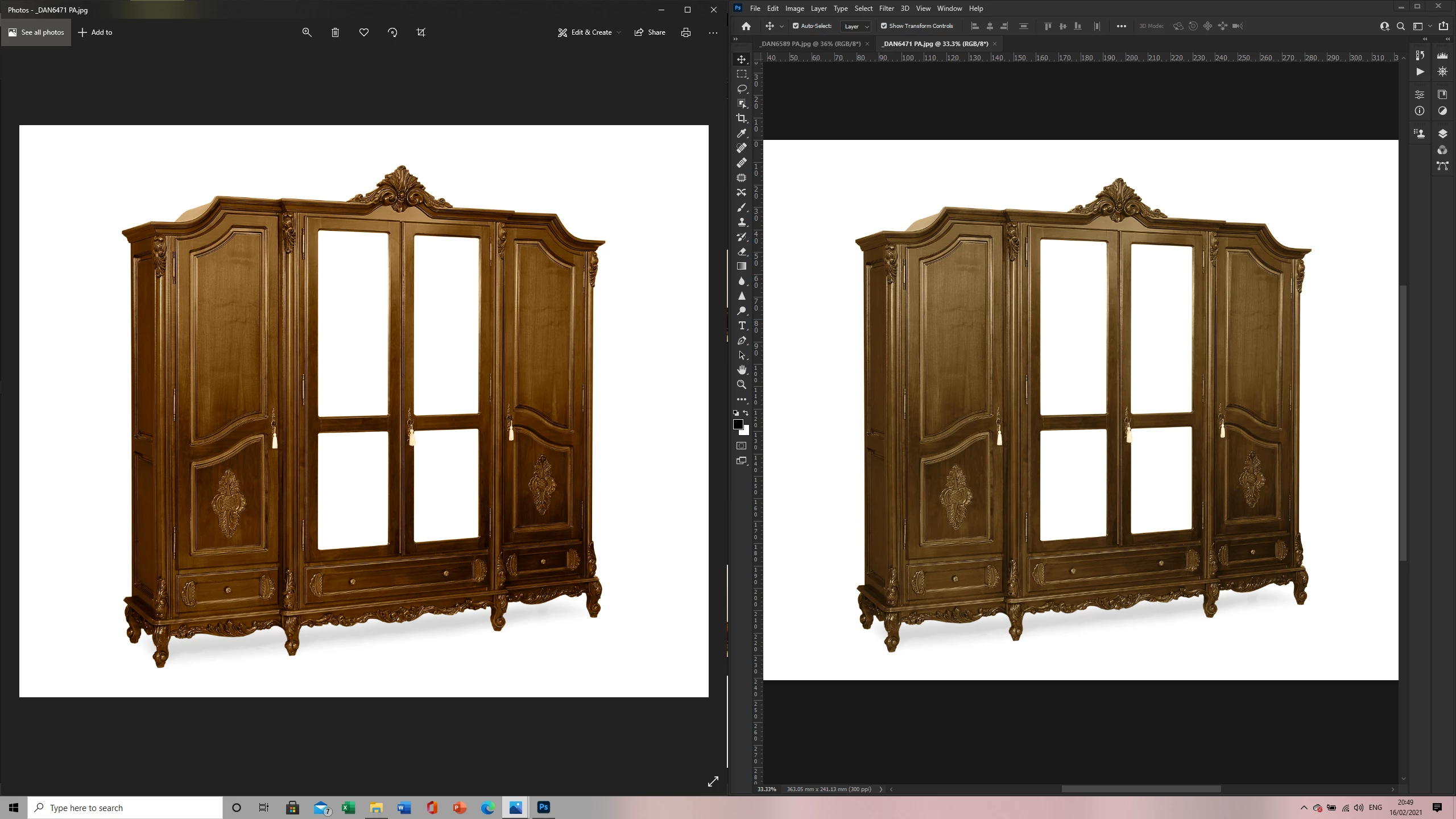
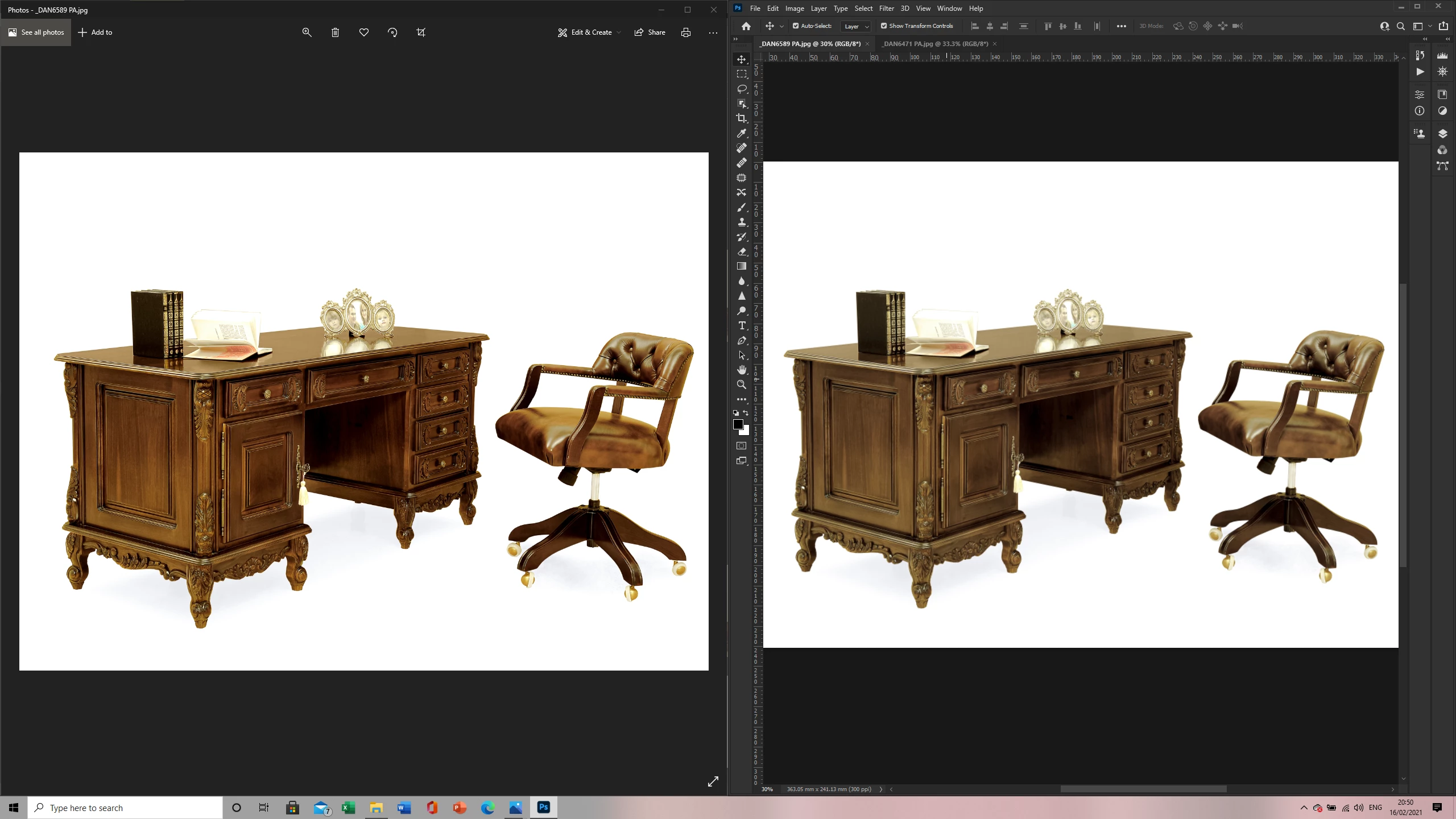
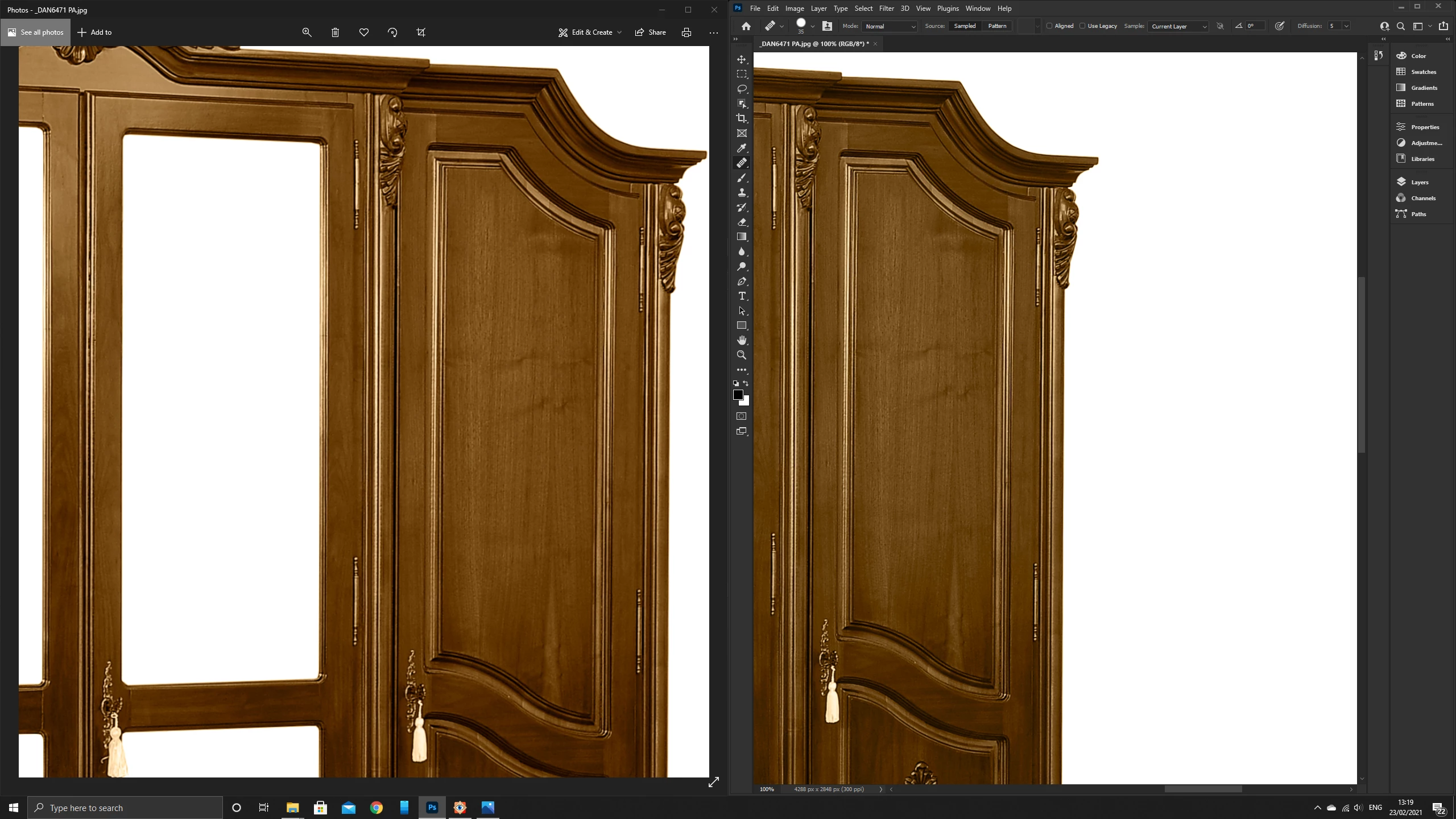
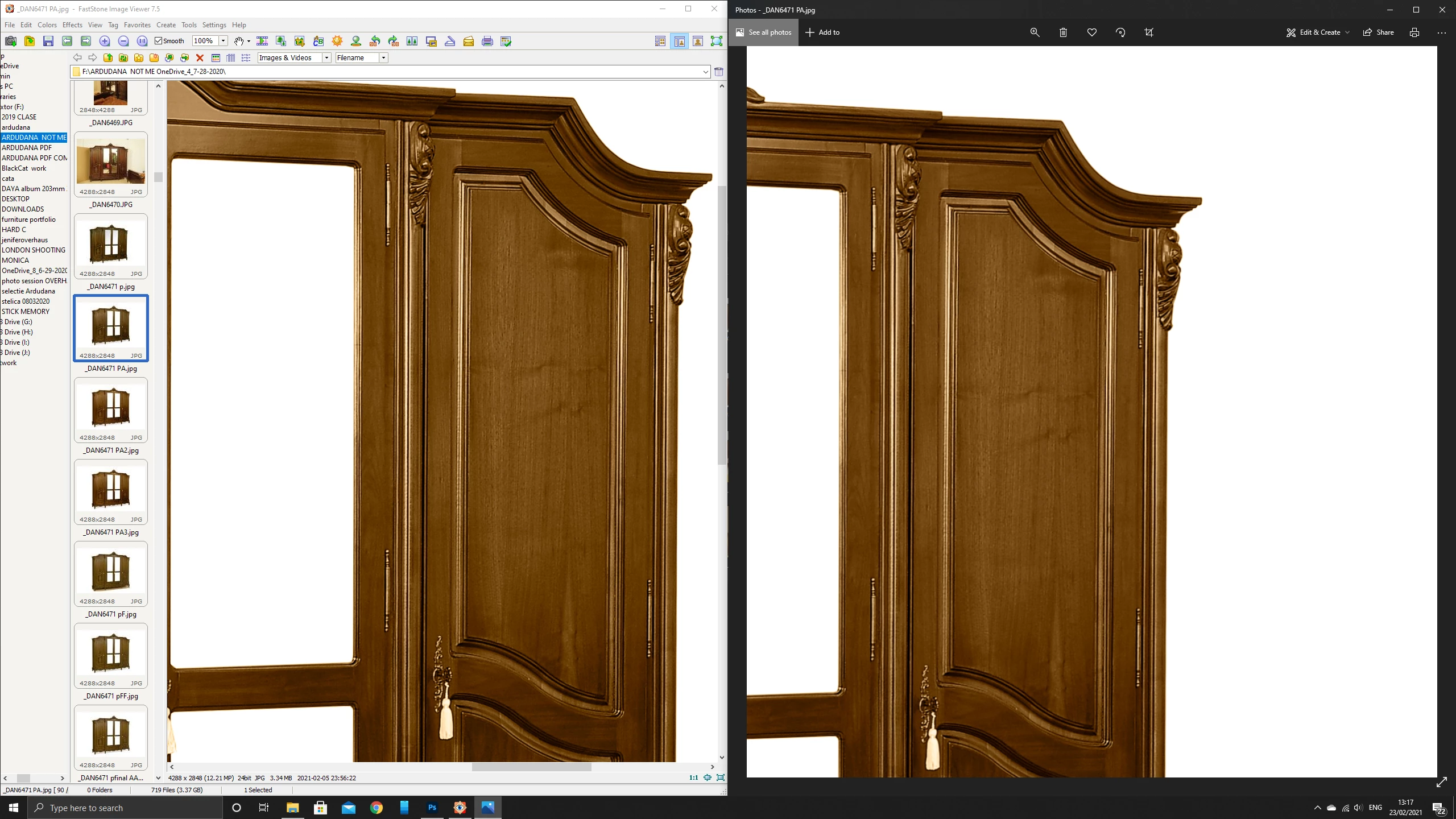
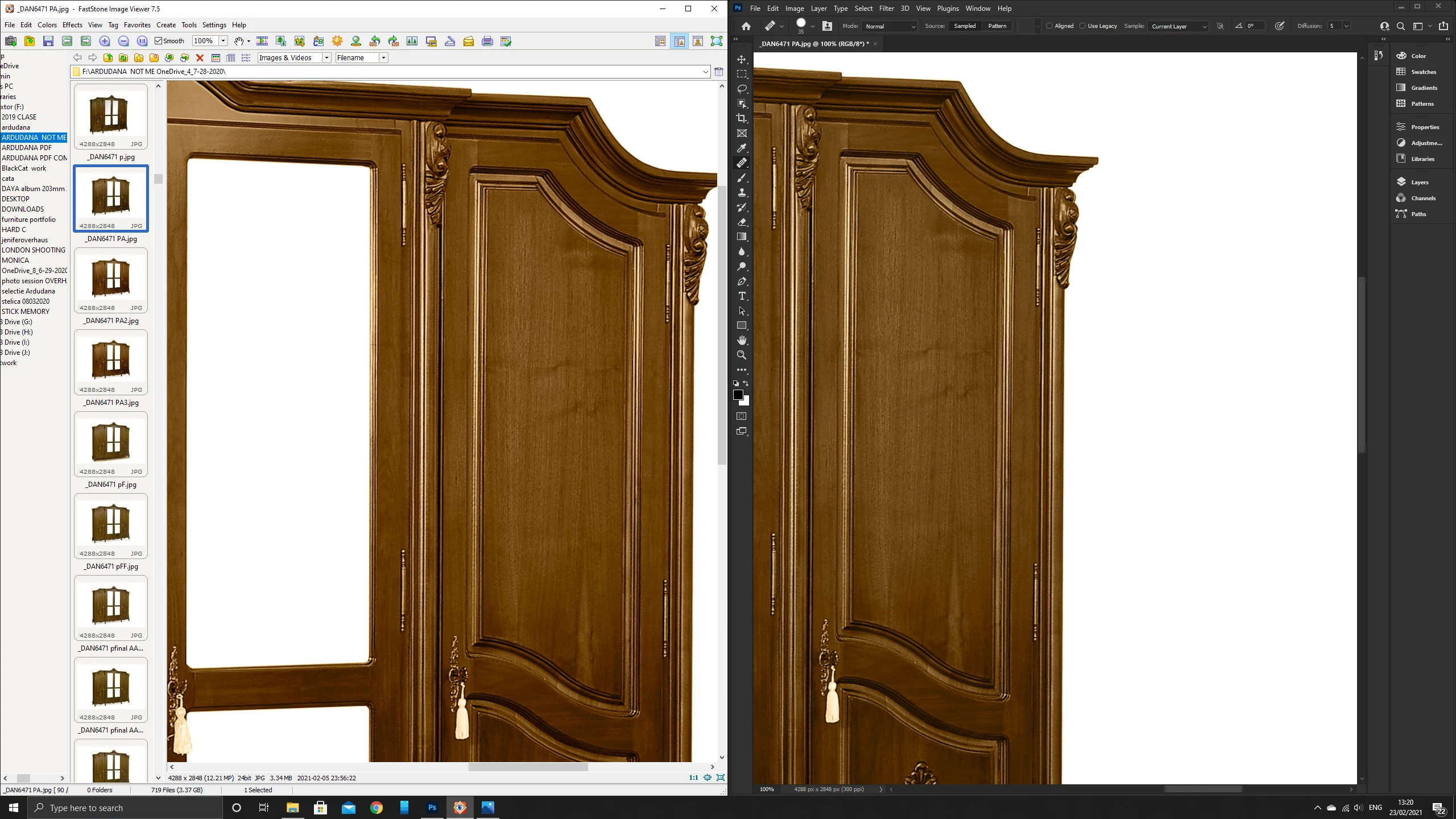
 My question is: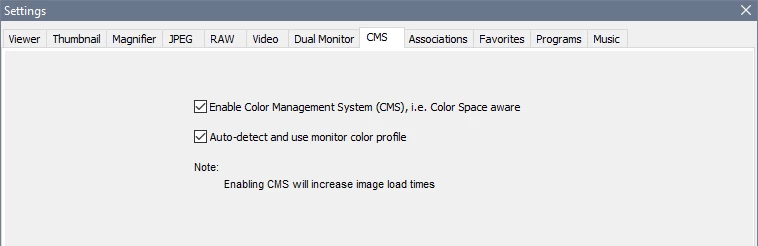
 AdChoices