


Frequency separation doesn't work when organizing in groups with Ps2017
Hello all,
Since the last version I got an issue with Frequency Separation when I separate the "high frequency" and "low frequency" in there own groups to keep it organized.
In Photoshop 2015 everything did work fine.
Adobe Photoshop Version: 2017.0.0 20161012.r.53 2016/10/12:23:00:00 CL 1094006 x64
Windows 10 64 bits
Got this issue on my laptop(i7 16GB) and stationary(i7 32GB)
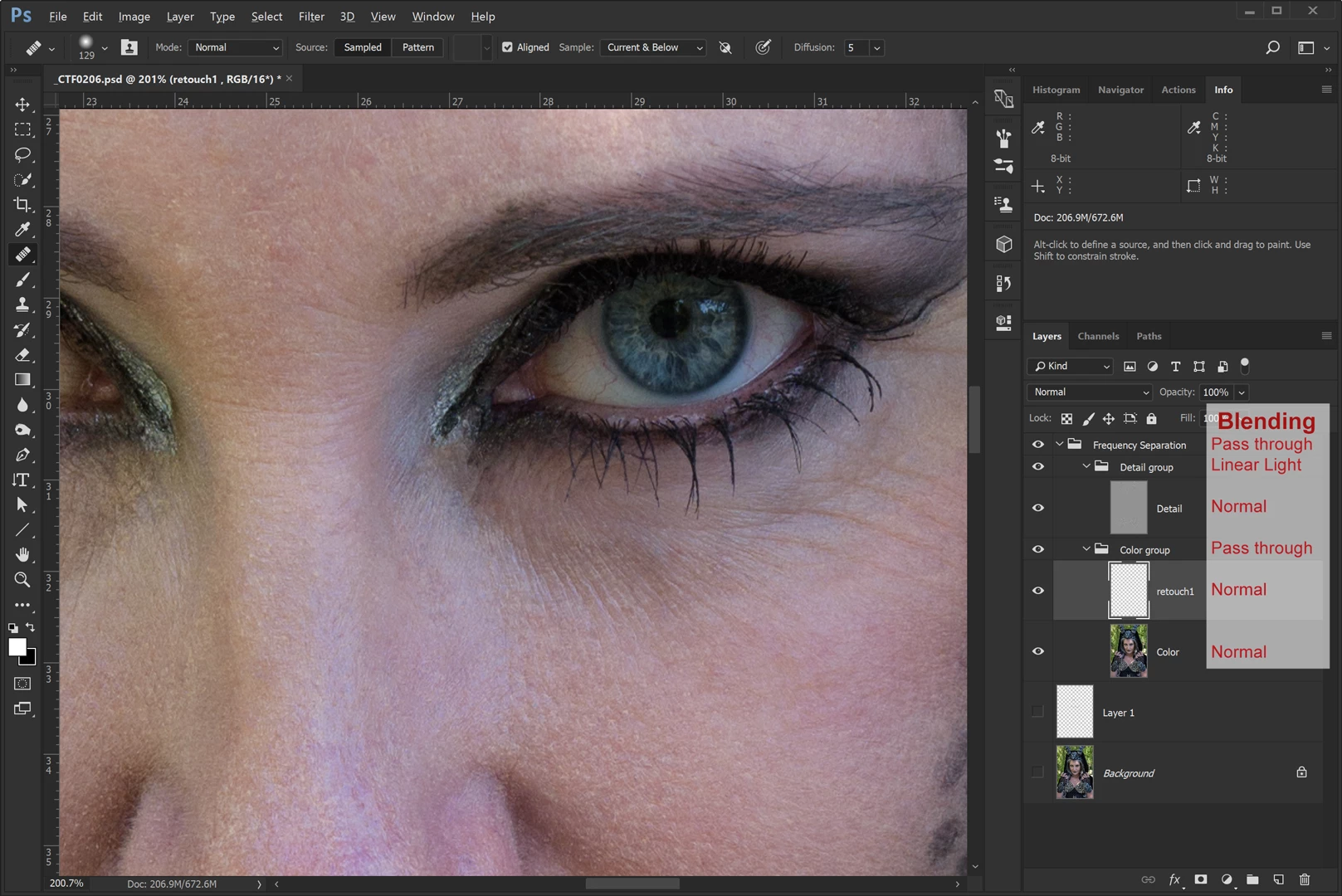
1 . overview of layers with blending modes. (Lower 2 layers are also in normal blending mode)
When using the Healing Brush Tool with sampling on Current & Bellow on the retouch1 layer in the color group there is nothing happening, not digital paint is left on this layer.
Enabling the background layer looks like solving this problem but when using the Healing Brush Tool the areas you heal are too light or to dark and not blending in.
After setting the blend mode of the Detail group for example to Overlay or Soft Light the issue looked solved, ofcourse these are not the blending modes I can use.
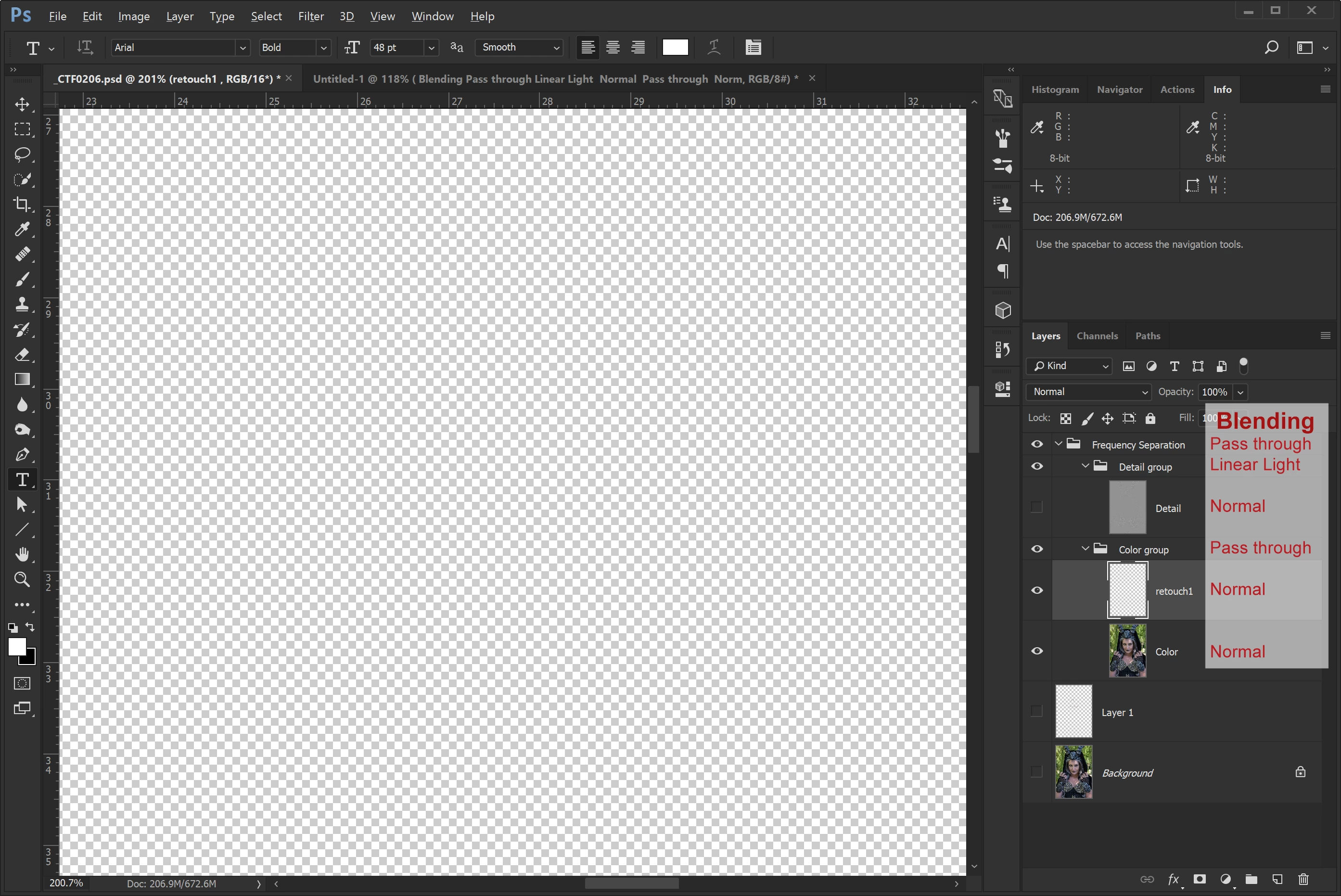
2. When hiding the detail layer only instead of the detail group there is no picture at all.
If you make the background layer visible the picture in the detail group is shown, it disappears again when converting the background layer to a normal layer by removing the lock on that layer.
Hope this is a bug and not a new feature or is there another better way to organize the layers :-).
Thanks,
Adriaan
 AdChoices