



Grayscale to Color Channel Not Working Properly!
This has my grinding my teeth down, because in every way I can imagine, this SHOULD work, but it does NOT.
I am making a normal map, or at least trying to, by hand. The normal map generator is not to my satisfaction, and doing this manually (while more work) provides greater hands-on detail that I want.
However, in my process, I have two workspaces that are in identical format, RGB 8bit, both of them. In one, I have my main workspace where I make grayscales, emboss different layers between 90 and -150 degrees for the green and red channels, combine the reds and greens into their own single layer (with an #808080) background. My second workspace open is for the color channels. I select say my green channel, copy it (CTRL+C), and then clicking on the green channel in my second work space, I paste it. I do the same with the red channel.
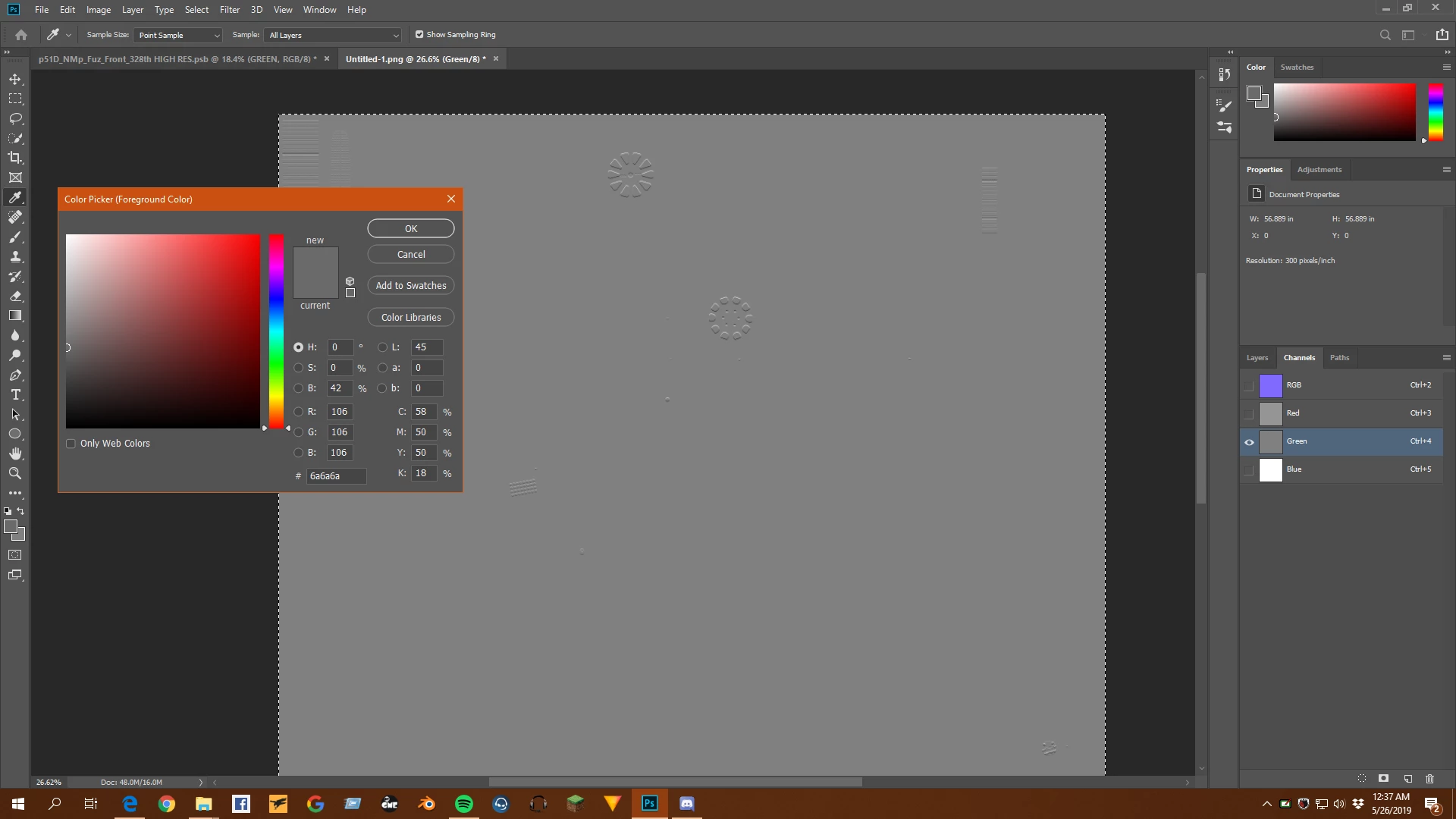
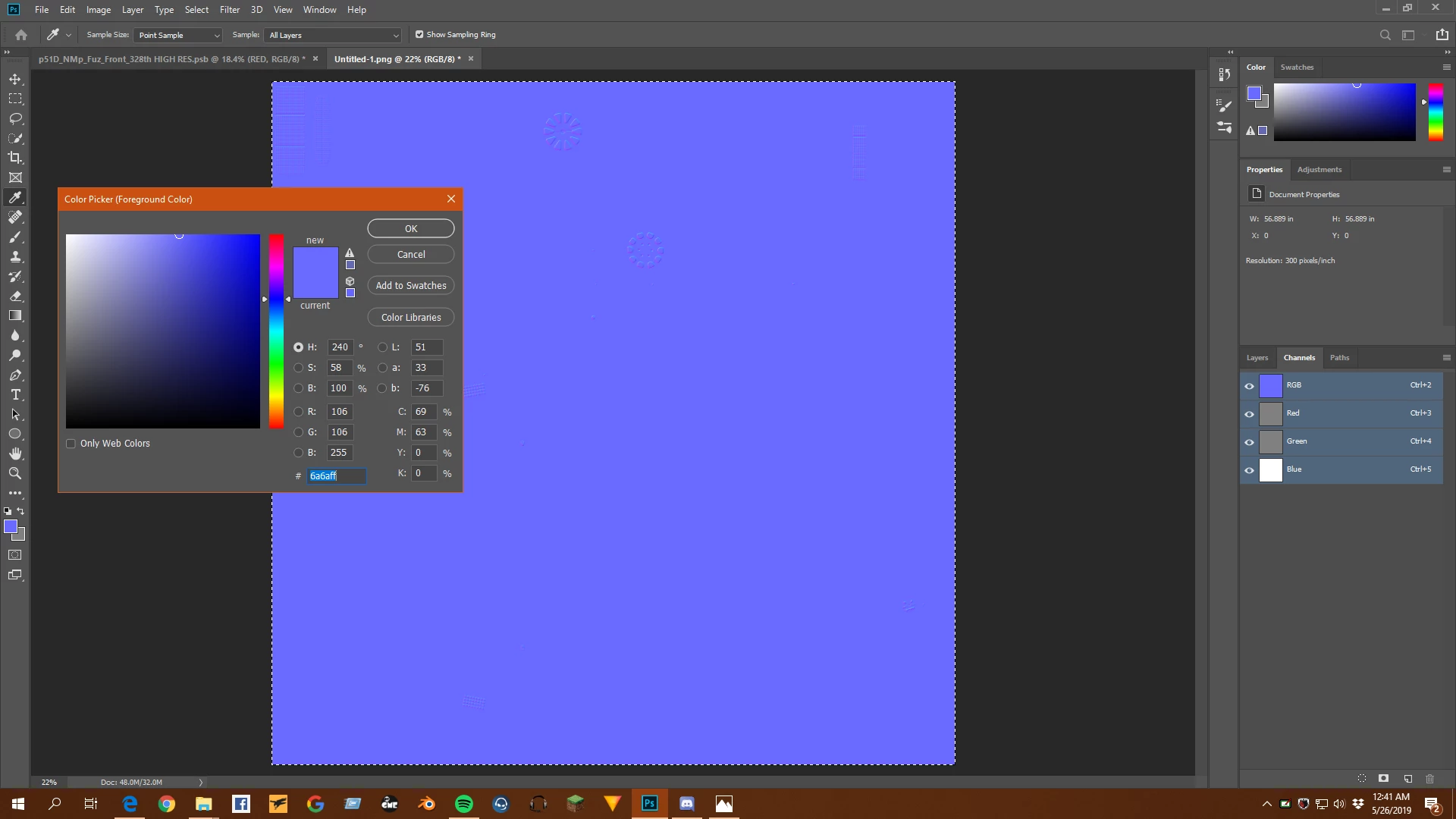
HOWEVER, it is not pasting correctly. My original green channel has an #808080 background, but when I paste it into my second workspace's green channel, it is #6a6a6a, not at all what I want. It does the same with my red channel. Obviously I have my blue channel as a solid white. But this makes my end result extremely blue, not at all how it should be. I've run through everything I can think of, and I'm real close to calling it a bug. I need some help or I'm going to lose my mind. I've put 4-5 hours into this, and this wall I've hit is turning my hair white.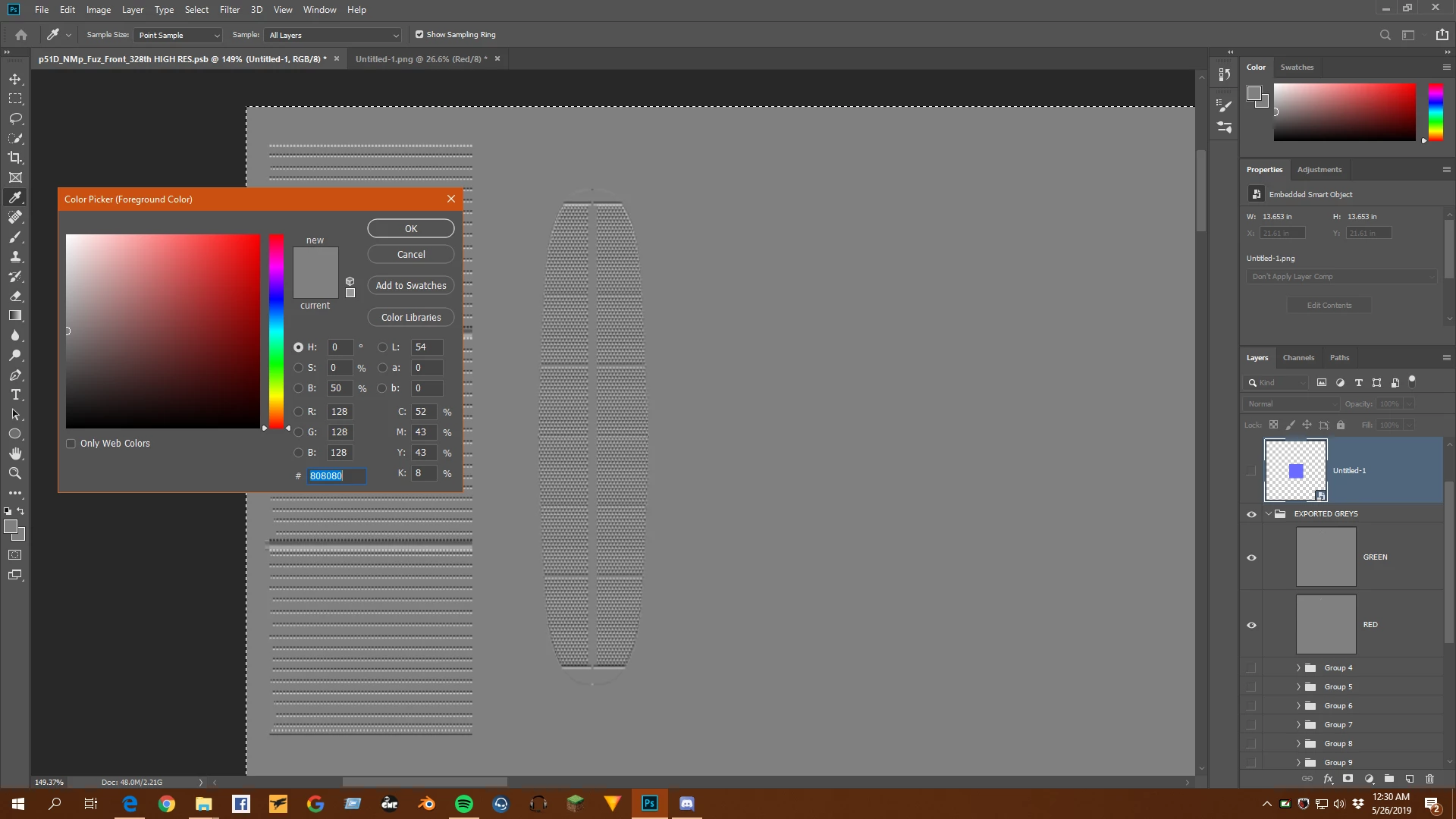
 AdChoices