


Hide shadow around image in the UI, not the file itself
Hi,
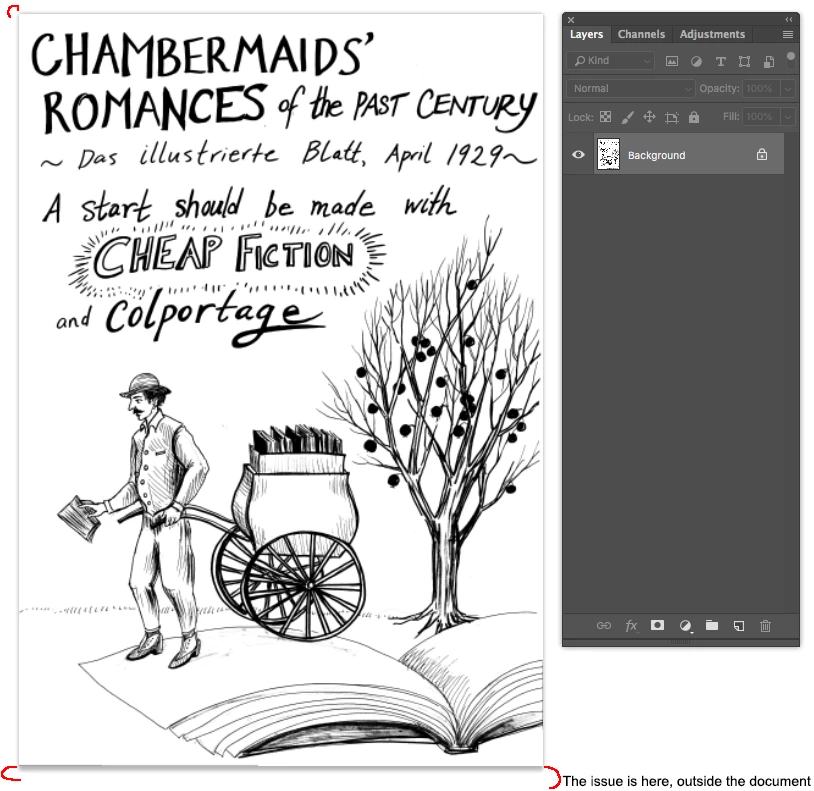
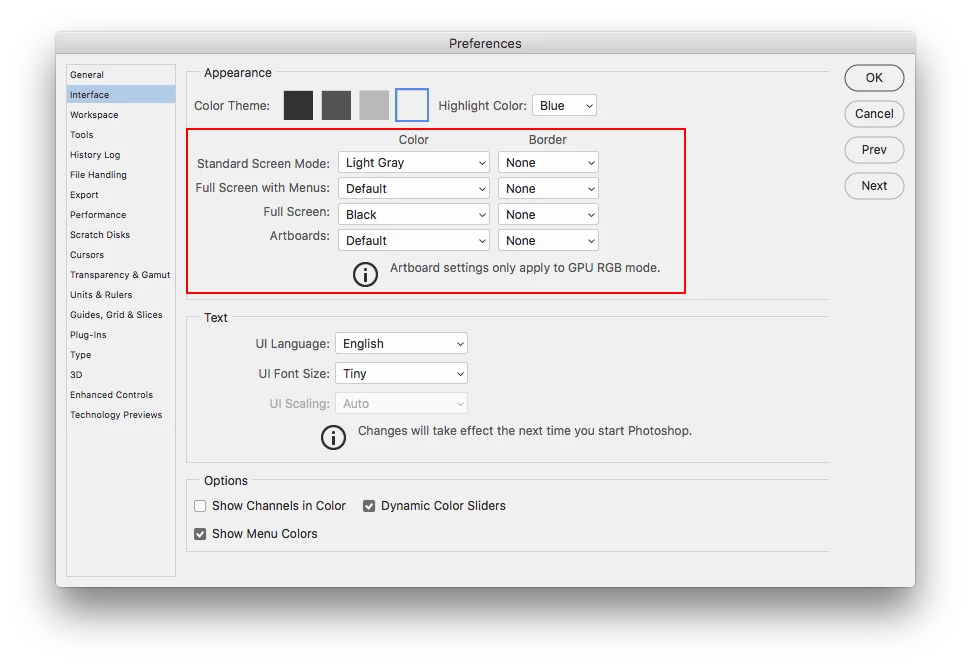
I'm working on cleaning up a couple hundred illustrations for a forthcoming book. The illustrations were done by hand and then scanned. This process has left some unwanted marks right along the borders of the images. The person downstream from me has requested that I leave the whitespace in tact and not crop to the "content" of the image. Some of the illustrations also go right to the border and may be bled. The issue I'm having is that the shadow around the file itself in the PS UI is making it very difficult to see these marks. Is there any way I can hide this border? I do not see the option within the Preferences panel and have been having a hard time searching for other users discussing this since searches that involve "borders" and "shadows" bring up so many unwanted results. My workaround solution for this is quite cumbersome– doing the best I can on the first pass and then creating a PDF of the images via an InDesign script to see the image on a flat white background sans shadow. WAH. Any advice is appreciated.
Thanks
 AdChoices