This topic has been closed for replies.

3 replies

ClixiumSupport
New Participant
May 21, 2018
jaybestnz
New Participant
August 12, 2018

The instructions to fix are pretty advanced for a newbie but this worked.
BTW - I use 64Bit Windows 10, but that instruction was for 32Bit? Is that correct, or is there different steps for my PC?

ClixiumSupport
New Participant
May 21, 2018

Hi,

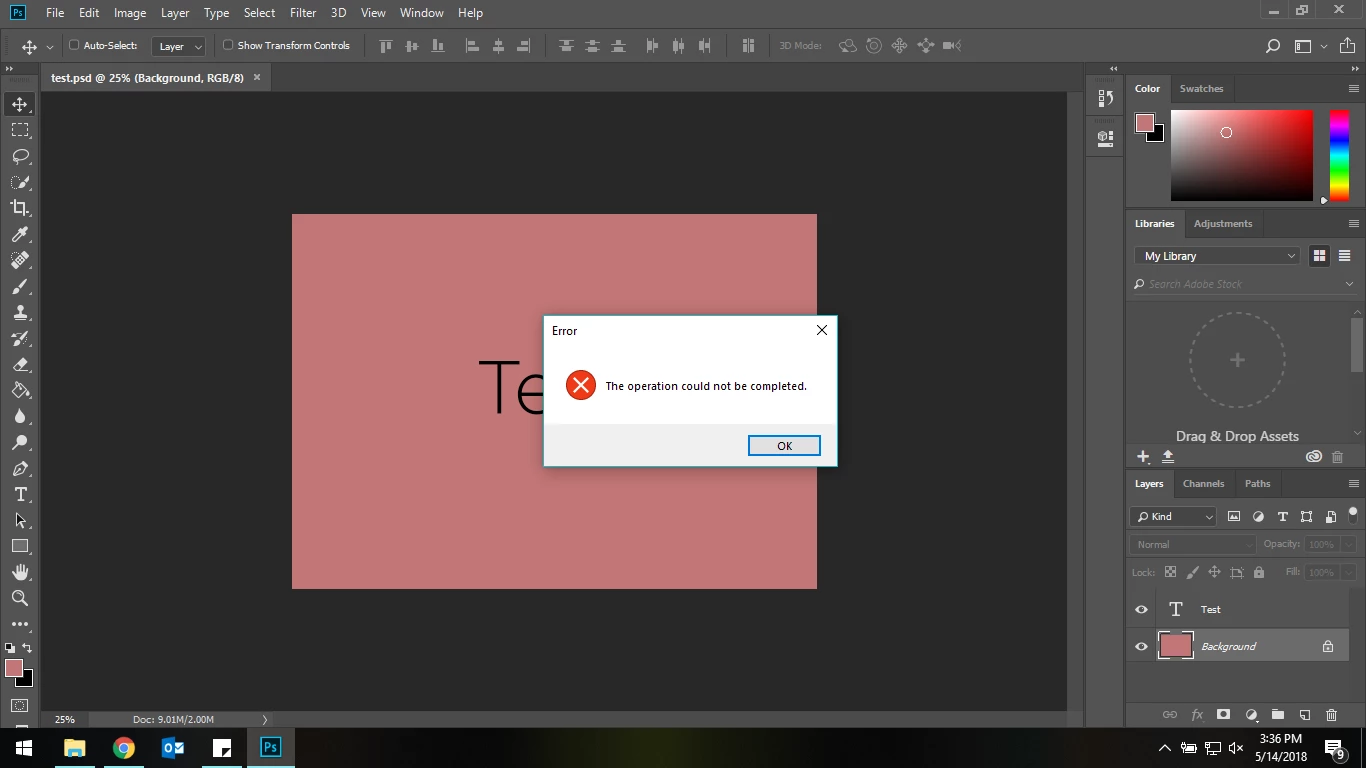
I am also having same issue but I am using the latest version of Photoshop on Windows 10. Furthermore, when I am trying to save the picture in some other extension such as JPEG, it's giving the following error.


Claudio González
Brainiac
May 14, 2018

What were you trying to do? What is the operation that couldn't be completed? What platform, OS, and version of Photoshop? Details about your setup?

mohdrimzan
New Participant
May 14, 2018

What were you trying to do?

- I was trying to save the file.

What is the operation that couldn't be completed?

- Save for web legacy >> could not complete operation ERROR popping up

What platform, OS, and version of Photoshop?

- Adobe Photoshop CC 2015

Theresa J
Community Expert
May 14, 2018

Can you use Save for Web on any files or is it just this one? Is there are reason you haven’t upgraded Photoshop to the current 2018 version?