


Copy link to clipboard
Copied
Hello,
I have a path of my logo and I need to convert it to a vector file. However when I save it as EPS or export it as AI it always seems to be empty.
I need help I am desperate at this point.
the path:
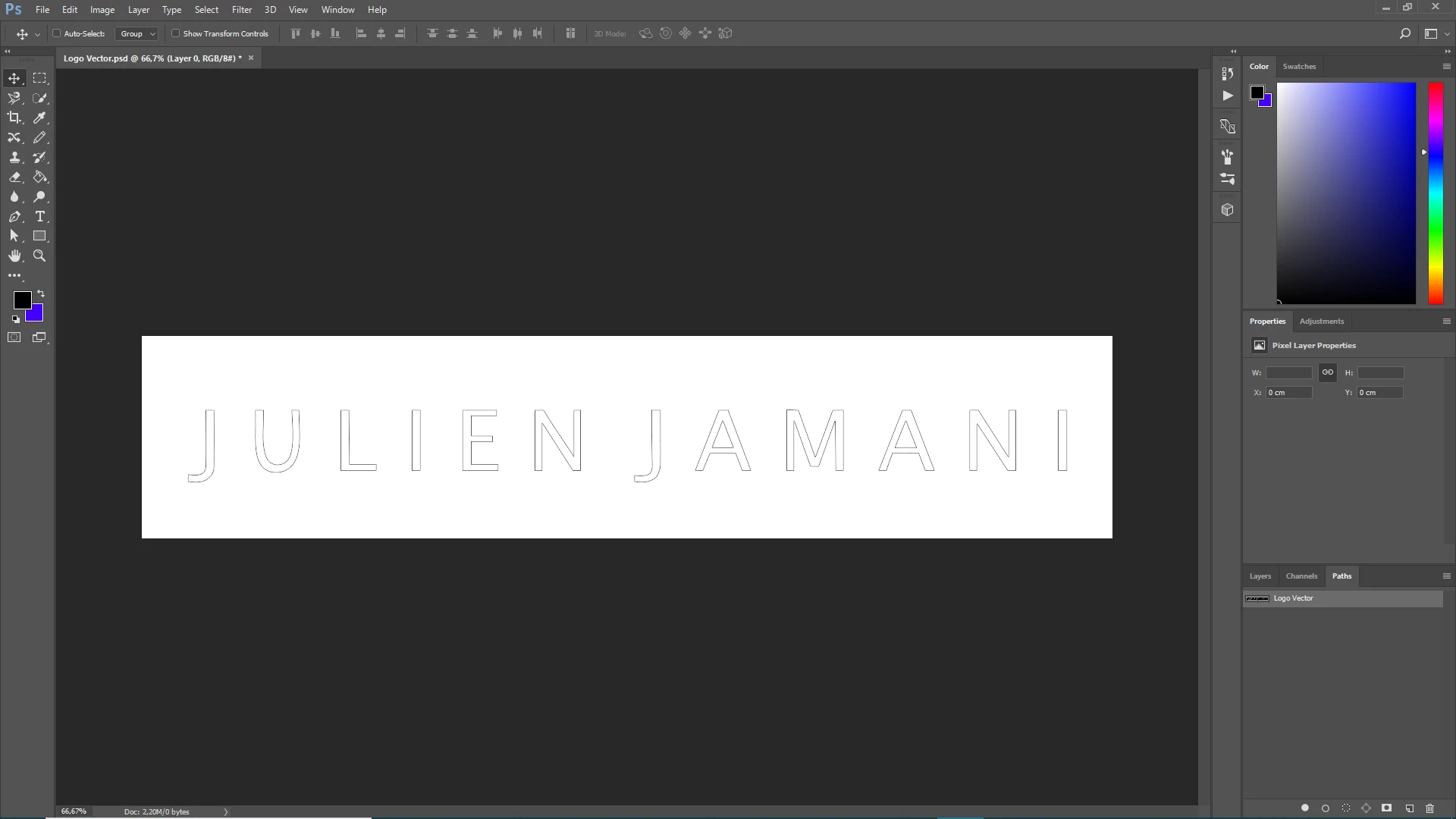
When I export that path to AI and open the file again:
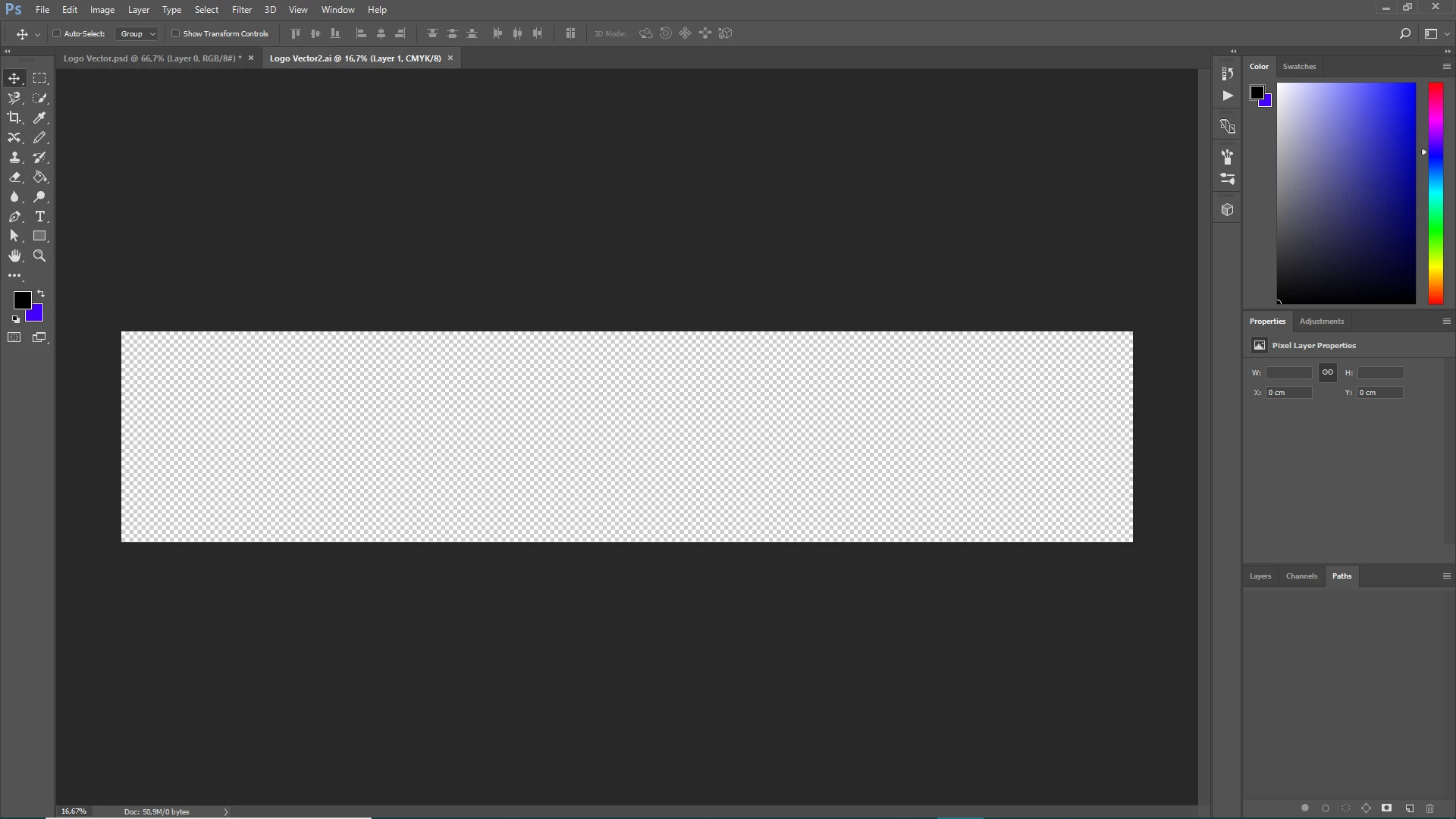
Copy link to clipboard
Copied
Simply copy & paste the paths to AI. No need to make it any more complicated.
Mylenium
Copy link to clipboard
Copied
Did you actually try opening the files in Illustrator?
You could also use File>Export>Paths to Illustrator.
Copy link to clipboard
Copied
In Photoshop, paths don’t export or print alone; they need to be on at least one shape (vector) layer. Are these just paths, or are they shape layers too? The screen shots don’t show the Layers panel. If these paths are not on at least one shape layer, they won’t print or export.
In Photoshop, paths are just wireframes. Shape layers can take strokes, fills, and effects, which is what makes it possible for shape layers to be visible when exporting and printing.
Get ready! An upgraded Adobe Community experience is coming in January.
Learn more